




 01
01Pick the blurry photo
Any source works — a phone shot, a screenshot, or a compressed download.
UNBLUR & SHARPEN · IN THE ANIM AI APP
AI Focus reconstructs detail instead of raising contrast on edges, so a soft photo comes back genuinely sharp rather than crunchy and over-processed.
4.8 · 2,260 ratings · Free to try
3.8 MILLION SHARPENED
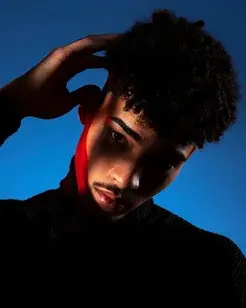
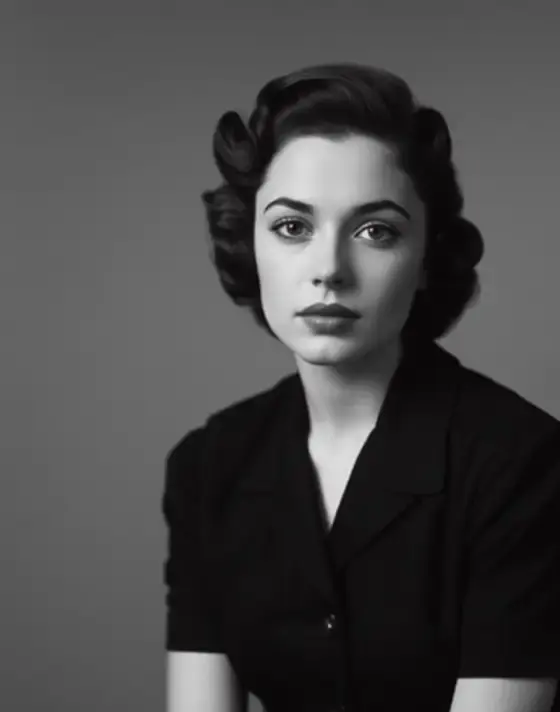
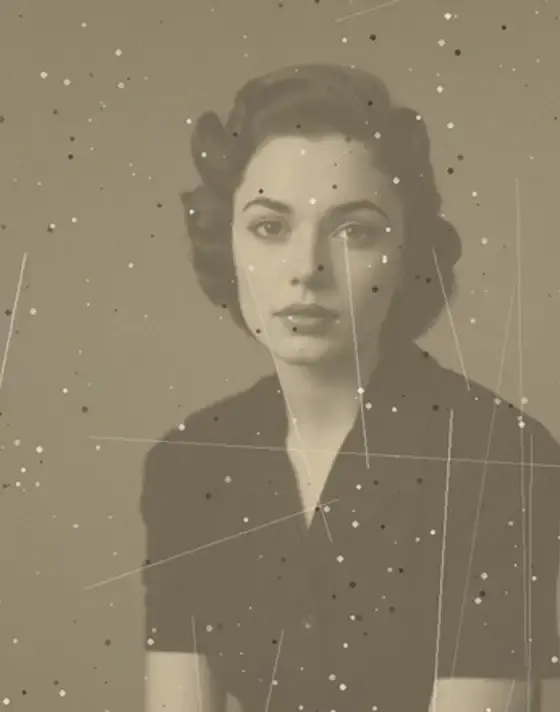
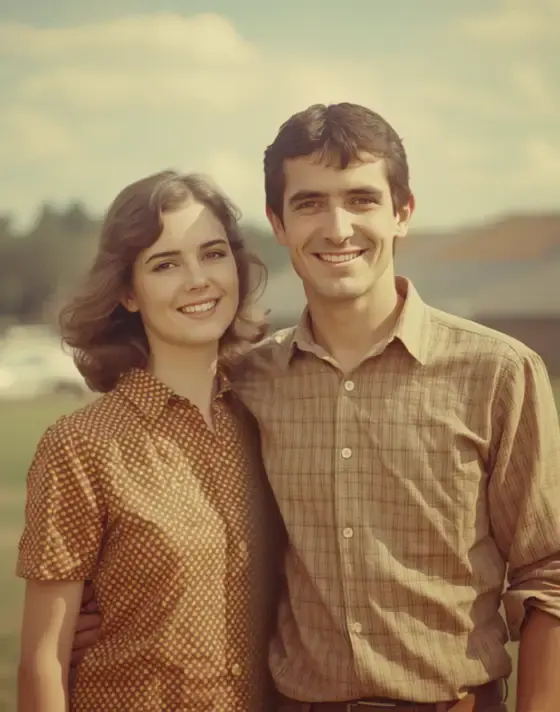
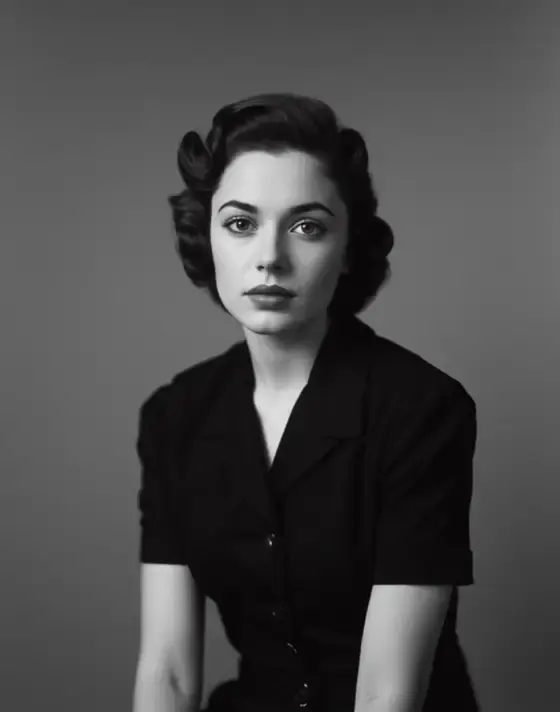
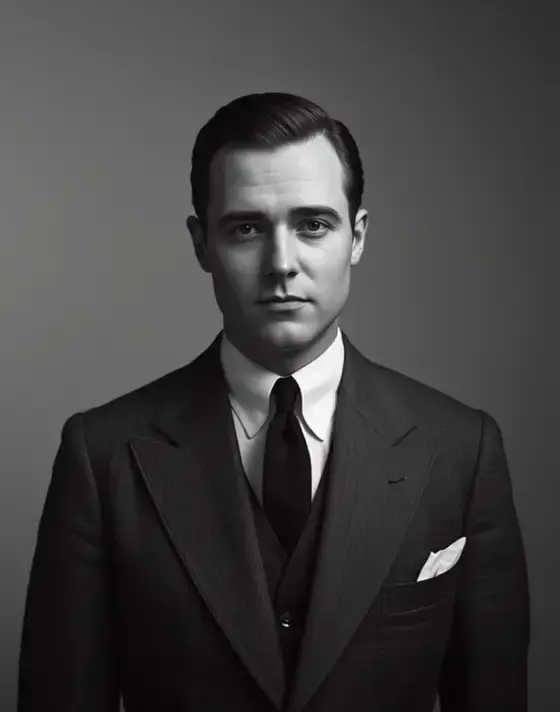
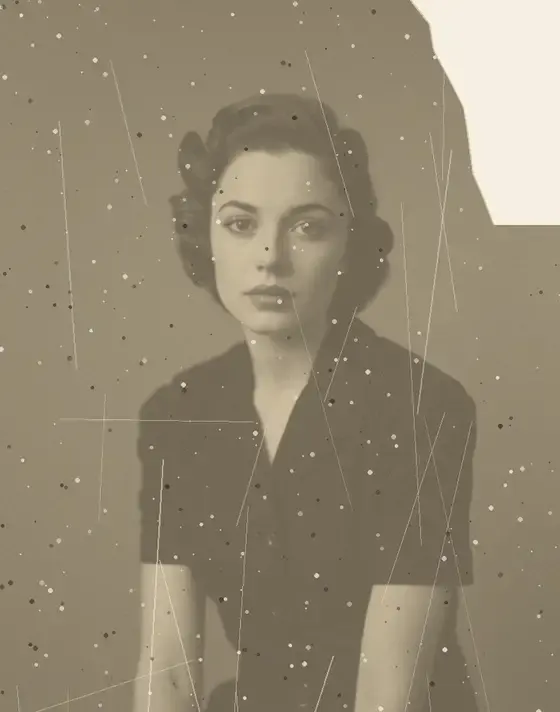
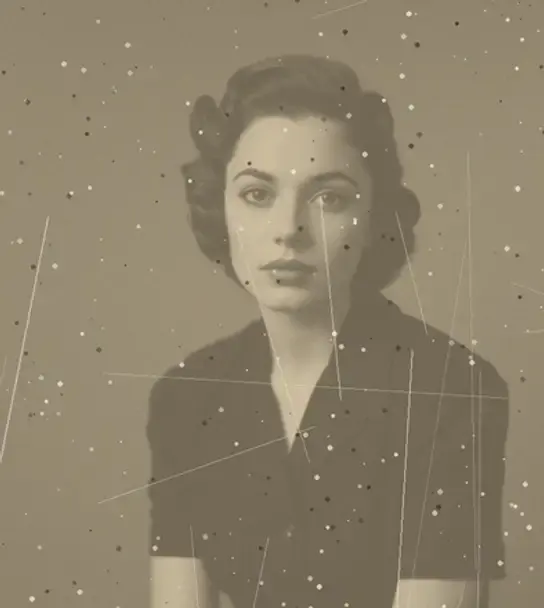
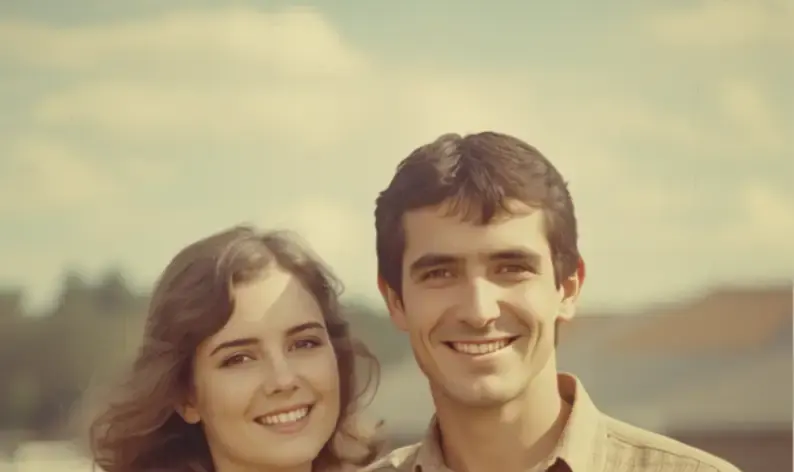
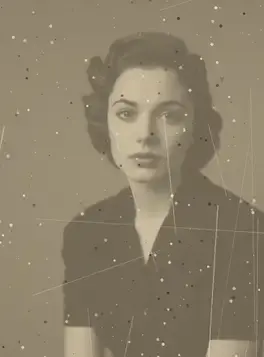
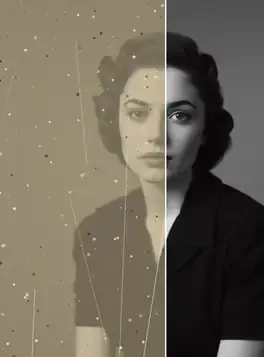
Every photo below was sharpened in the Anim AI app. Shared with permission.
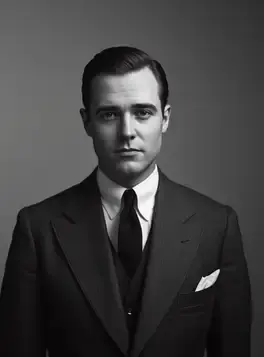
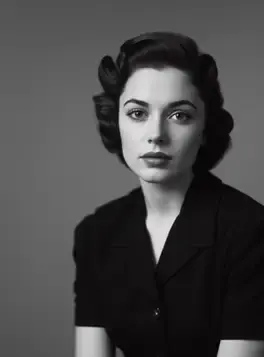
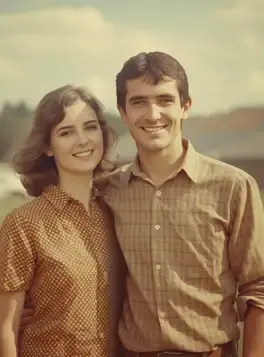
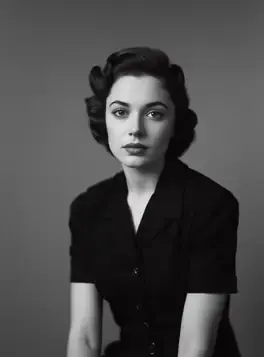
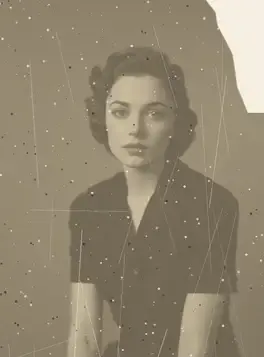
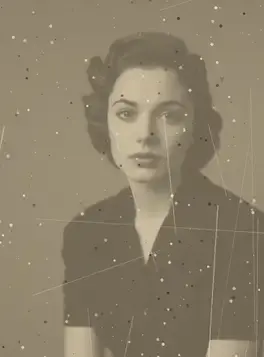
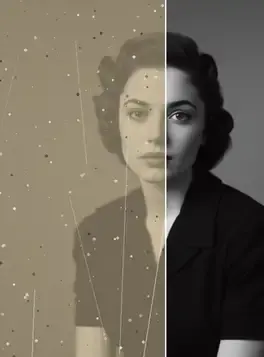
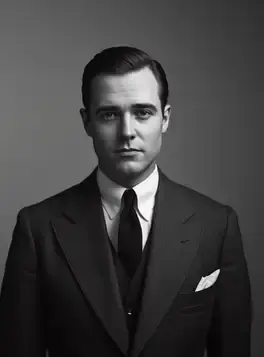
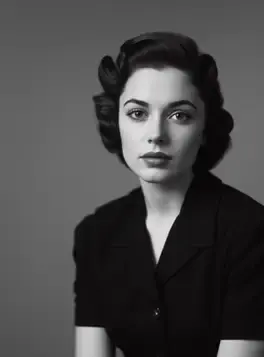
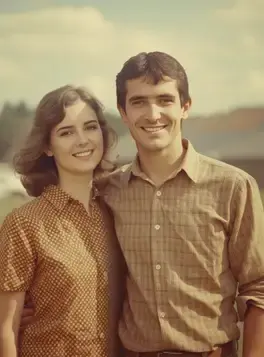
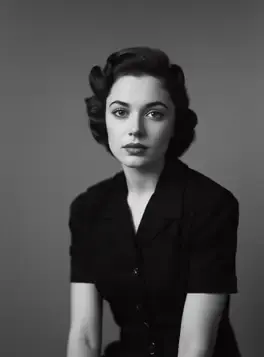
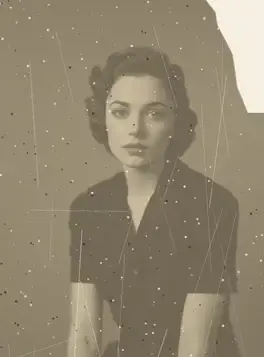
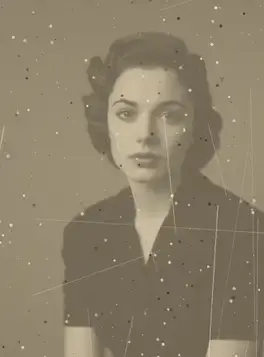
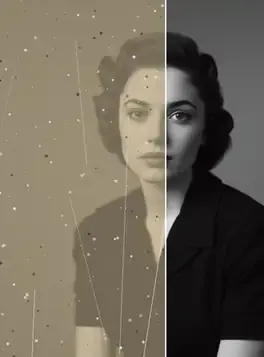
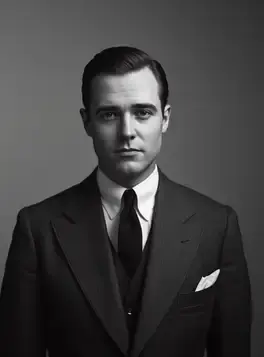
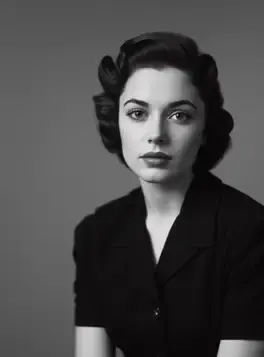
+10 more results
Real results
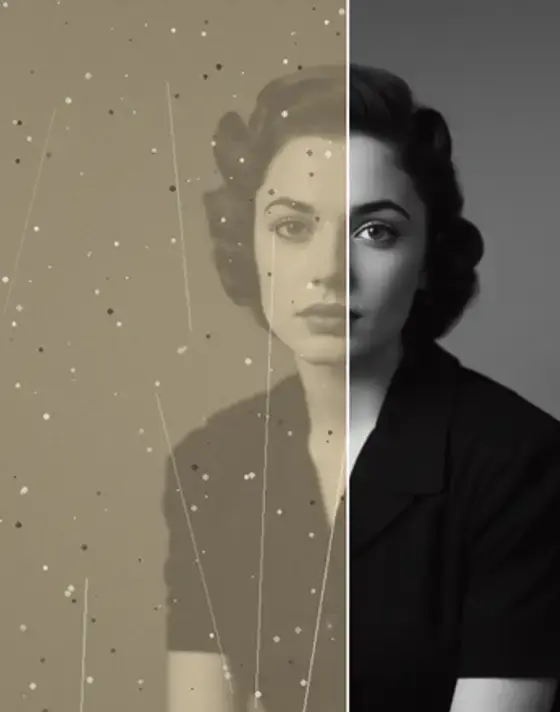
Pick a cause of blur to see real recoveries. Drag any comparison to reveal the original.
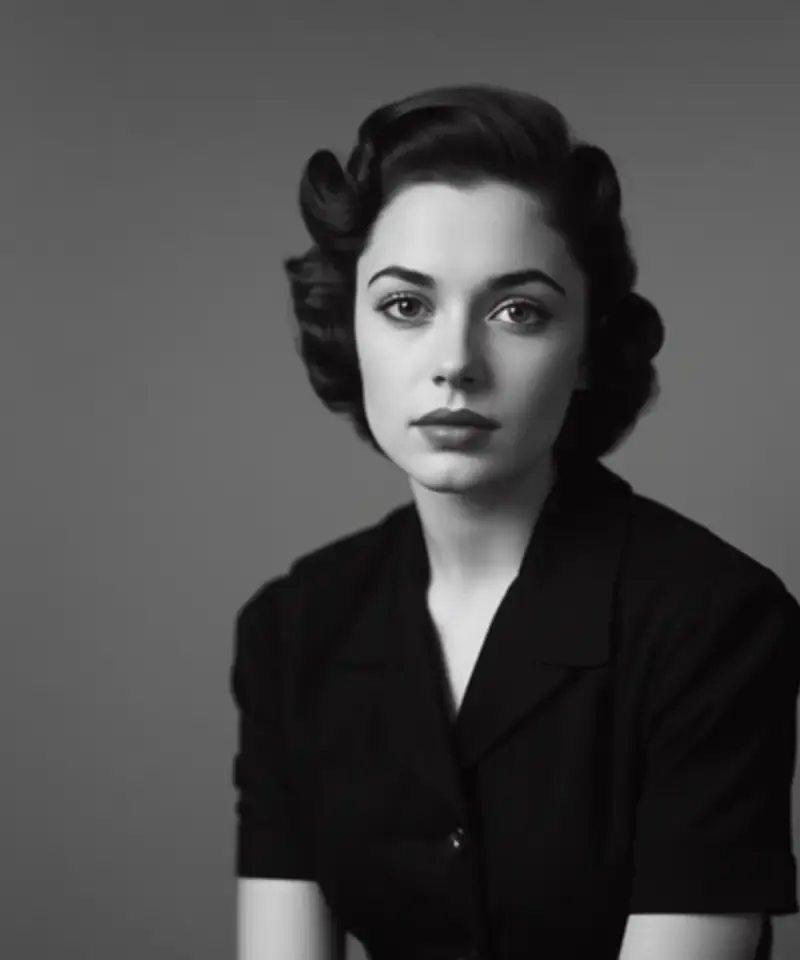
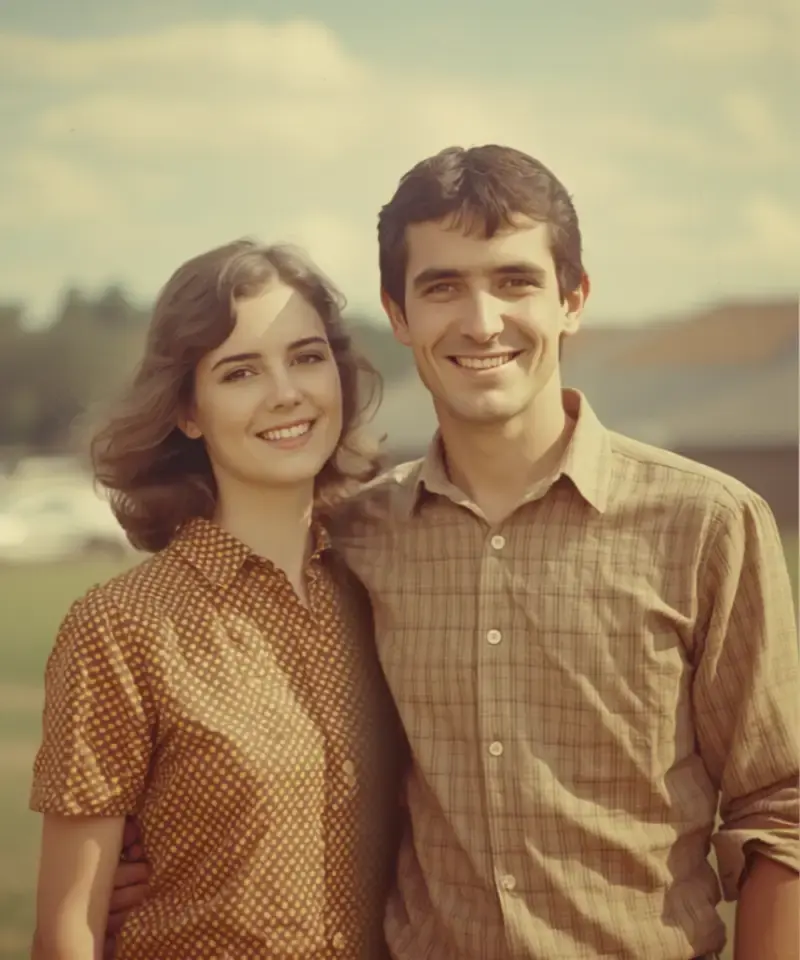
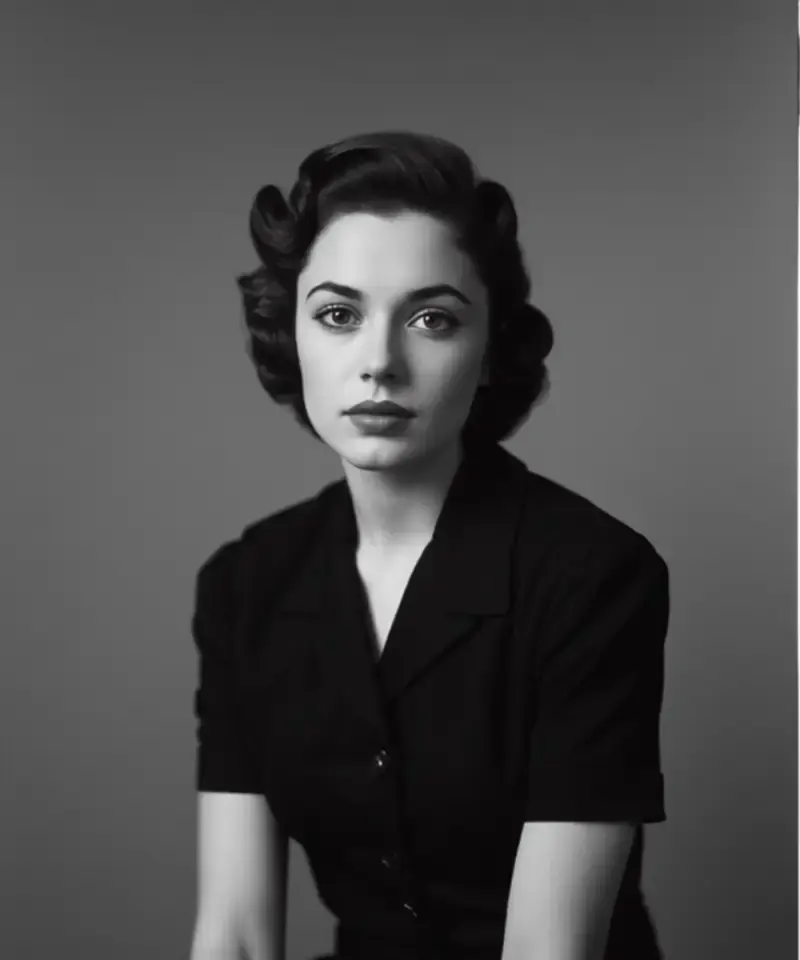
Inside the app
Every step is adjustable and reversible.
It knows what caused the blur
Motion blur and missed focus are not the same problem. Anim AI identifies the cause first, because sharpening the wrong way makes a photo look brittle rather than clear.
Sharpen without the crunch
Over-sharpening creates halos and crunchy edges. The slider lets you stop before it looks processed.
Compare before you keep it
Drag to compare against the source, and keep both if you're not sure. Nothing is overwritten.
Three steps
01Any source works — a phone shot, a screenshot, or a compressed download.
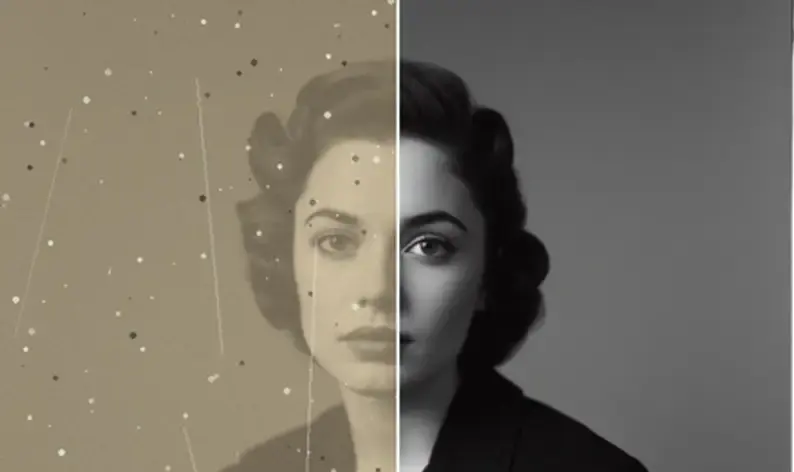 02
02Anim AI works out whether it was focus, motion or compression before choosing an approach.
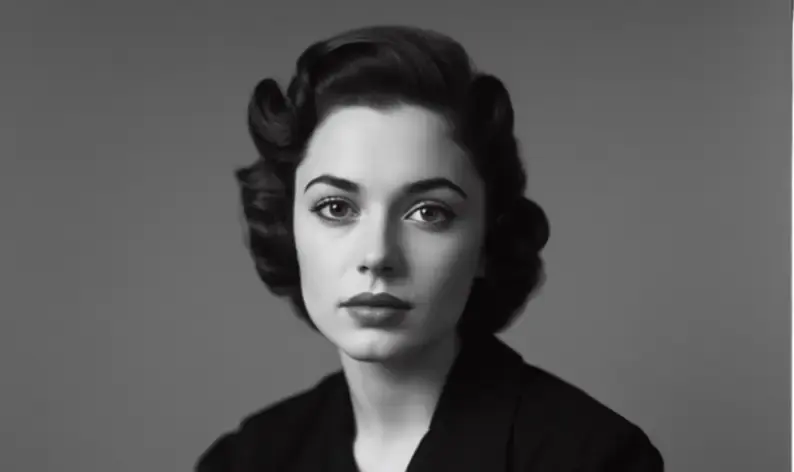 03
03Stop where it looks natural rather than pushing to maximum.
4.8 on the App Store
2,260 ratings for Unblur & Sharpen.
Everything people ask before they start.
Within limits, yes. Anim AI reconstructs plausible detail from what remains in the image, which works well on moderate blur. Where no detail survives at all, the result is an approximation rather than a recovery of the original.
Most raise contrast along existing edges, which creates bright halos and a crunchy texture. AI Focus rebuilds the underlying detail instead, so the result reads as genuinely in focus rather than artificially edged.
Yes, and faces get specific treatment so eyes, hair and skin texture are reconstructed rather than smoothed. Reduce the strength slightly on portraits, since maximum sharpening can make skin look etched.
Usually. Directional motion blur leaves a traceable pattern that Anim AI can reverse, which is why shake often recovers better than a missed focus. Severe multi-directional shake recovers less cleanly.
No. Output saves at the original resolution with no downscaling on paid plans. The risk with sharpening is over-processing rather than quality loss, so the strength control matters more than the resolution setting.
Usually, yes. Directional motion blur leaves a consistent, traceable streak that Anim AI can reverse, so camera shake often recovers better than missed focus. Blur from a moving subject and a moving camera together is the hardest case.
If you can still make out the subject's shape and features, there is usually enough detail to rebuild. Once edges have dissolved entirely into flat tone, Anim AI invents plausible detail rather than recovering it, and faces stop resembling the original person.
Yes, free to start. Sharpening and previewing costs nothing, and a subscription unlocks full-resolution exports with no downscaling, batch processing and unlimited passes. Subscriptions are billed through the App Store or Google Play and can be cancelled there.
GET THE APP
Free to try. Photographs are deleted the moment they're returned to you — never stored, never used for training.Free to try. Photographs are deleted the moment they're returned to you — never stored, never used for training.


Trusted with 3.8M photos