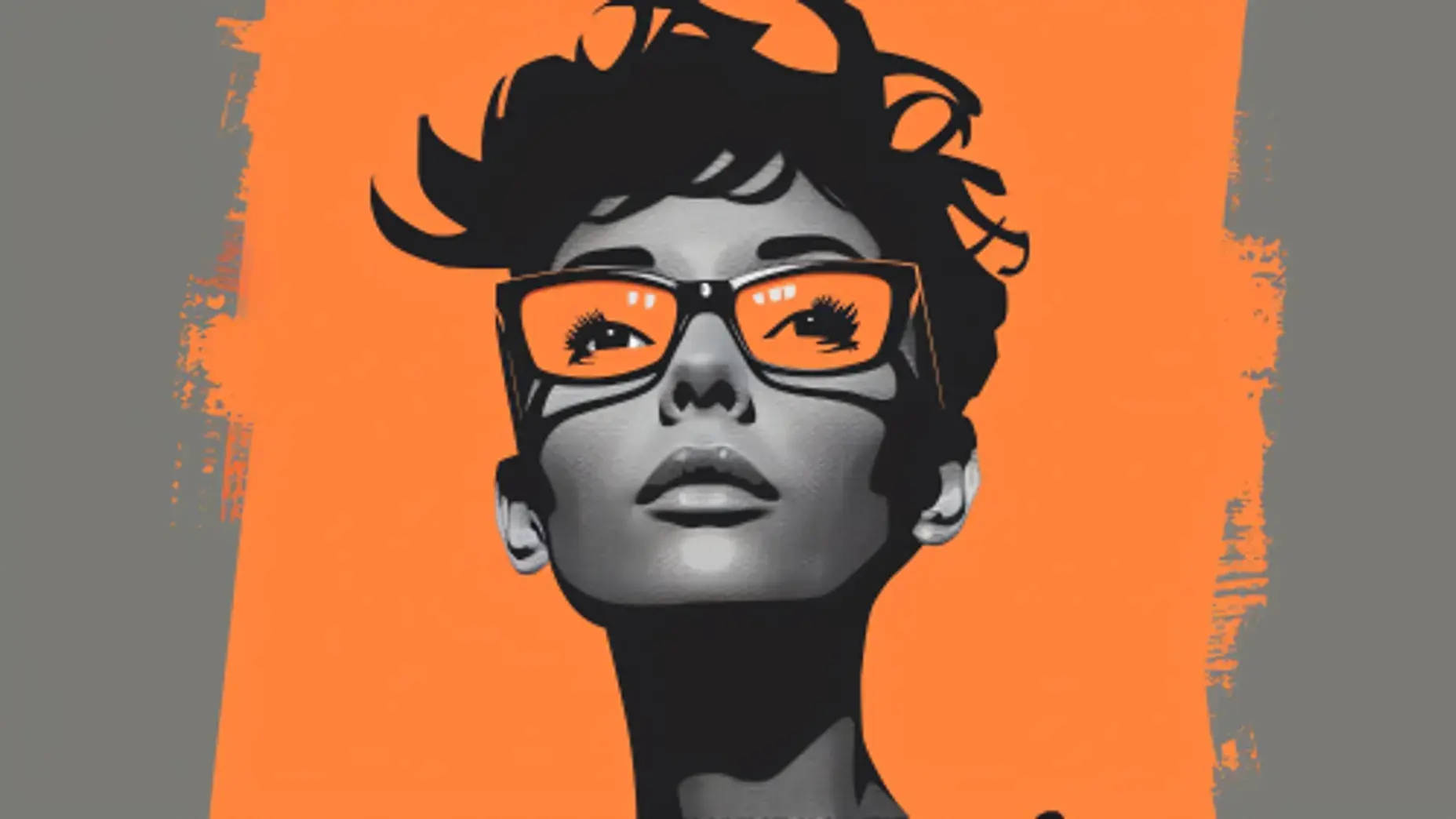



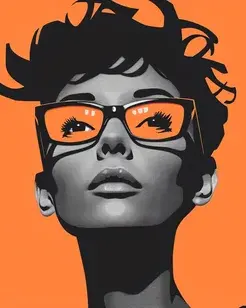





Hair and fur detail
Strand-level edges preserved instead of a hard outline around the head.
BACKGROUND REMOVER
Remove any background in one tap and keep the detail that usually breaks — flyaway hair, fur, motion blur and semi-transparent edges. Export a transparent PNG, or drop in a new background without touching a mask.
 16:9 · 4K
How it works
Step 1
Stills and footage both work — no green screen required.
Step 2
The subject is isolated automatically, including fine edge detail.
Step 3
Drop in a new background or download as transparent PNG or video.
Anything can cut out a plain silhouette. The difficulty is hair, fur and motion.
Strand-level edges preserved instead of a hard outline around the head.
Alpha
Transparent PNG and video.
Strand
Hair and fur survive the cut.
No
Works on ordinary backgrounds.

Consistent matting across frames with no flicker on the edge.
Works on ordinary backgrounds shot anywhere, in any lighting.
Export straight to the frame each platform wants.

PNG with real alpha, or video with an alpha channel for compositing.
Swap to studio white, a colour, a scene or your own uploaded image.
Run a full folder of images through with identical settings.
Made with Anim AI
 —
—“Portrait with flyaway hair”
 —
—“Pet with textured fur”
 0:06
0:06“Moving subject on video”
Each clip was generated from the prompt shown on it — no editing, no stock footage, no post-production.
Remove a backgroundModels
Anim AI routes each job to the model that handles it best, so you get the right result without picking one yourself.
Real work made by real users — pick the workflow that matches yours.
 ECOMMERCE · 1:1
Put every product on clean white to meet marketplace listing standards.
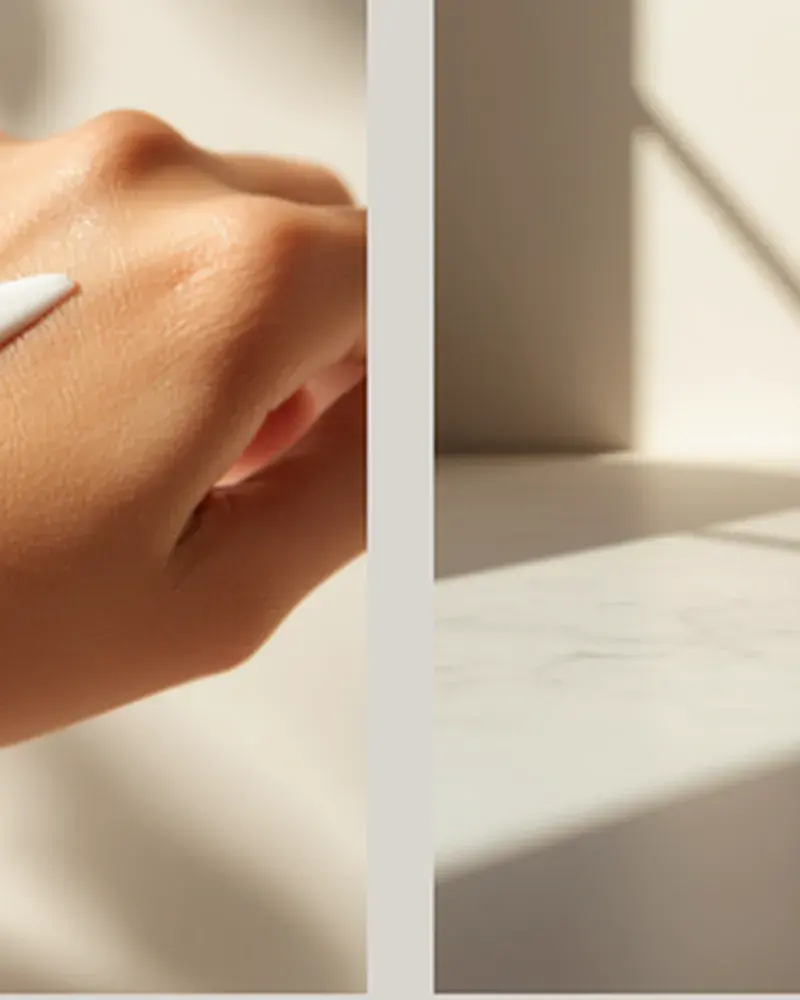 DESIGN · 4:5
Get usable transparent assets without spending an hour masking by hand.
 VIDEO · 16:9
Composite talent onto new backgrounds without lighting a green screen.
4.9 average from 2,140 reviews
Ratings shown are for the Background Remover specifically.
“Every product on clean white, marketplace-ready, in one pass.”
300 cutouts in an hour
“Usable transparent assets without an hour of masking.”
No manual masking
“Composited talent onto new backgrounds without a green screen.”
No green screen
Yes. Anim AI mattes every frame consistently, so the edge stays stable through motion instead of flickering. Export with an alpha channel or replace the background directly.
Yes. Strand-level edge detail is preserved rather than cut to a hard outline, which is the difference between a usable cutout and one that looks pasted onto its new background.
No. Anim AI separates the subject from ordinary backgrounds in any lighting, so footage shot in a room or outdoors works without special setup.
Yes. Export stills as PNG with a real alpha channel, and video with alpha for compositing. Both preserve semi-transparent edges like glass, smoke and motion blur.
Free-plan exports are capped at standard resolution. Paid plans process and export at full original resolution, including large images intended for print or marketplace listings.
Keep going with the rest of the Anim AI toolkit — same app, same free tier, no new account.
Get the app
Free to start. No camera, no editing — just describe it and export.Free to start. No camera, no editing, no timeline — just describe it and export in seconds.


Joined by 12,000+ creators