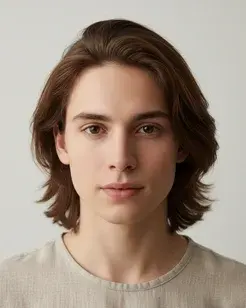
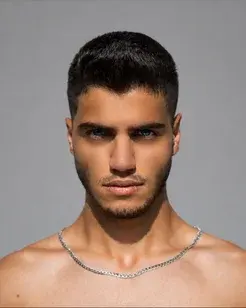

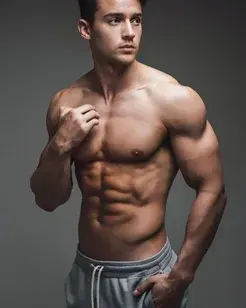


Safe-zone framing
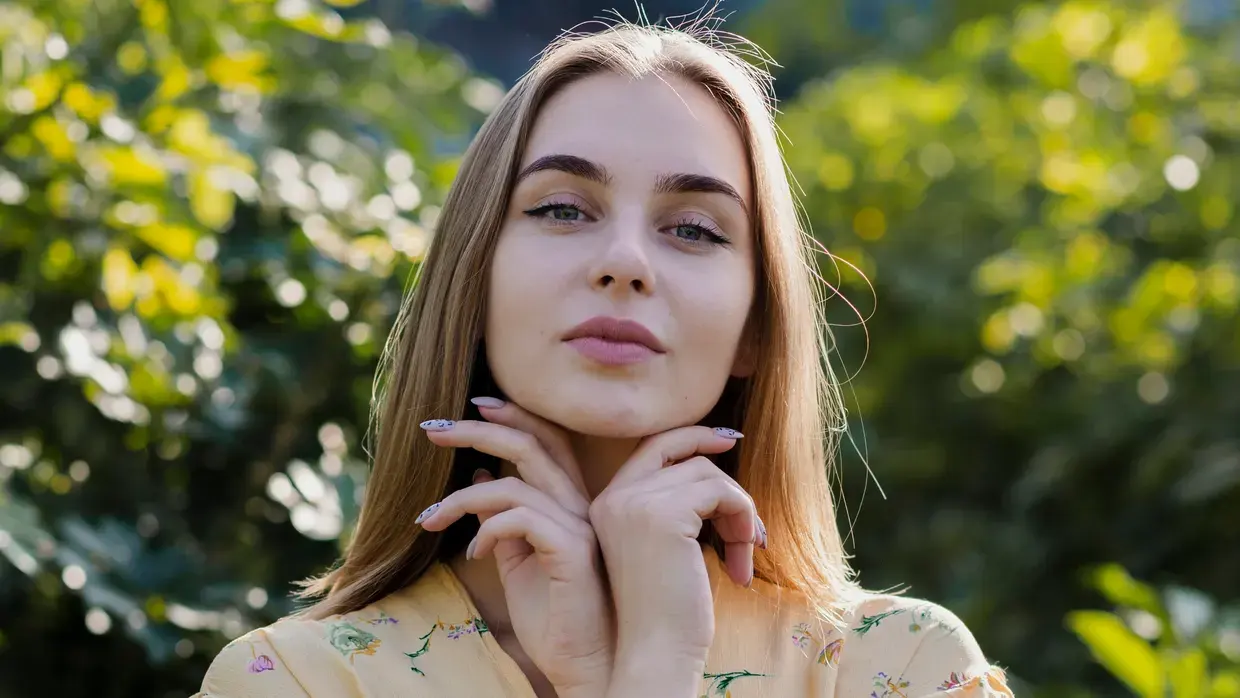
Subjects stay clear of the UI overlays that cover the top and bottom of feeds.
REELS & SHORTS MAKER
Build once and publish everywhere. Anim AI resizes to each platform's spec, keeps subjects inside the safe zones where UI overlays sit, and adds the captions and hooks that vertical video needs to hold attention.
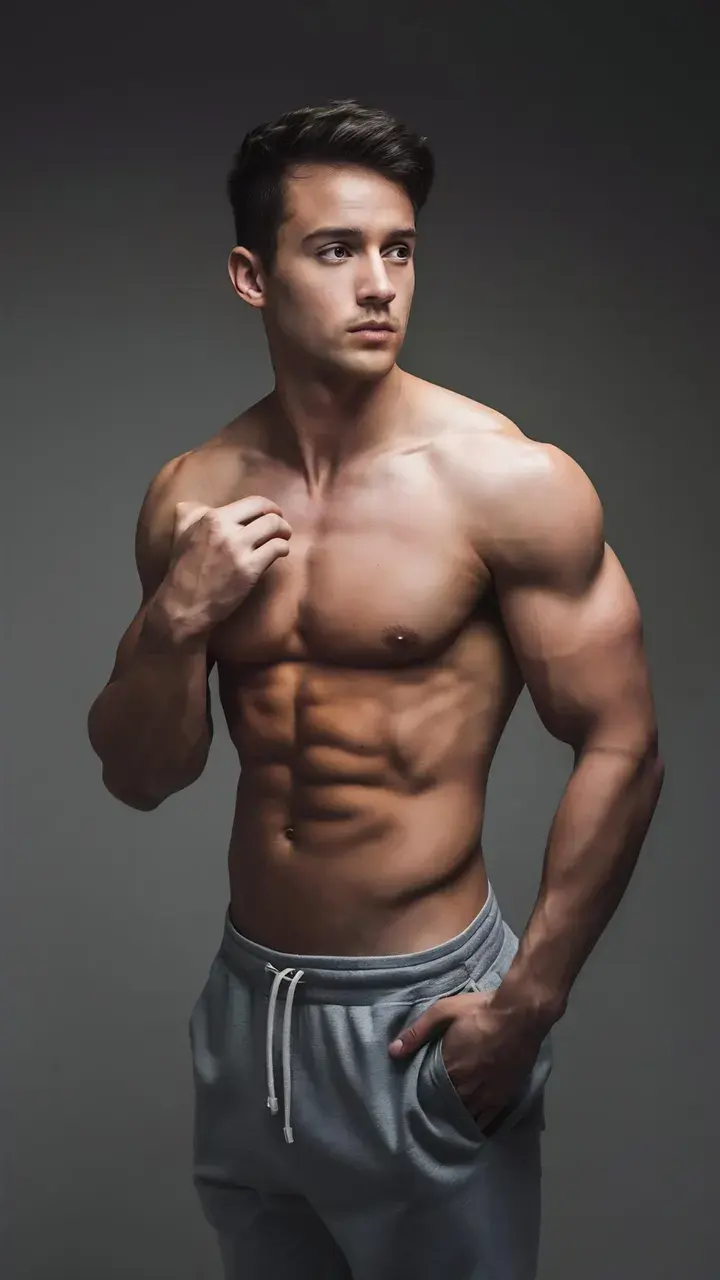 16:9 · 4K
How it works
Step 1
Generate one in Anim AI or upload footage you already have.
Step 2
9:16, 1:1, 4:5 and 16:9 exported together, framed correctly for each.
Step 3
Add styled subtitles and a hook, then download per platform.
The problems that only show up once a video is live in a feed.
Subjects stay clear of the UI overlays that cover the top and bottom of feeds.
4
9:16, 1:1, 4:5 and 16:9 together.
Safe
Subjects clear of platform UI.
Auto
Burned-in, in the styles feeds expect.
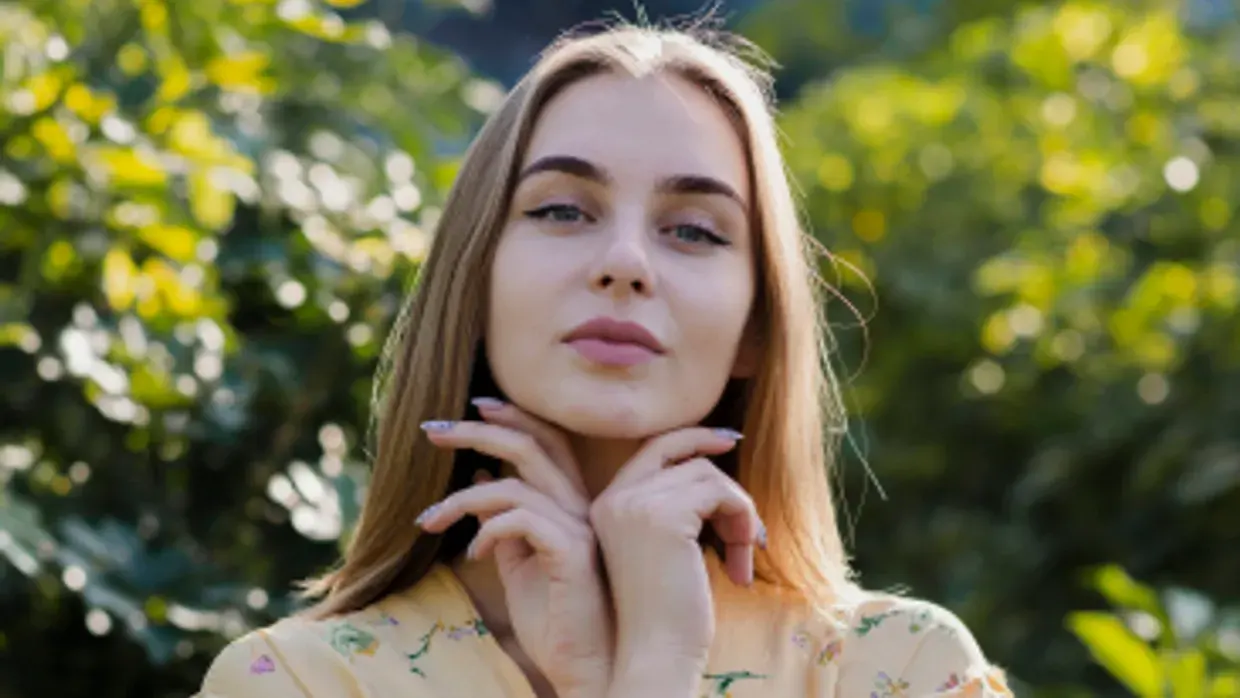
Length, resolution and bitrate matched to TikTok, Reels and Shorts specs.
Opening text built to hold viewers through the first three seconds.
Export straight to the frame each platform wants.
The burned-in subtitle looks that vertical audiences expect by default.
Templates matching formats currently performing on each platform.
Every aspect ratio rendered in one pass, named and ready to upload.
Made with Anim AI
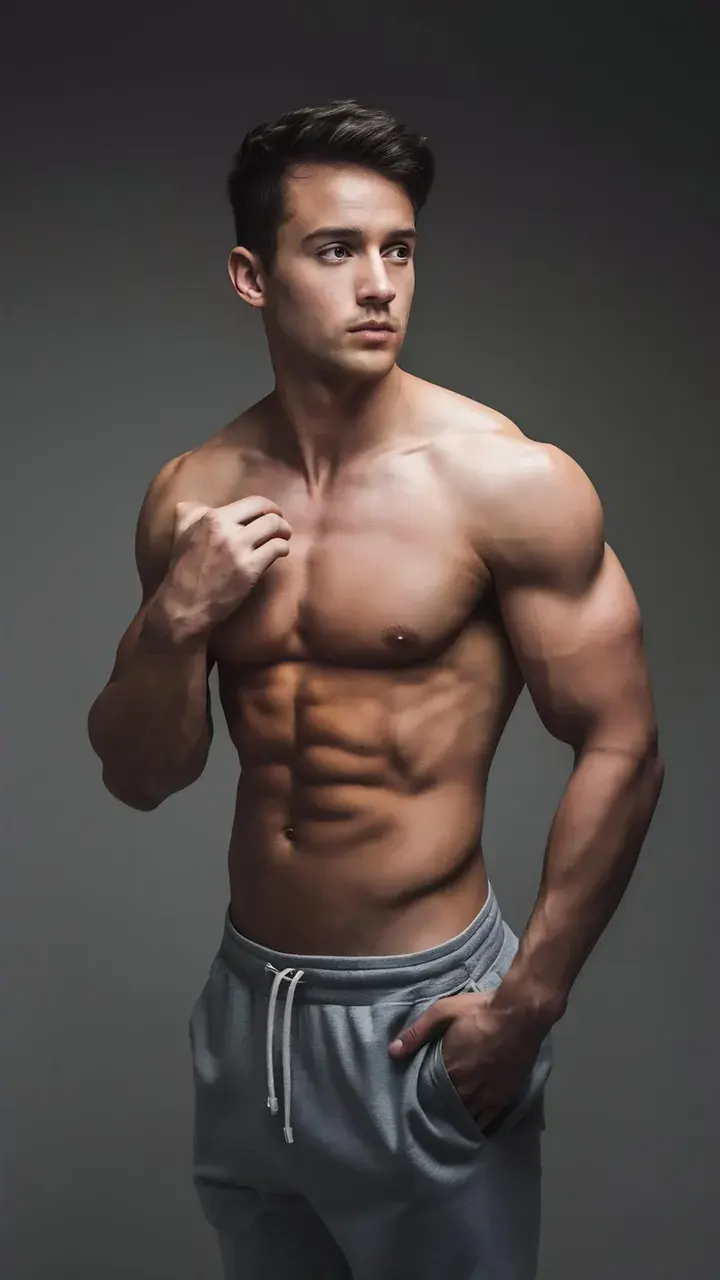 0:15
0:15“9:16 — TikTok and Reels”
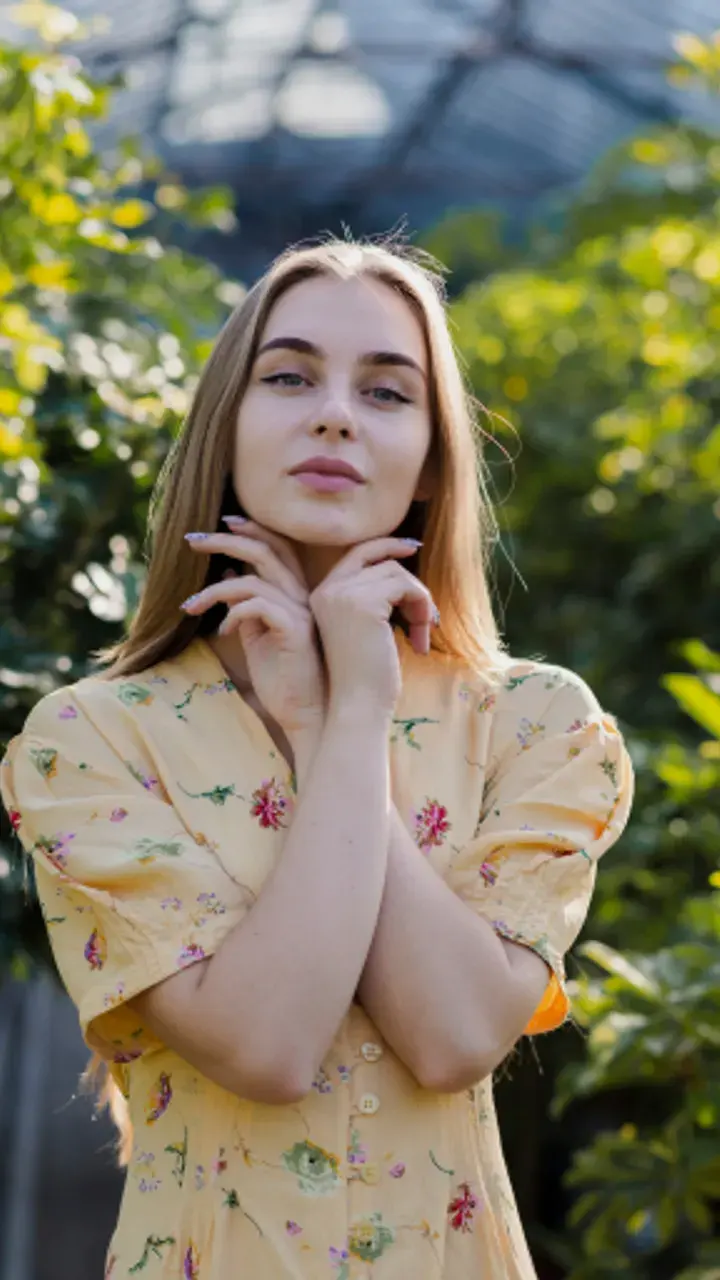 0:15
0:15“4:5 — Instagram feed”
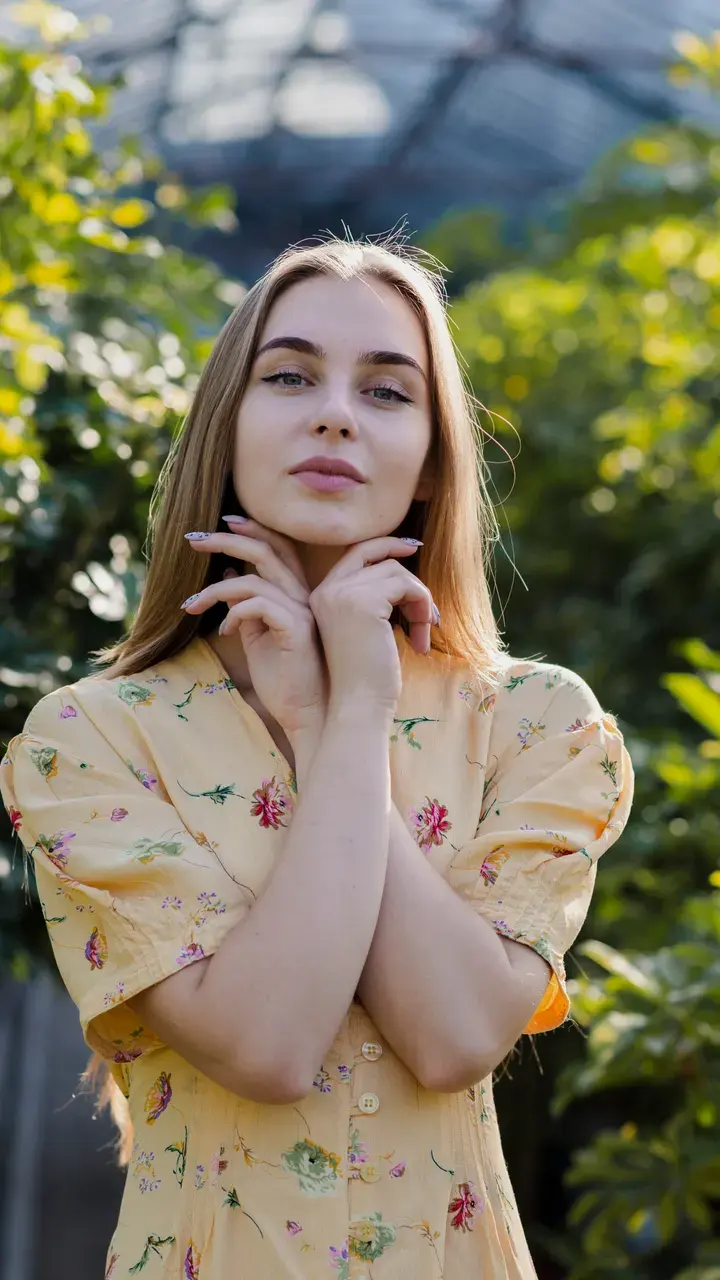 0:15
0:15“1:1 — square placement”
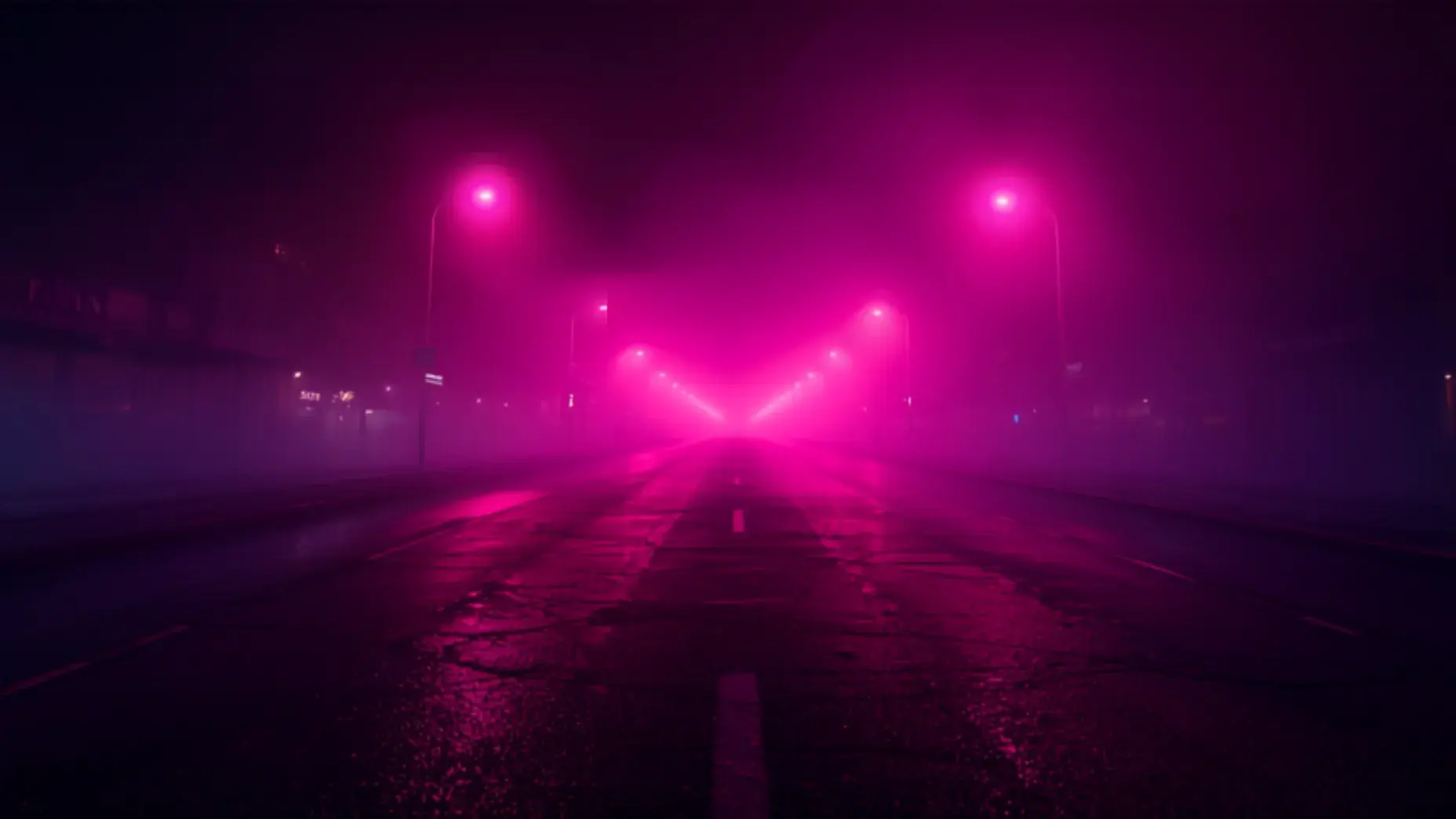
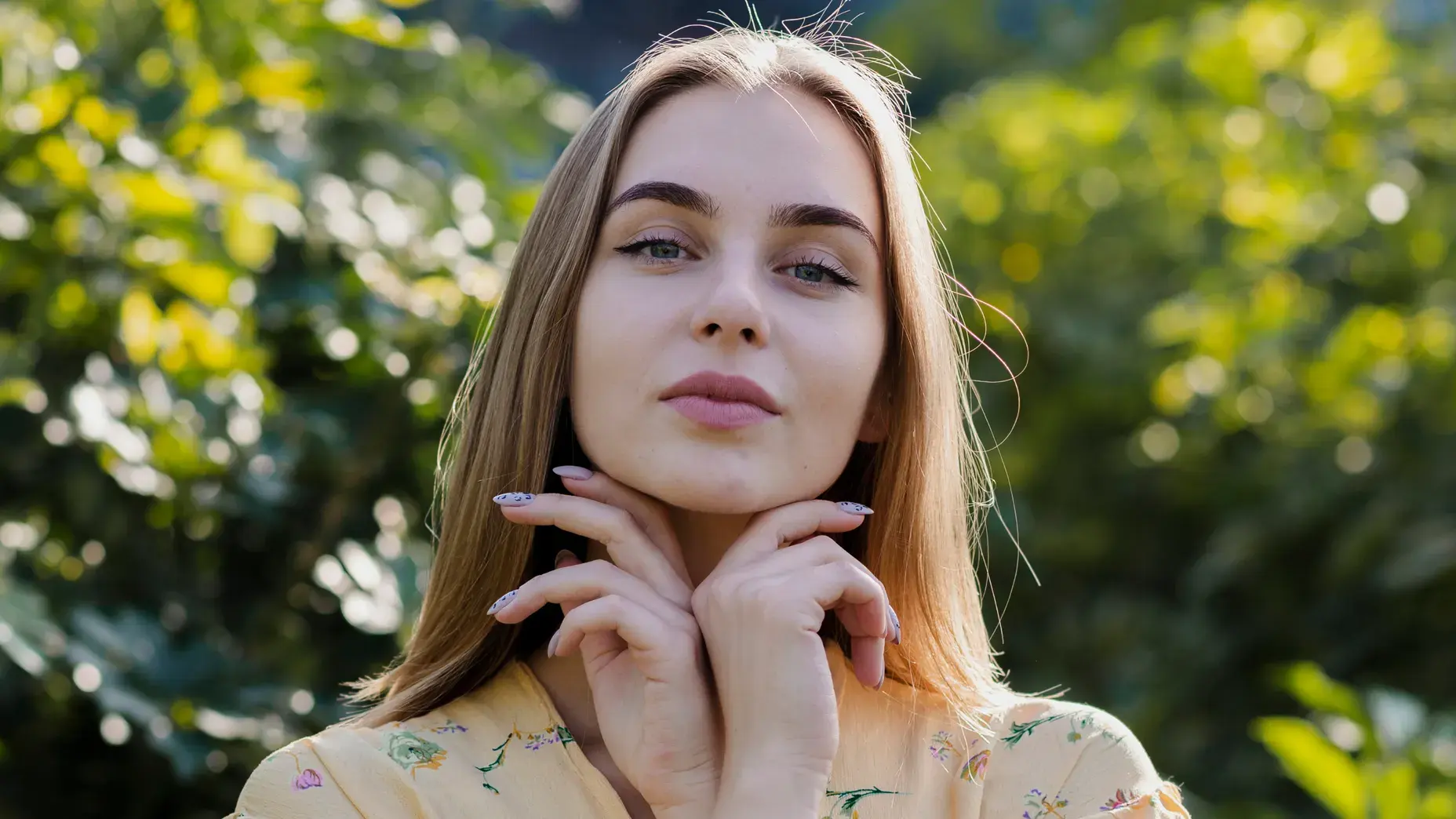
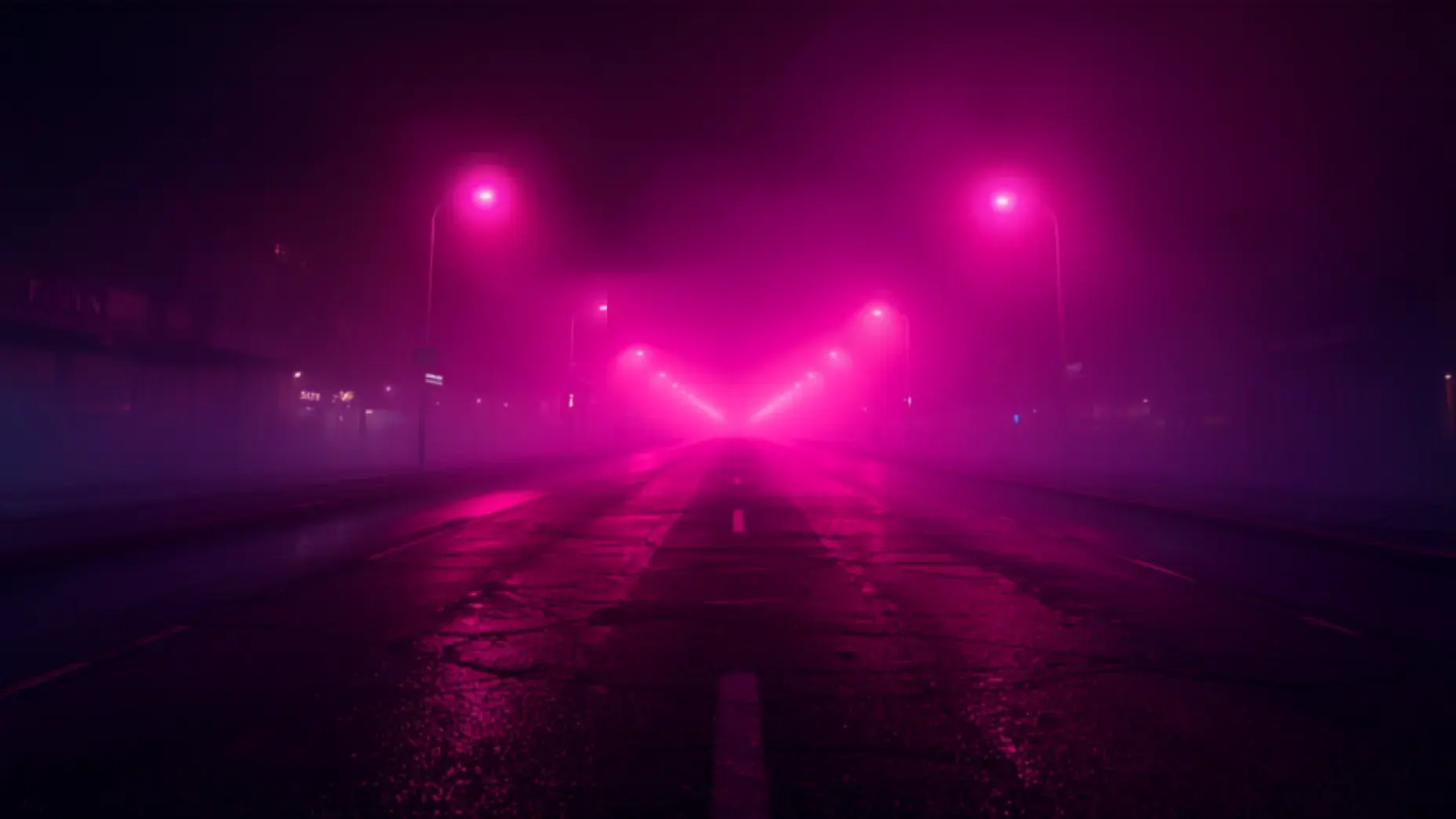
Each clip was generated from the prompt shown on it — no editing, no stock footage, no post-production.
Make a ReelModels
Anim AI routes each job to the model that handles it best, so you get the right result without picking one yourself.
Real work made by real users — pick the workflow that matches yours.
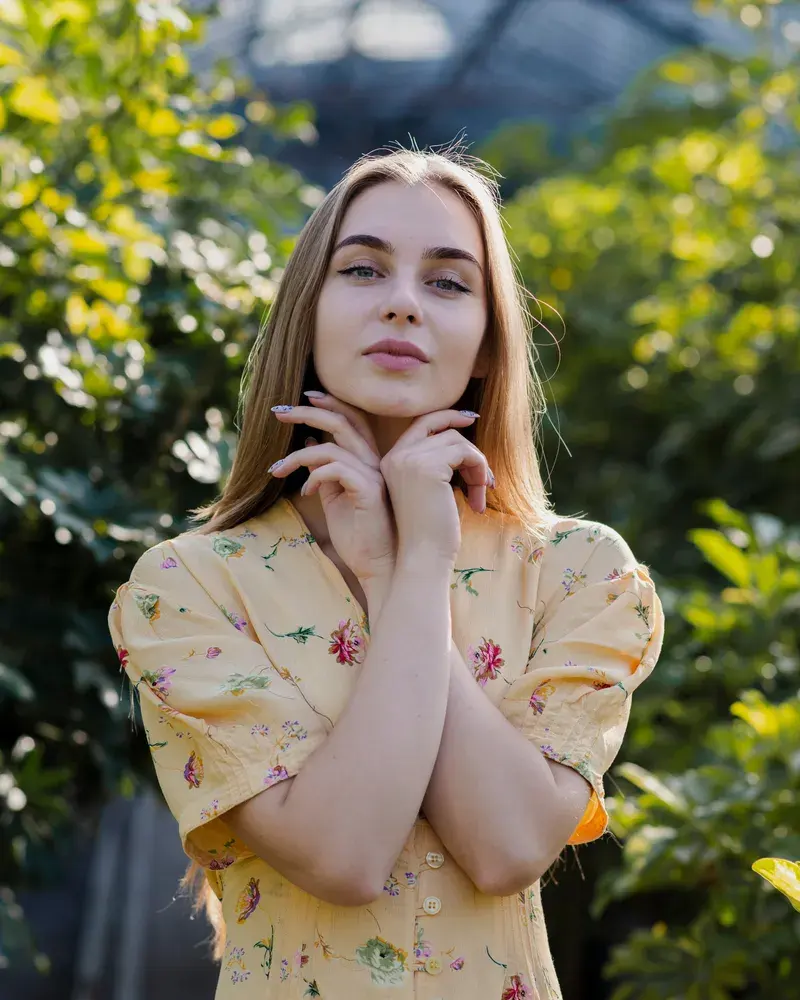 TIKTOK · 9:16
Cut the resize-and-recrop step that eats the time between idea and upload.
 FEED · 4:5
Run one asset across every client channel without four separate exports.
 SHORTS · 9:16
Turn long-form episodes into vertical clips sized for every short-form feed.
4.9 average from 2,140 reviews
Ratings shown are for the Reels & Shorts Maker specifically.
“The resize-and-recrop step is just gone from my workflow.”
20 min saved per post
“One asset across every client channel, no separate exports.”
4 channels, 1 export
“Long episodes into vertical clips sized for every feed.”
6 clips per episode
Both use 9:16 vertical at 1080×1920. Anim AI exports that spec by default and also produces 1:1, 4:5 and 16:9 versions from the same render for feed and landscape placements.
Platform UI — captions, buttons, usernames — covers roughly the top and bottom 15% of the screen. Safe-zone framing keeps your subject and text out of those bands so nothing important is hidden.
Yes. Bring existing video and use Anim AI purely for resizing, safe-zone framing, captions and hooks, or generate new footage inside the app and format it in the same pass.
YouTube Shorts allows up to 60 seconds and Instagram Reels up to 90. Anim AI's platform presets cap length automatically so an export never fails on upload.
Generally yes. Most short-form viewing starts muted, so burned-in captions keep viewers watching past the opening seconds, which is the metric that drives further distribution.
Keep going with the rest of the Anim AI toolkit — same app, same free tier, no new account.
Get the app
Free to start. No camera, no editing — just describe it and export.Free to start. No camera, no editing, no timeline — just describe it and export in seconds.


Joined by 12,000+ creators