



 01
01Photograph the print
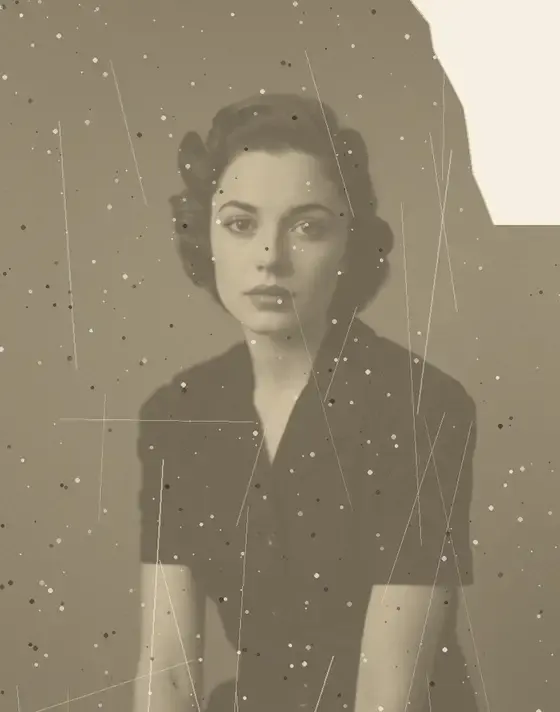
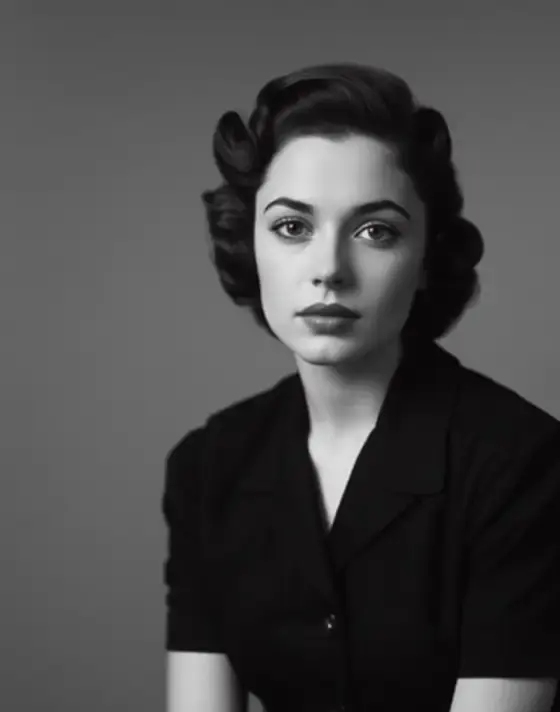
Lay it flat and capture the whole photo including borders. A phone camera is enough — no scanner needed.
RESTORE OLD PHOTOS · IN THE ANIM AI APP
Upload a faded, scratched or torn photograph. Anim AI repairs the damage and rebuilds detail — without losing the face you remember.
4.9 · 3,180 ratings · Free to try
2.4 MILLION RESTORED
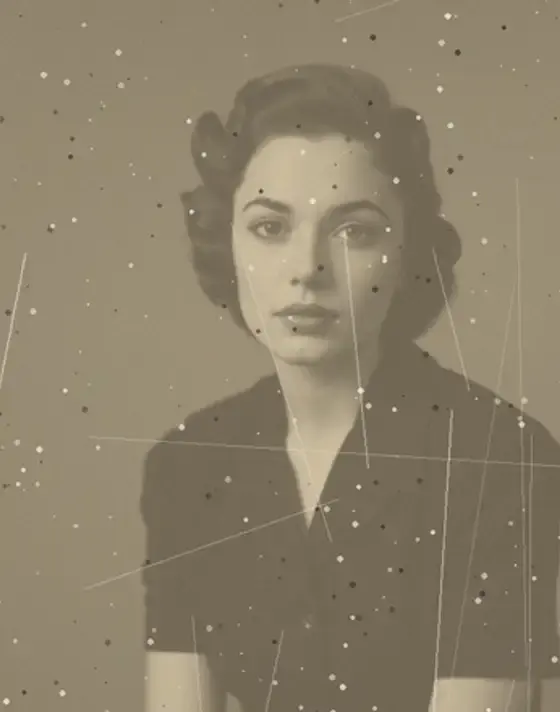
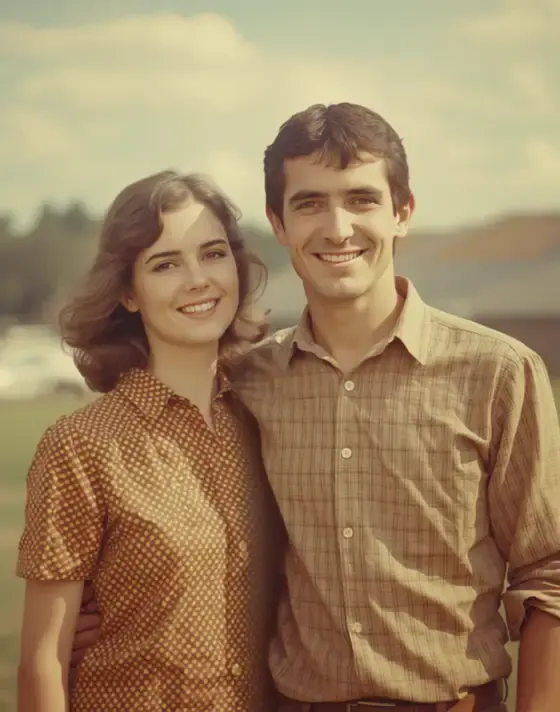
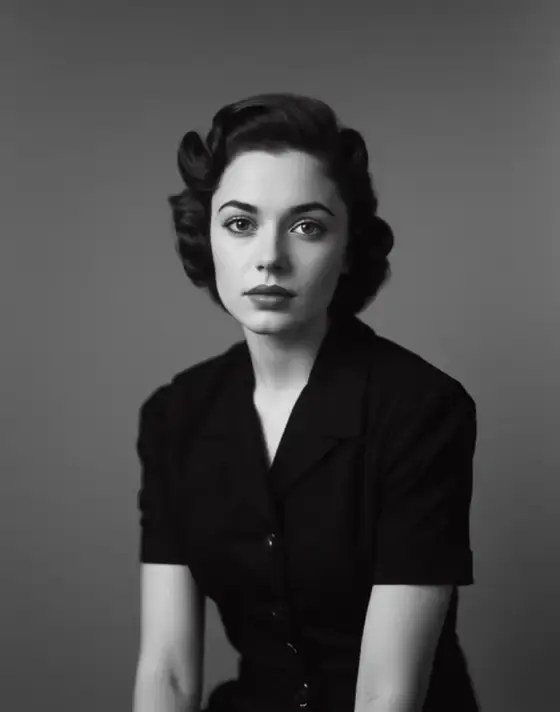
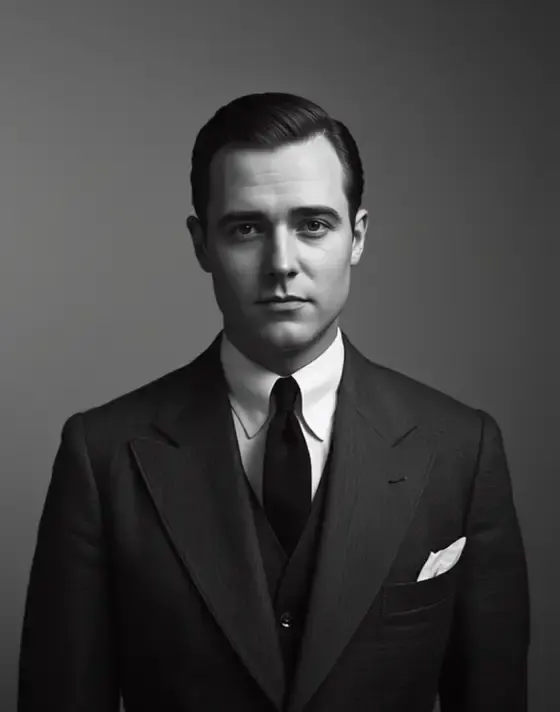
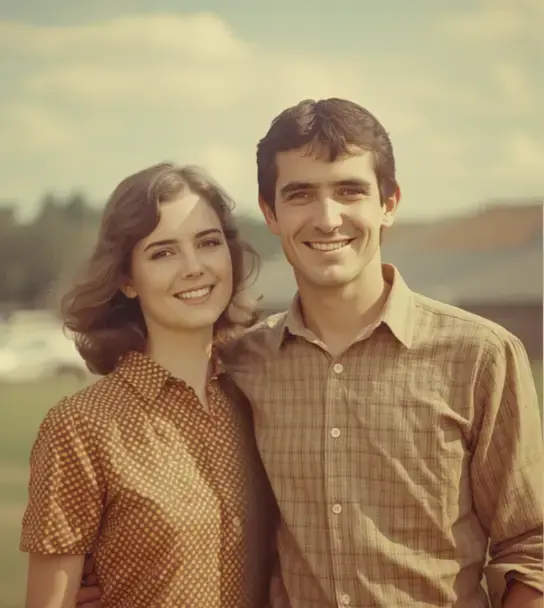
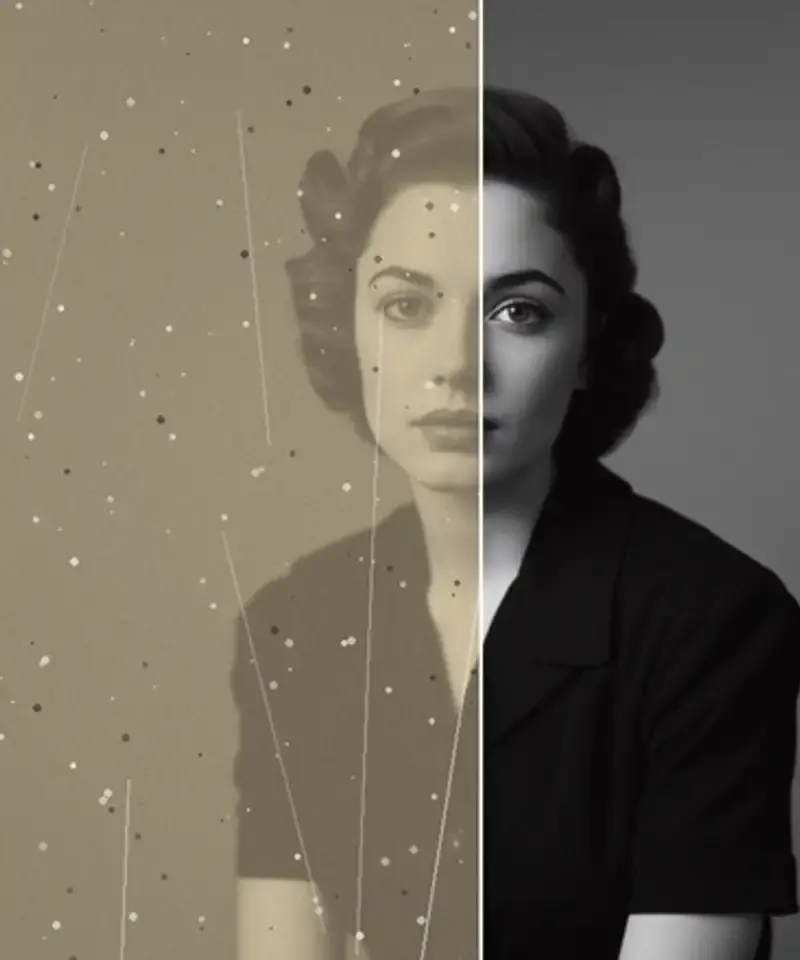
Every photo below was restored in the Anim AI app. Shared with permission.
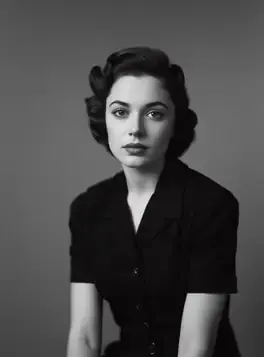
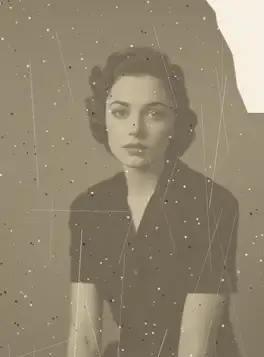
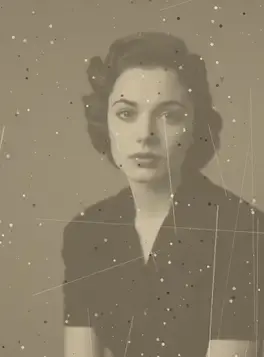
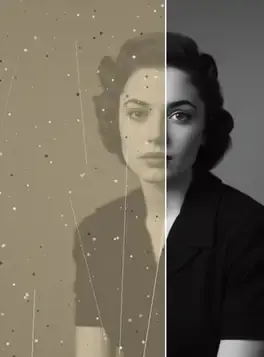
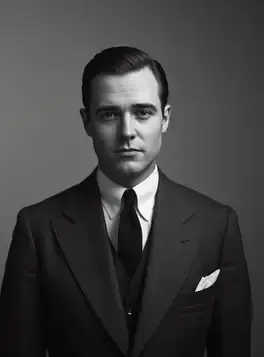
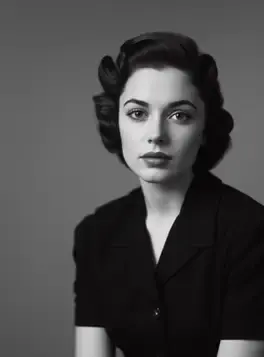
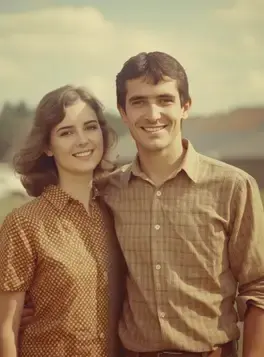
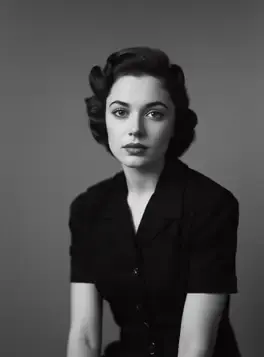
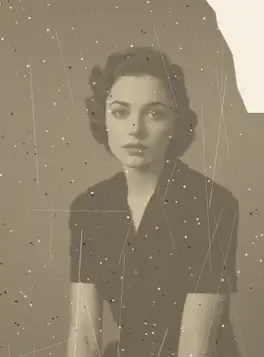
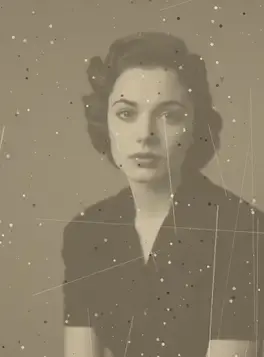
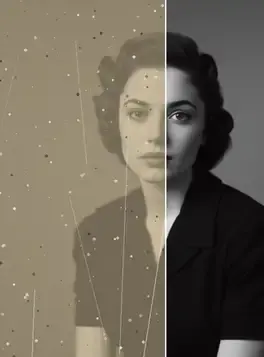
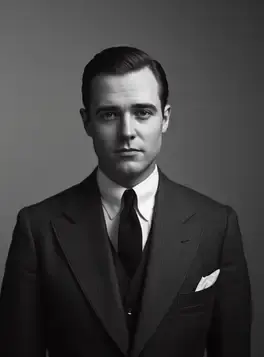
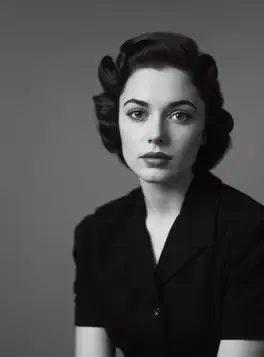
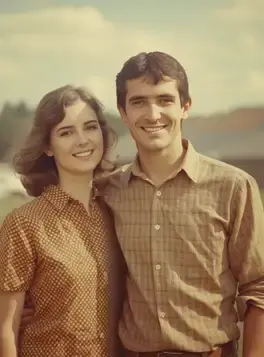
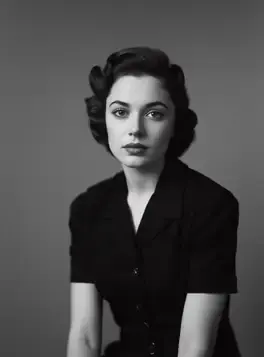
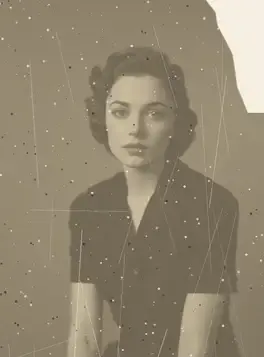
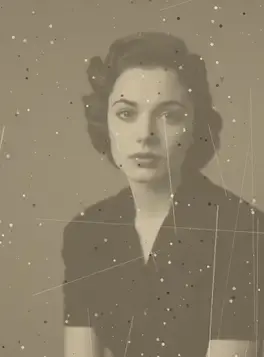
+10 more results
Real results
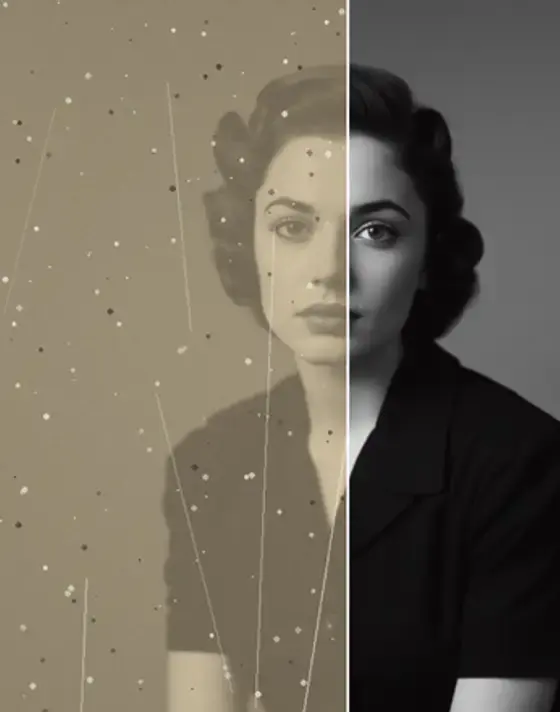
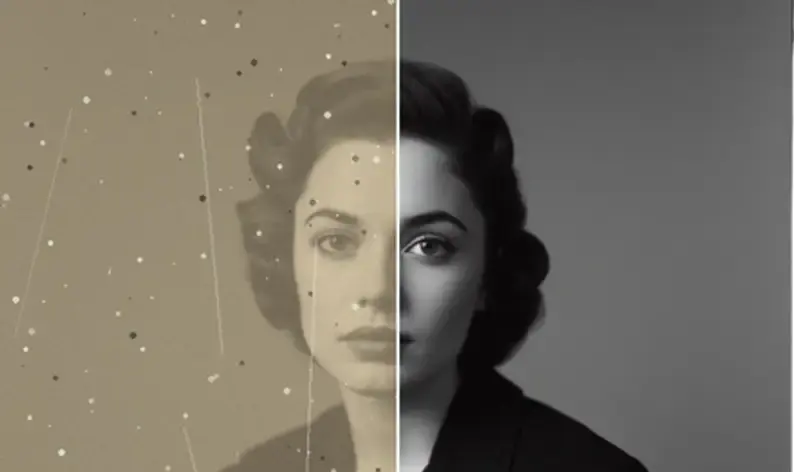
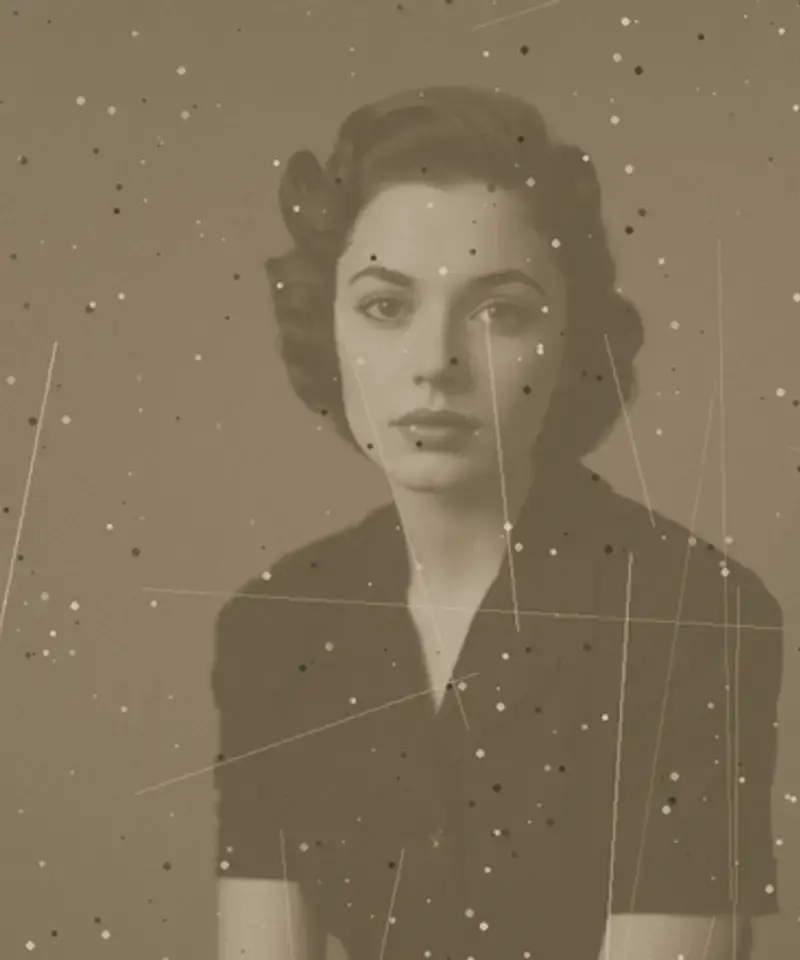
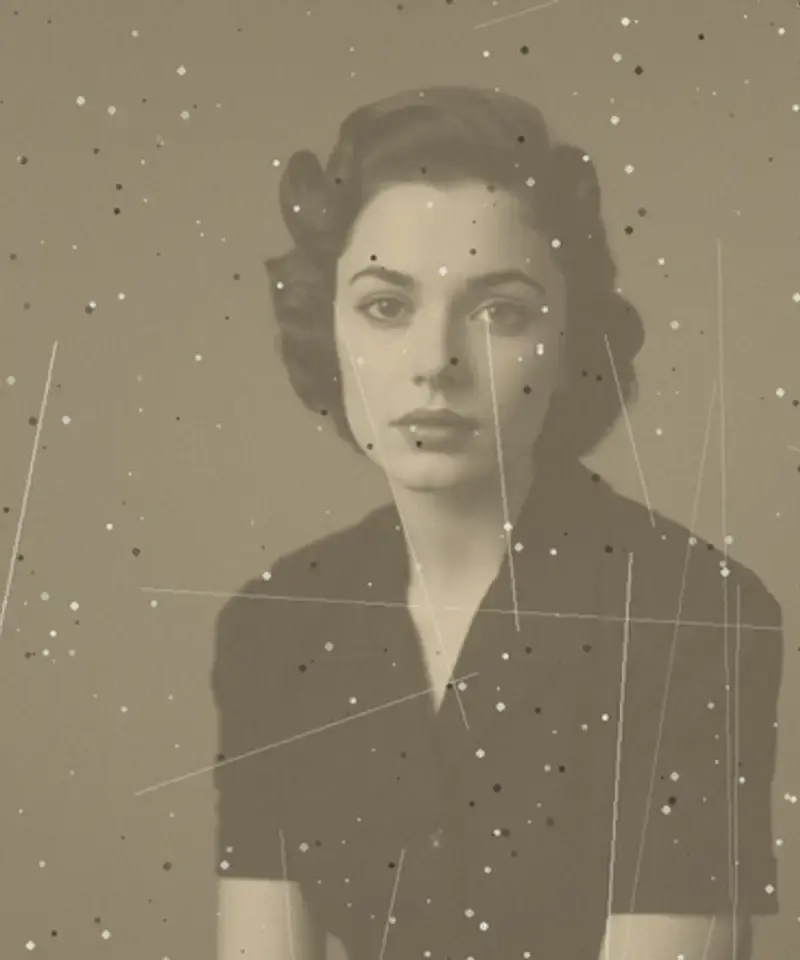
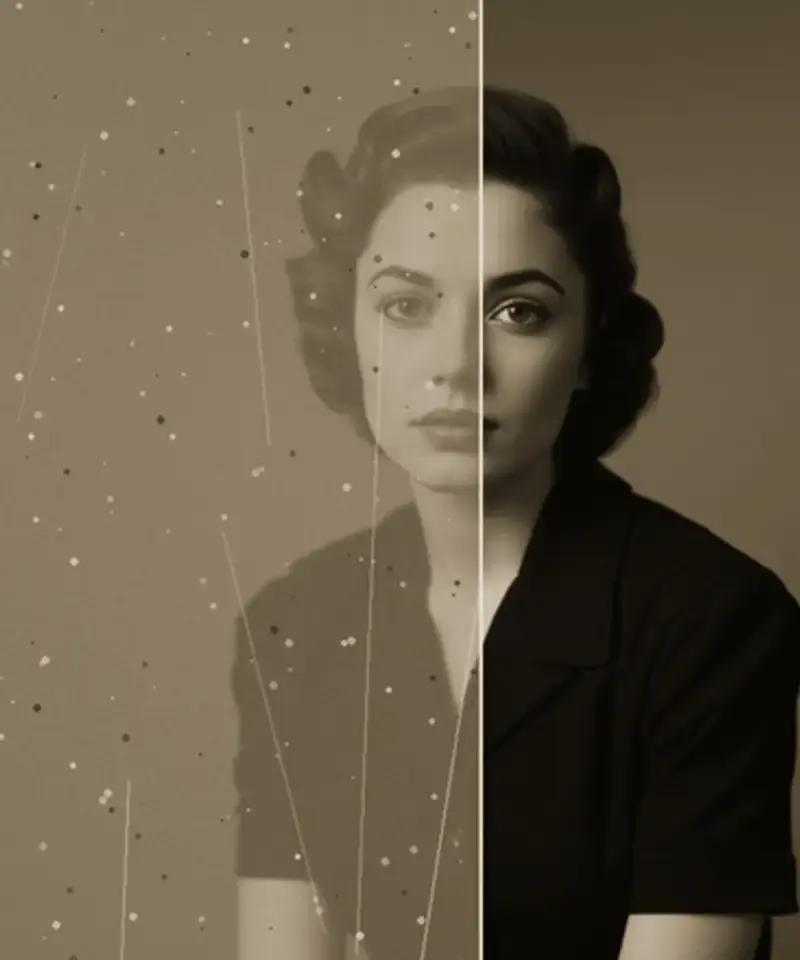
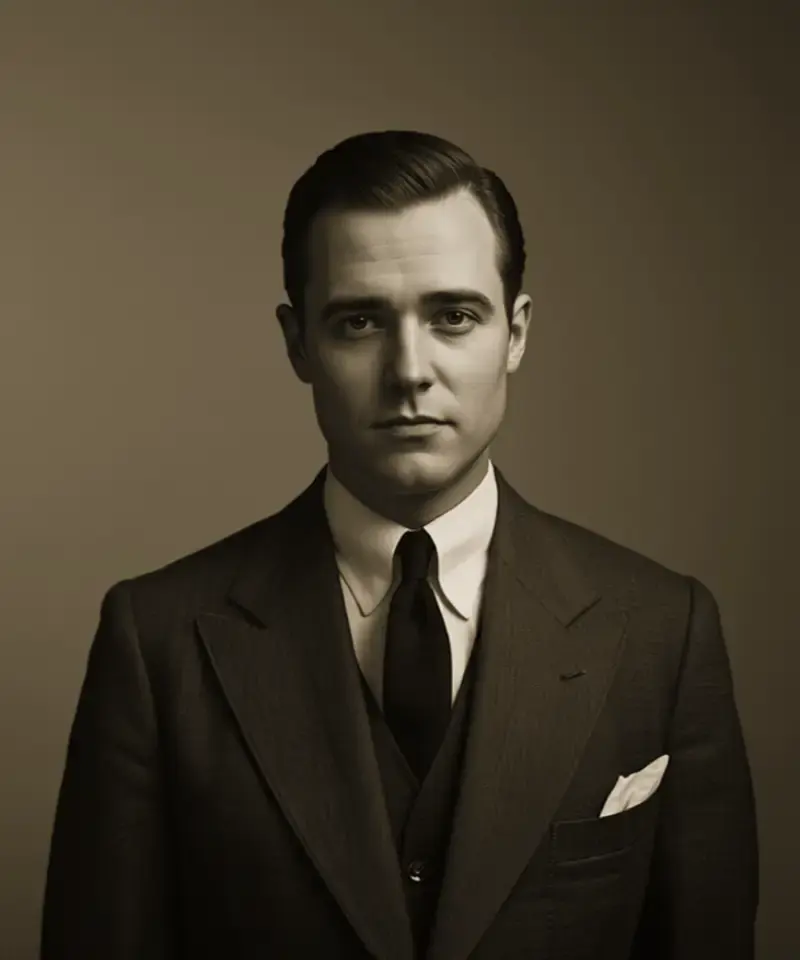
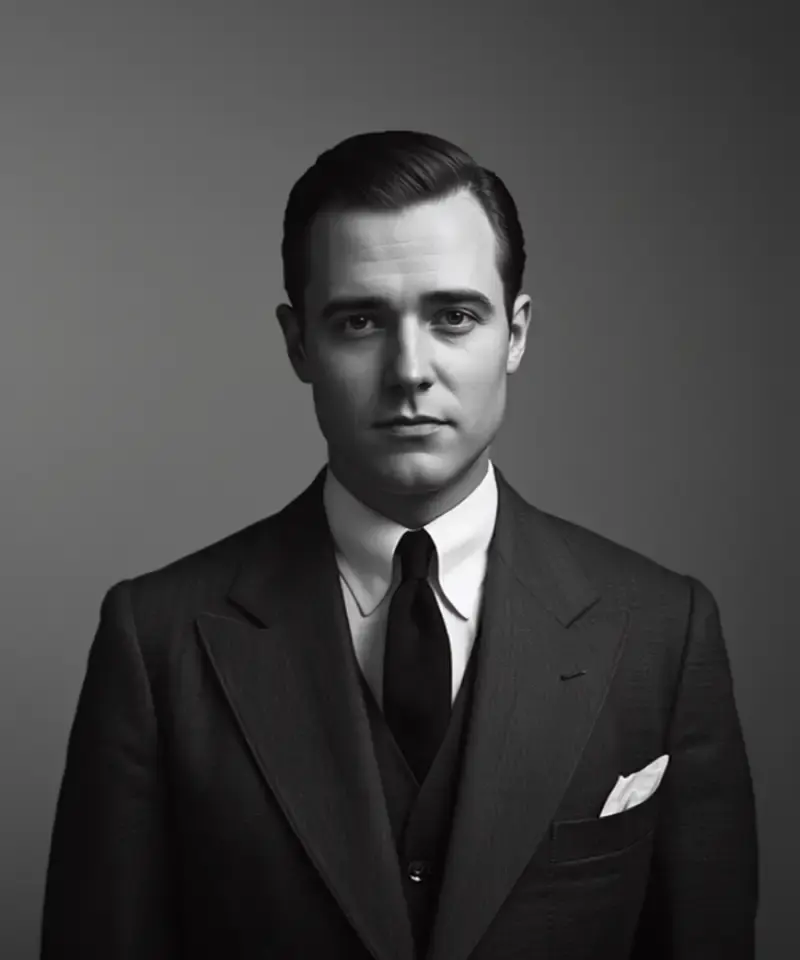
Pick a type of damage to see real repairs. Drag any comparison to reveal the original.
Inside the app
Every step is adjustable and reversible.
Faces are protected by default
Before anything is changed, Anim AI shows you what it found — tears, fading, dust — and which regions it will leave alone. Face regions are locked, so features are sharpened but never reshaped.
Dial the repair up or down
Some prints want a light clean, others a full rebuild. One slider moves between the original and a complete repair, and you can stop anywhere in between.
Nothing is overwritten
Every pass is kept. Compare against the original with a drag, save the version you want, and carry on to colourise or animate without losing the repair.
Three steps
01Lay it flat and capture the whole photo including borders. A phone camera is enough — no scanner needed.
 02
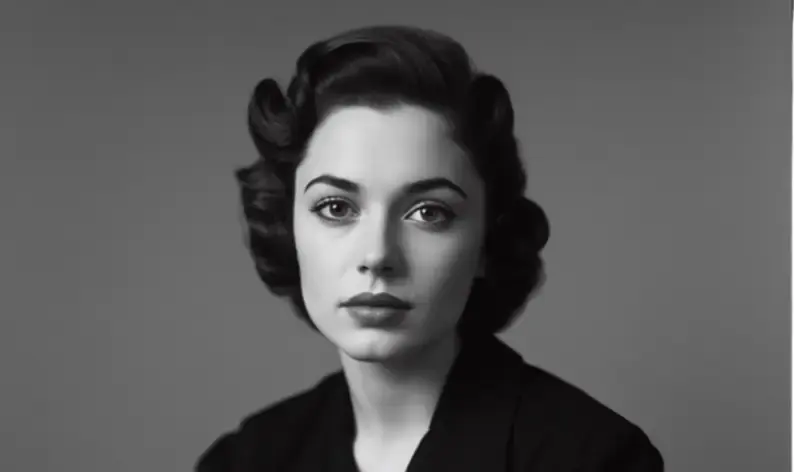
02Anim AI marks tears, fading and dust, and locks the face before repairing anything.
 03
03Export at full resolution, or carry on. The original is never overwritten.
4.9 on the App Store
3,180 ratings for Restore Old Photos.
Everything people ask before restoring something irreplaceable.
Usually yes. Scratches, tears, fading and missing corners are rebuilt from the detail surrounding the damage. If the subject's face is entirely missing, Anim AI reconstructs plausible detail rather than recovering the original, so treat that result as an approximation.
Facial structure is preserved rather than reimagined. The goal is recovering what the print lost, so features stay recognisable instead of being replaced with a generic AI face. Compare the before and after closely on faces you know well.
Yes. Repair works the same on monochrome as on colour, and you can optionally colourise afterwards while keeping the restored black and white version. Many people save both and print the original monochrome.
As high as your scanner allows, ideally 600 DPI or more for prints under 4×6 inches. More real detail in the input means less reconstruction, which produces a noticeably more faithful and less synthetic-looking result.
Yes. Uploads are processed then deleted from our servers, never used for model training and never shared with third parties. You can also delete anything from your library manually at any time from account settings.
No. A phone photograph of the print works well, provided you lay it flat, avoid glare and capture the whole photo including its borders. A flatbed scan at 600 DPI gives more real detail to work from, but it is a refinement rather than a requirement.
Faces that are entirely missing, heavy mould or emulsion loss across the subject, and very small low-detail prints. In those cases Anim AI reconstructs plausible detail rather than recovering the original, so the result is an interpretation rather than a repair.
Yes, free to start. You can restore photos and view the results without paying, and a subscription unlocks full-resolution exports, batch restoring and unlimited passes. Subscriptions are billed through the App Store or Google Play and can be cancelled there at any time.
GET THE APP
Free to try. Photographs are deleted the moment they're returned to you — never stored, never used for training.Free to try. Photographs are deleted the moment they're returned to you — never stored, never used for training.


Trusted with 2.4M family photos