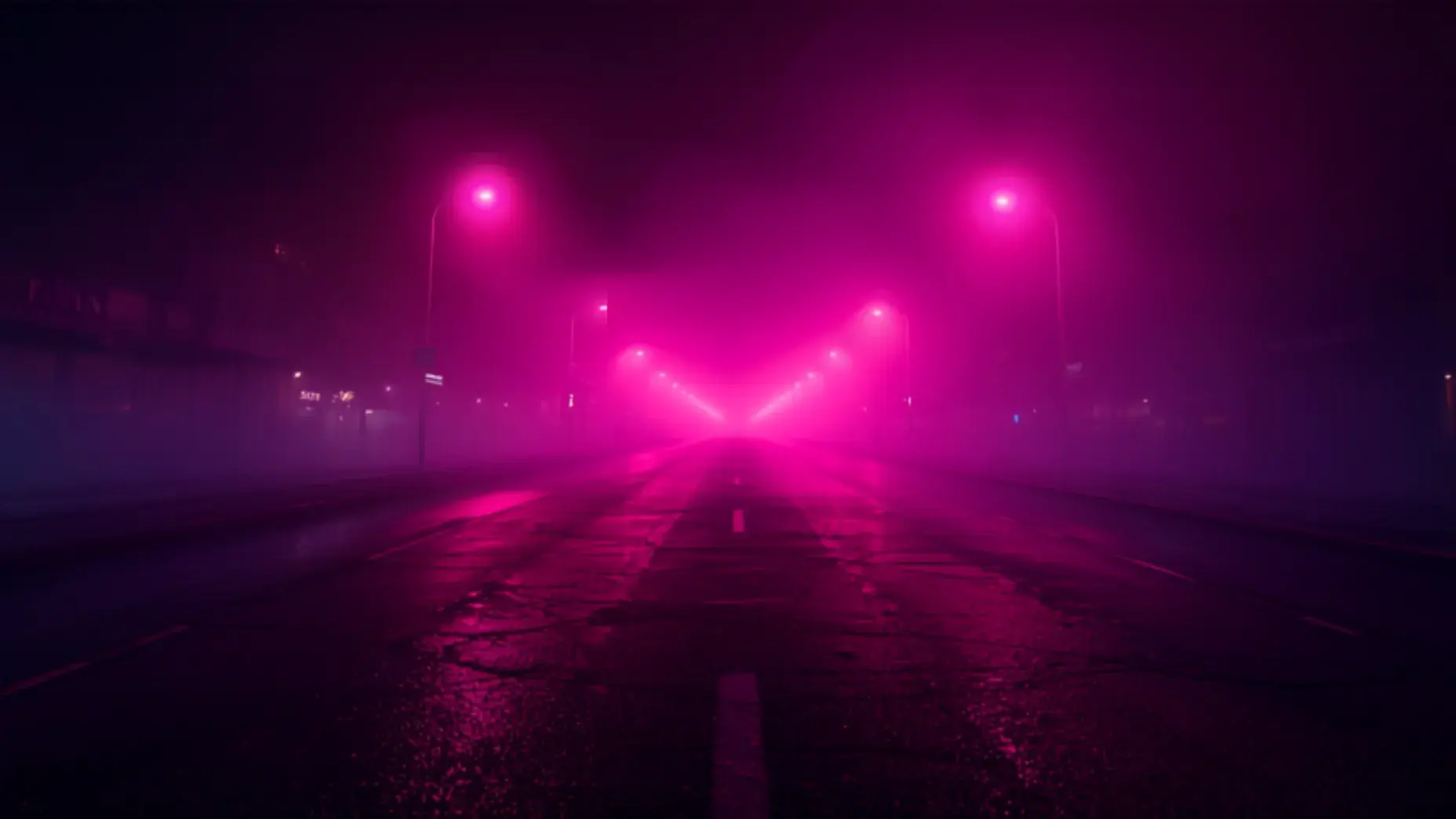





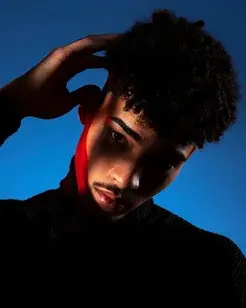



Detail reconstruction
Texture in skin, fabric and foliage rebuilt rather than interpolated.
4K VIDEO UPSCALER
Anim AI rebuilds detail rather than just enlarging pixels. Soft phone footage, compressed downloads and old clips come back sharper, cleaner and stable — ready to export at up to 4K without a grainy, over-sharpened look.
 16:9 · 4K
How it works
Step 1
Any resolution, including heavily compressed or old low-quality clips.
Step 2
Upscale to 1080p, 2K or 4K, with noise reduction applied as needed.
Step 3
Download the enhanced file, or send it straight to another Anim AI tool.
Stretching a frame adds pixels. Reconstructing one adds detail that reads as real.
Texture in skin, fabric and foliage rebuilt rather than interpolated.
4K
1080p, 2K or 4K by source.
Temporal
Detail holds between frames.
Auto
Low-light grain without smearing.
Blocking and banding from re-uploaded or downloaded footage cleaned up.
Grain from low-light footage reduced without smearing fine detail.
Export straight to the frame each platform wants.

Detail stays consistent between frames instead of shimmering in motion.
Output at 1080p, 2K or 4K depending on the source and your plan.
Optionally interpolate to a higher frame rate for smoother motion.
Made with Anim AI
 0:10
0:10“480p archive clip — 4K”
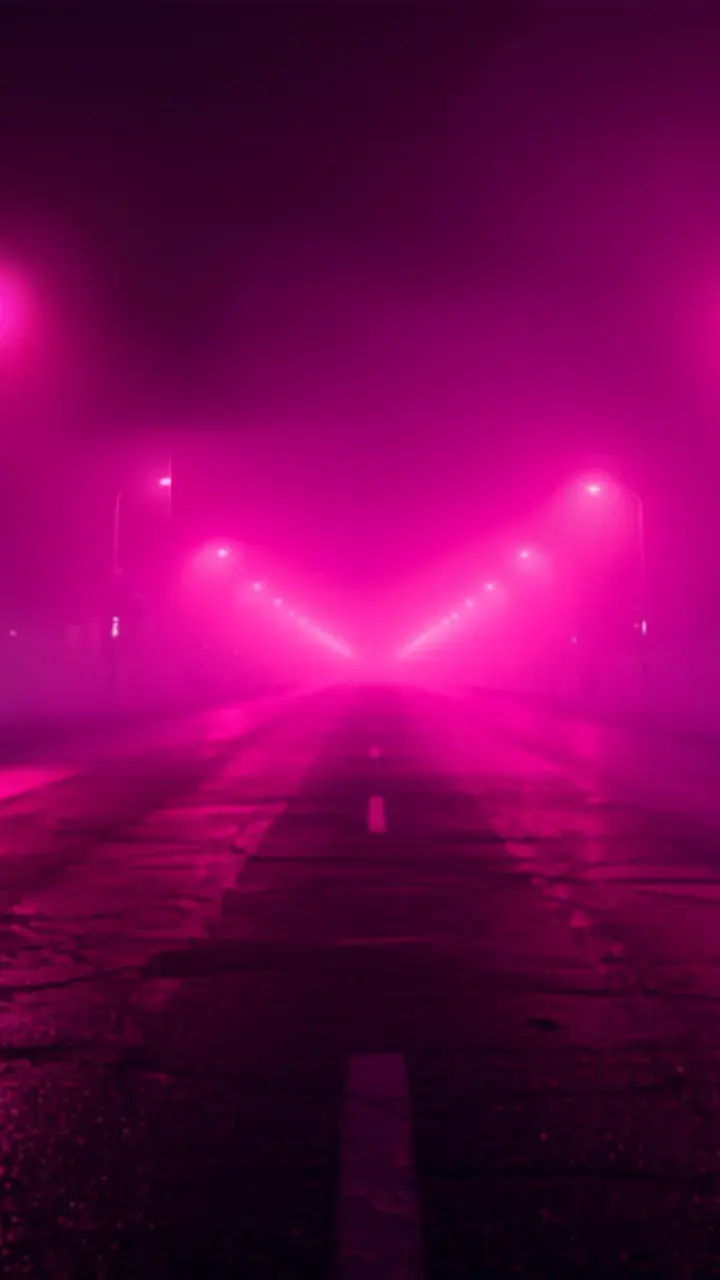 0:08
0:08“Compressed download — clean 1080p”
 0:07
0:07“Low-light phone footage — denoised”
Each clip was generated from the prompt shown on it — no editing, no stock footage, no post-production.
Upscale a videoModels
Anim AI routes each job to the model that handles it best, so you get the right result without picking one yourself.
Real work made by real users — pick the workflow that matches yours.
 ARCHIVE · 4:3
Bring old family or brand footage up to a resolution worth publishing.
 EDIT · 16:9
Rescue a shot that's essential to the cut but soft compared to everything else.
 CAMPAIGN · 16:9
Reuse legacy campaign footage without it looking dated beside new material.
4.9 average from 2,140 reviews
Ratings shown are for the 4K Video Upscaler specifically.
“Old family footage is finally worth publishing.”
40 clips restored
“Rescued a shot that was essential to the cut but soft.”
Saved the edit
“Legacy campaign footage no longer looks dated beside new work.”
Reused 2019 footage
Rather than stretching existing pixels, Anim AI predicts and reconstructs detail that fits the scene — rebuilding texture in skin, fabric and foliage while keeping it consistent between frames.
Most can. Results depend on the source: a soft 1080p clip upscales convincingly, while very low-resolution or heavily compressed footage improves noticeably but won't match native 4K.
It shouldn't. Over-sharpened, plastic-looking output usually comes from aggressive sharpening filters. Anim AI reconstructs detail rather than sharpening edges, so texture stays natural.
Processing scales with length and target resolution. Short social clips typically finish in a few minutes, while longer footage upscaled to 4K takes proportionally more time to render.
Noise reduction is included and handles low-light grain well. Temporal stability keeps detail from shimmering between frames, though heavy camera shake is a separate stabilisation problem.
Keep going with the rest of the Anim AI toolkit — same app, same free tier, no new account.
Get the app
Free to start. No camera, no editing — just describe it and export.Free to start. No camera, no editing, no timeline — just describe it and export in seconds.


Joined by 12,000+ creators