

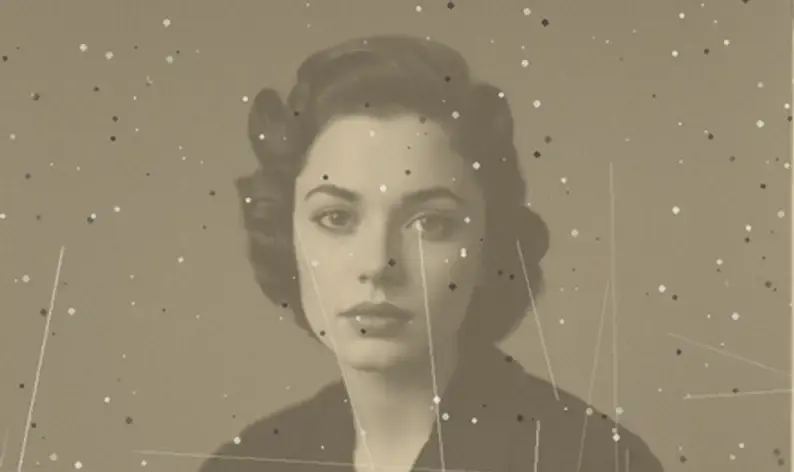
 01
01Pick the photo
Anything cropped too tightly, or the wrong shape for where you want to post it.
EXPAND IMAGE · IN THE ANIM AI APP
Rebuild what sat outside the frame. Turn a tight crop into a wide shot, recover a cut-off head, or reframe a portrait photo for a landscape feed.
4.7 · 1,480 ratings · Free to try
1.9 MILLION EXPANDED
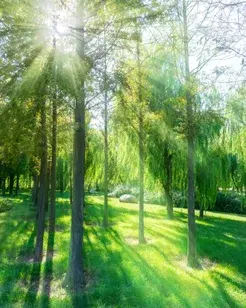
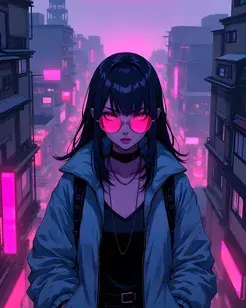
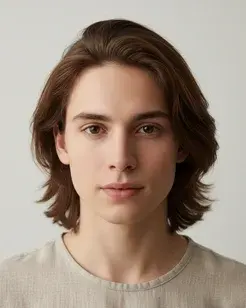
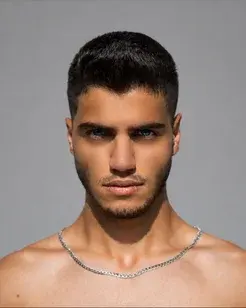
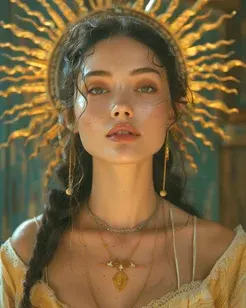
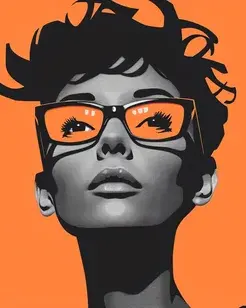
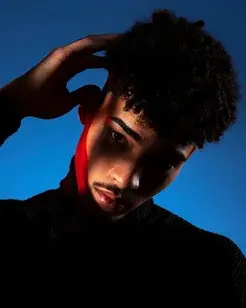
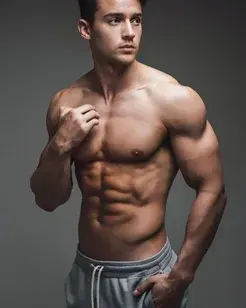
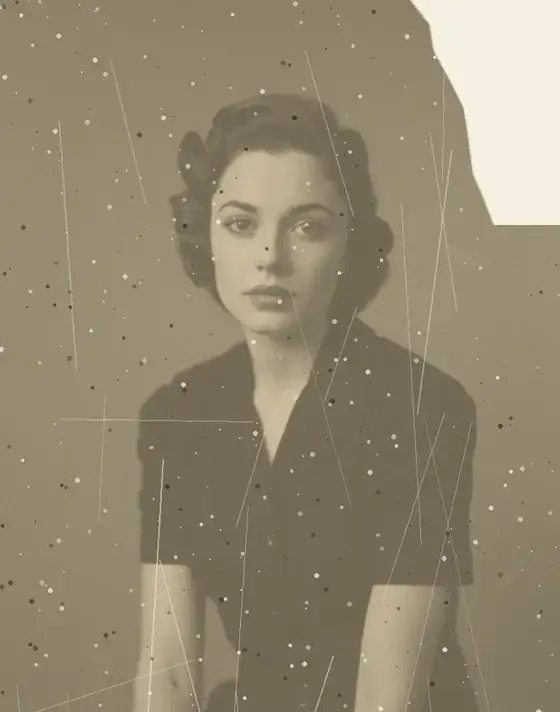
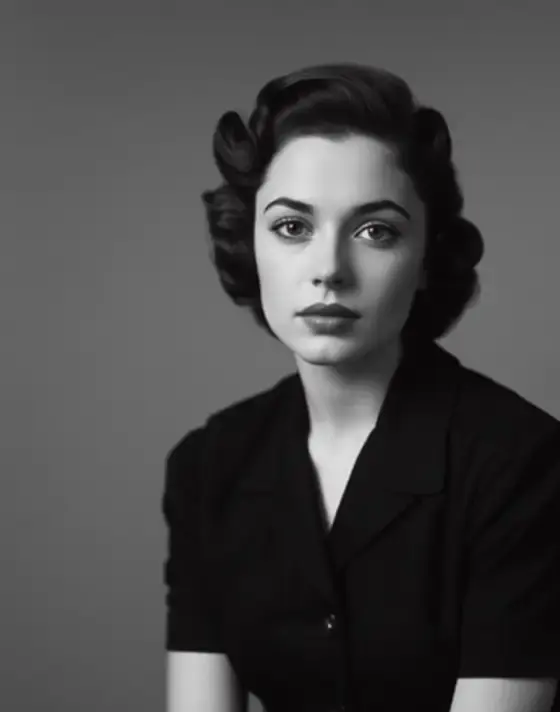
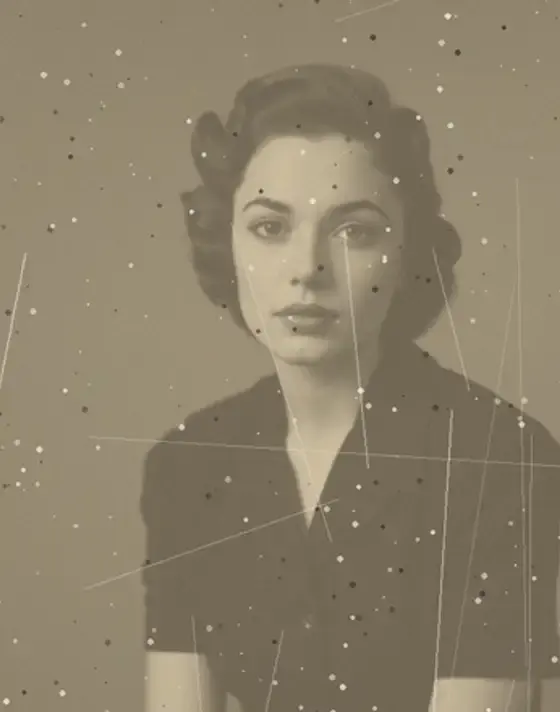
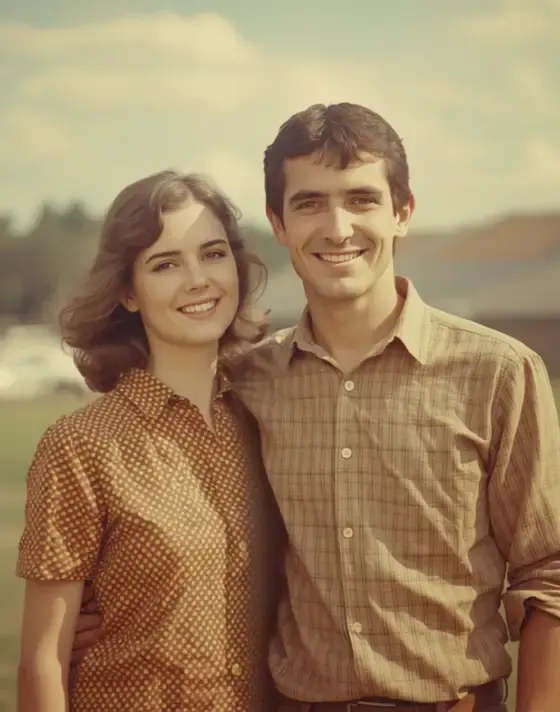
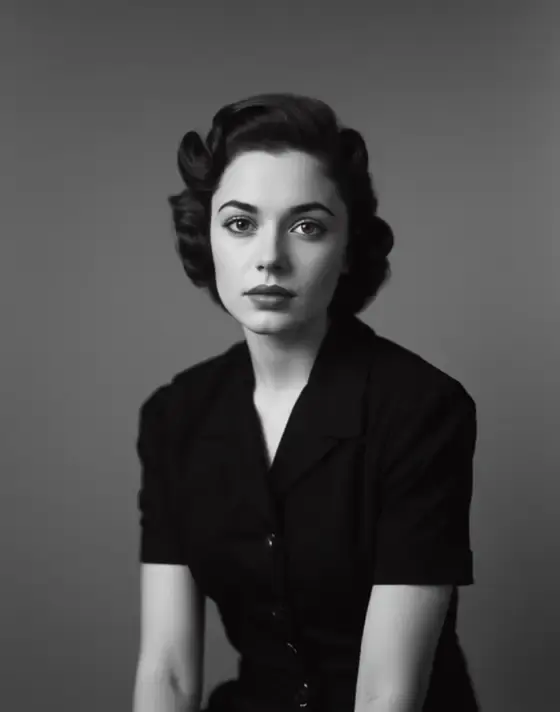
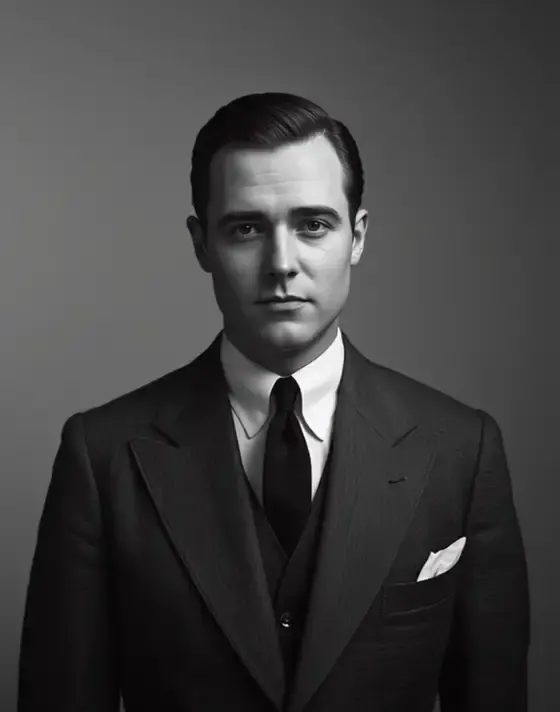
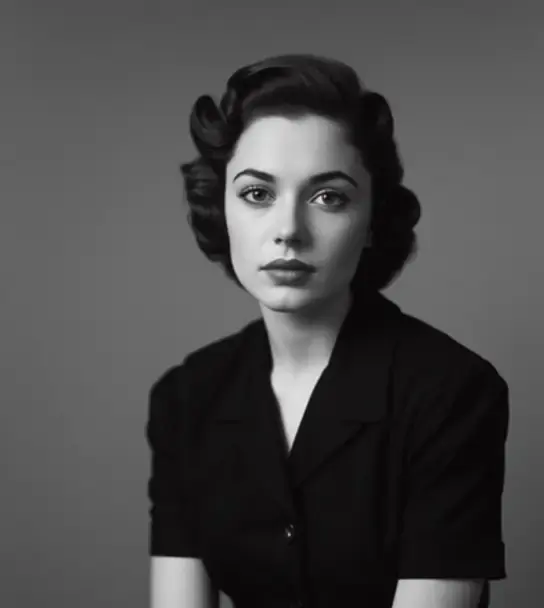
Every photo below was expanded in the Anim AI app. Shared with permission.
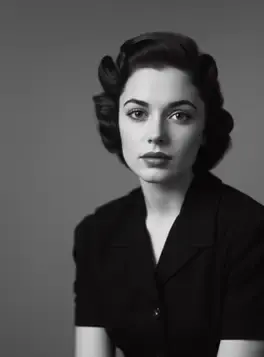
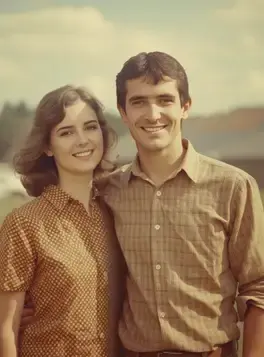
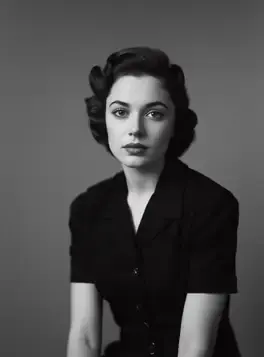
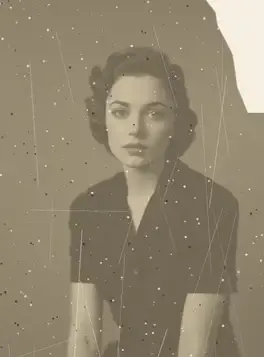
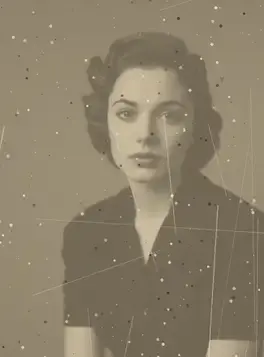
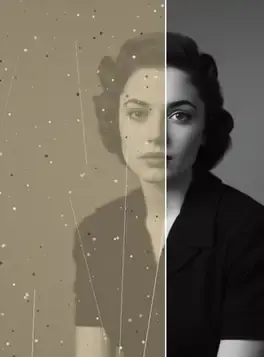
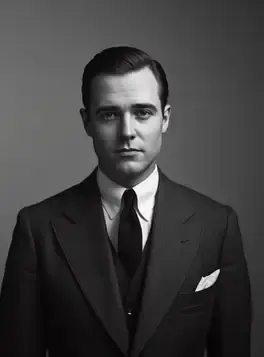
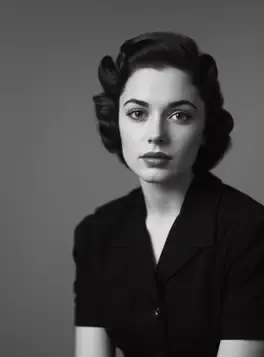
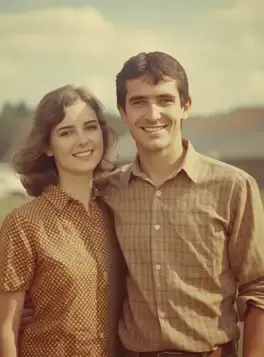
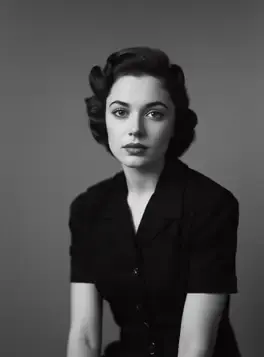
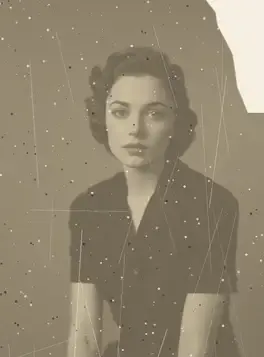
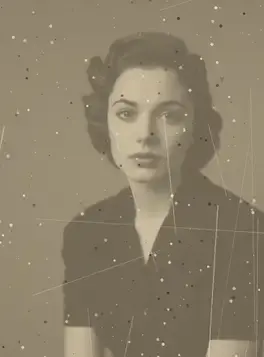
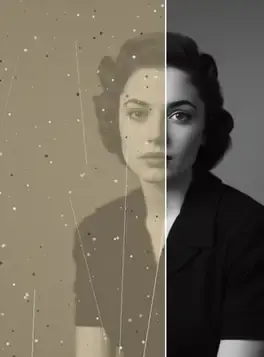
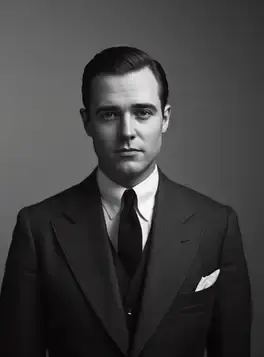
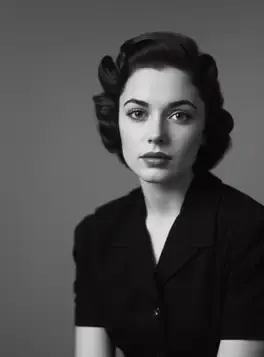
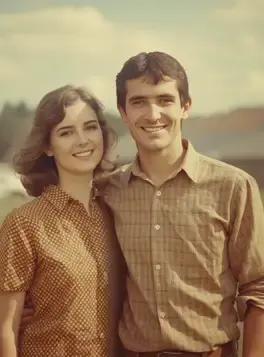
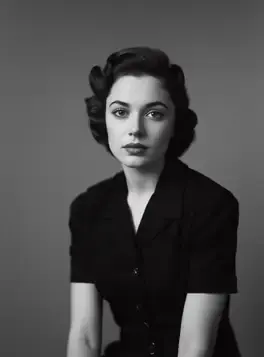
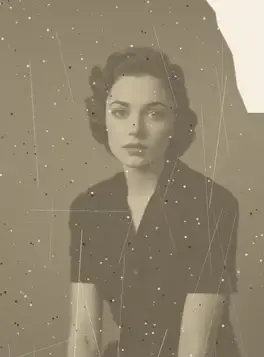
+10 more results
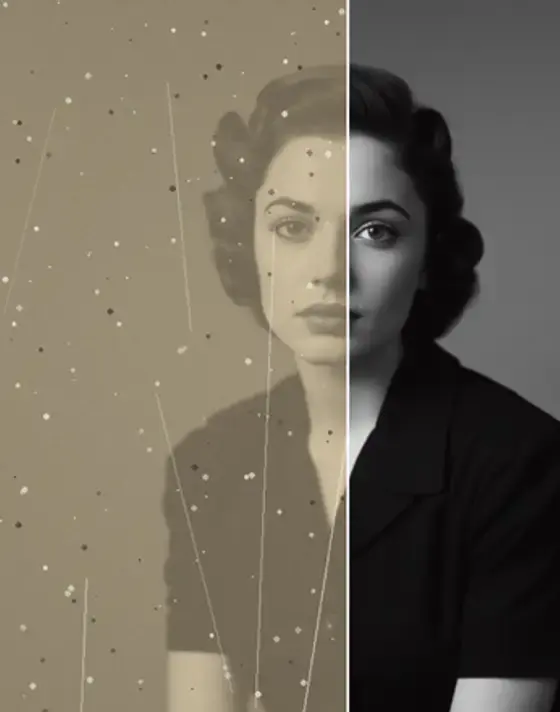
Real results
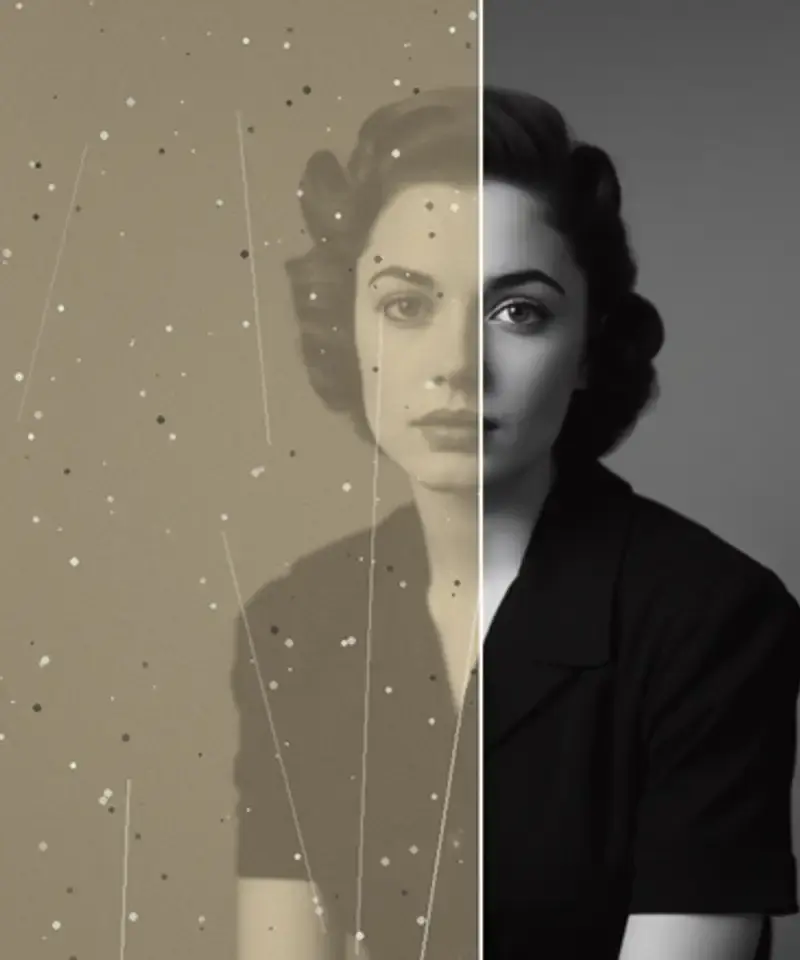
Pick a target ratio to see how the frame is extended. Drag to reveal the original crop.
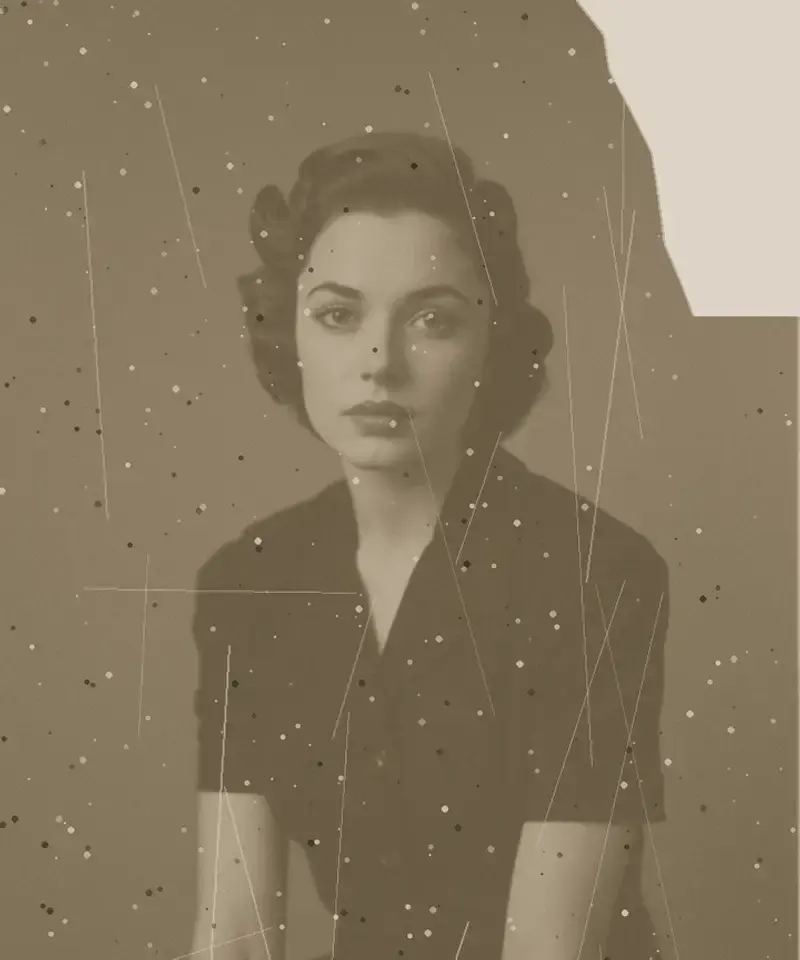
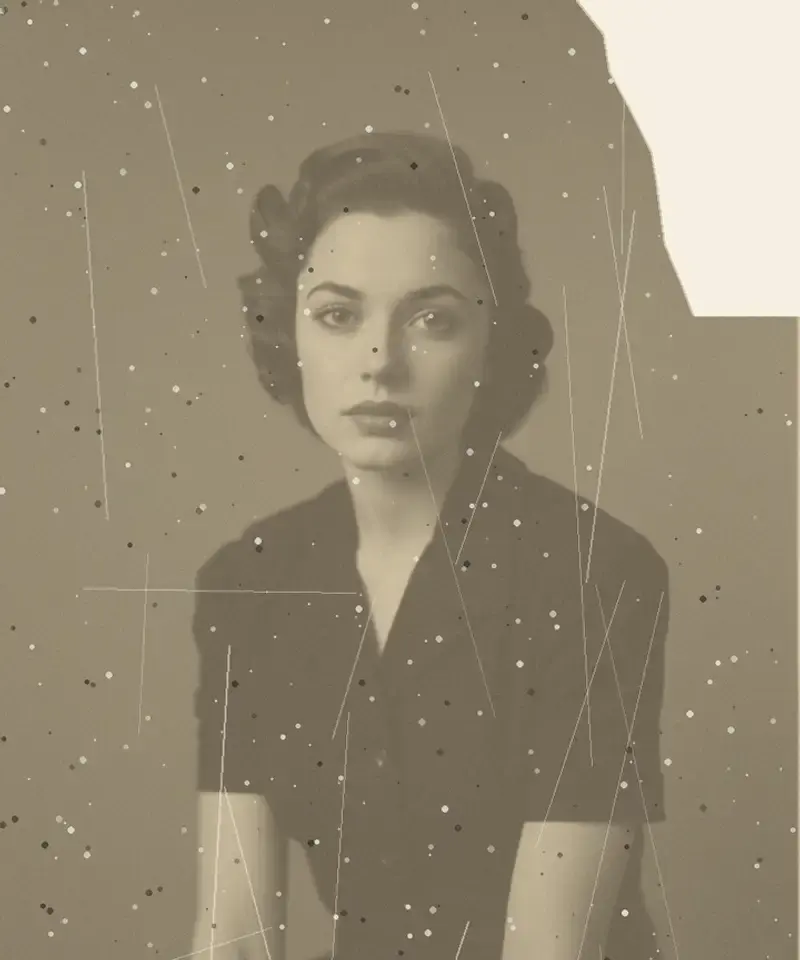
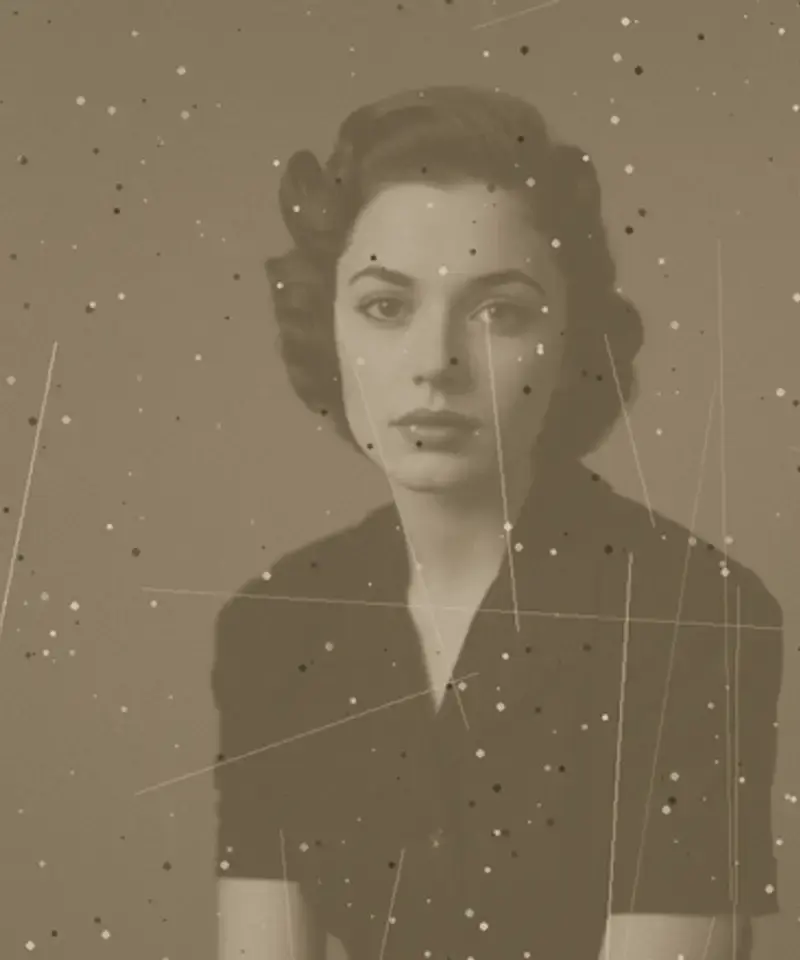
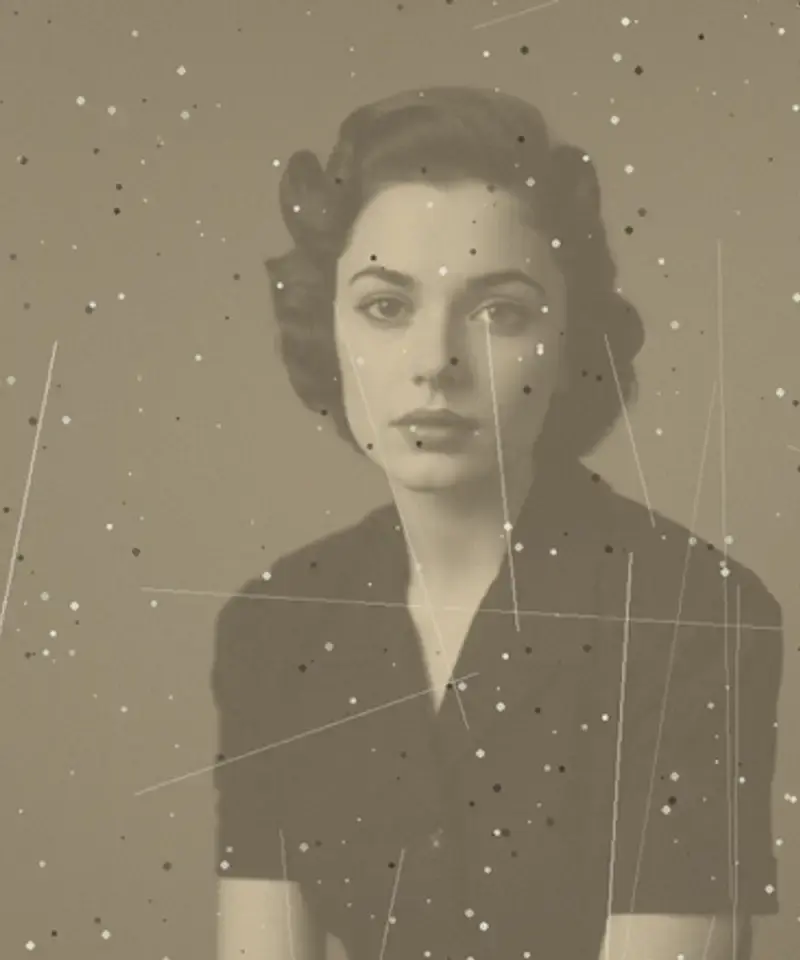
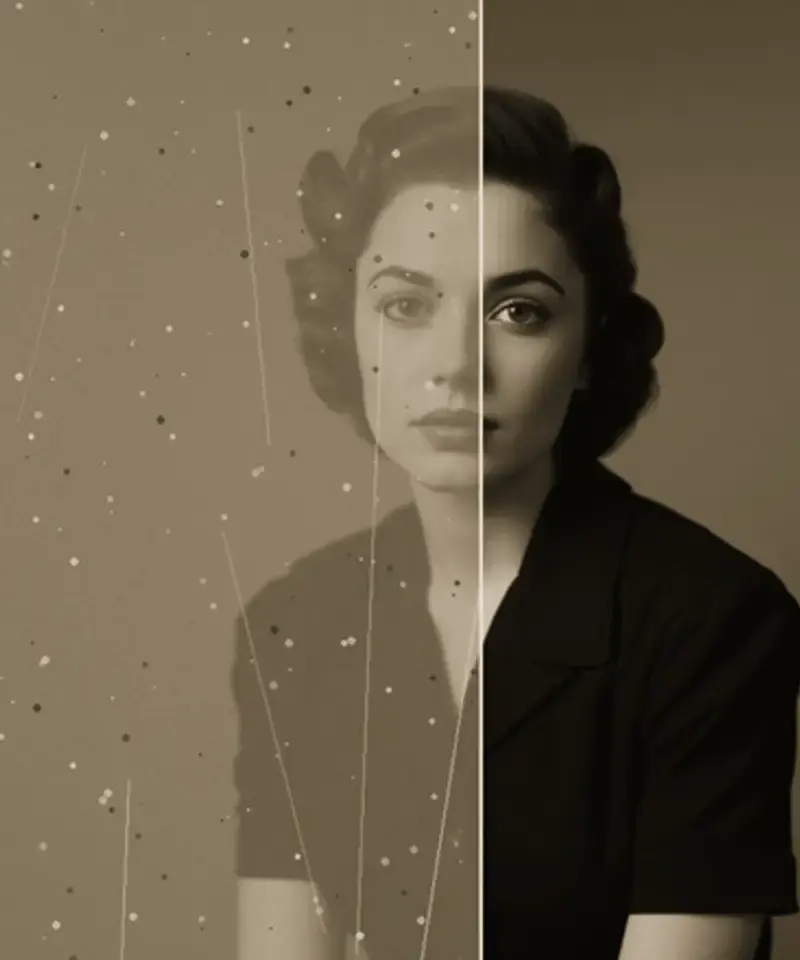
Inside the app
Every step is adjustable and reversible.
It continues the scene
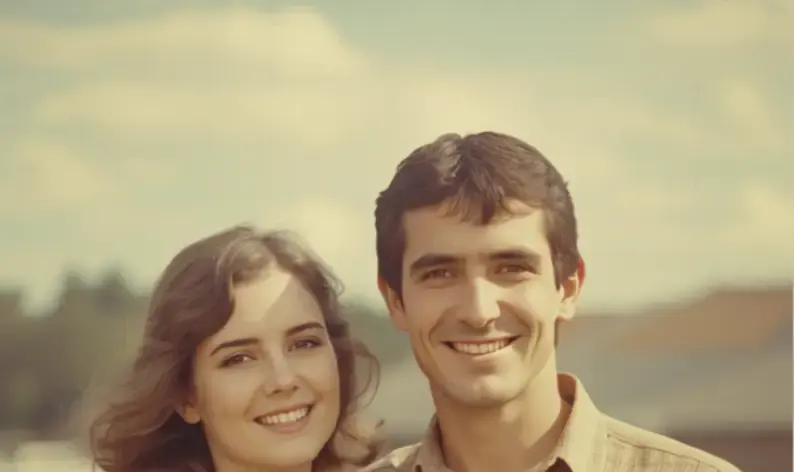
Extending a frame means inventing plausible surroundings — matching perspective, texture and light rather than smearing edge pixels outward.
Choose how far to go
Short extensions are near-invisible. Longer ones invent more. The control lets you decide how much is acceptable.
Original crop preserved
The source image is untouched. Drag to compare, and revert to the original crop at any point.
Three steps
01Anything cropped too tightly, or the wrong shape for where you want to post it.
 02
02A standard ratio, or extend one edge only.
 03
03Check the invented area looks plausible before exporting.
4.7 on the App Store
1,480 ratings for Expand Image.
Everything people ask before they start.
It generates new image area outside the original frame, continuing the existing scene. Unlike stretching, nothing in the original is distorted — the photograph stays intact and new content is built around it.
Comfortably up to roughly the original image area again. Beyond that, the generated portion starts to dominate and repeated texture becomes noticeable. Expanding in two smaller passes usually beats one large one.
Partly, and with caution. Anim AI will generate a plausible continuation rather than the real thing, so a cut-off body may return with wrong clothing or proportions. Faces at the edge are the least reliable case.
Yes. Pick a target ratio like 16:9 and Anim AI fills the sides to match the scene, which avoids both cropping the subject and adding black letterbox bars. This is the most common use of the feature.
No. The original pixels are preserved exactly and new content is generated only outside them, so you can always crop back to the original frame if you do not like the expansion.
Comfortably up to roughly the original image area again. Past that the generated portion starts to dominate and repeated texture becomes noticeable. Two smaller passes usually beat one large one, since each pass has more real image to reason from.
It continues what is already visible rather than adding new subjects, so an empty beach stays empty. Partial figures at the edge are the exception: a body cut off by the crop may be completed with invented clothing, so check those closely.
Yes, free to start. Expanding and previewing costs nothing, and a subscription unlocks full-resolution exports, larger extensions and batch processing. Subscriptions are billed through the App Store or Google Play and can be cancelled there at any time.
GET THE APP
Free to try. Photographs are deleted the moment they're returned to you — never stored, never used for training.Free to try. Photographs are deleted the moment they're returned to you — never stored, never used for training.


Trusted with 1.9M photos