


Photo features
Nine ways to fix, finish and revive a photo
Every one of these runs in the Anim AI app on iOS and Android. Free to try, and photographs are deleted the moment they are returned to you.
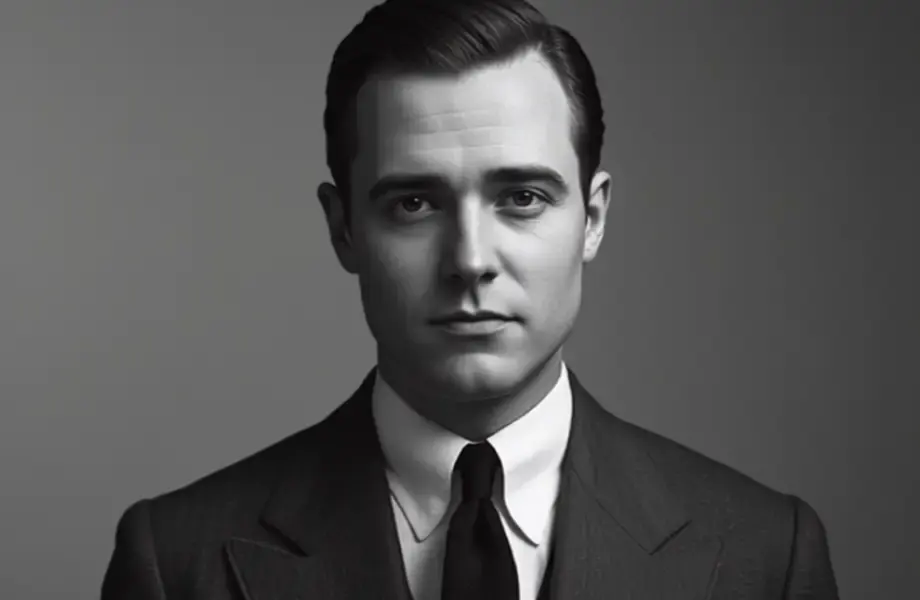 Restore Old PhotosRestore old photos in one tap. AI repairs scratches, tears, fading and blur while keeping faces natural. Free to try, full-resolution download, photos deleted after.Open the feature
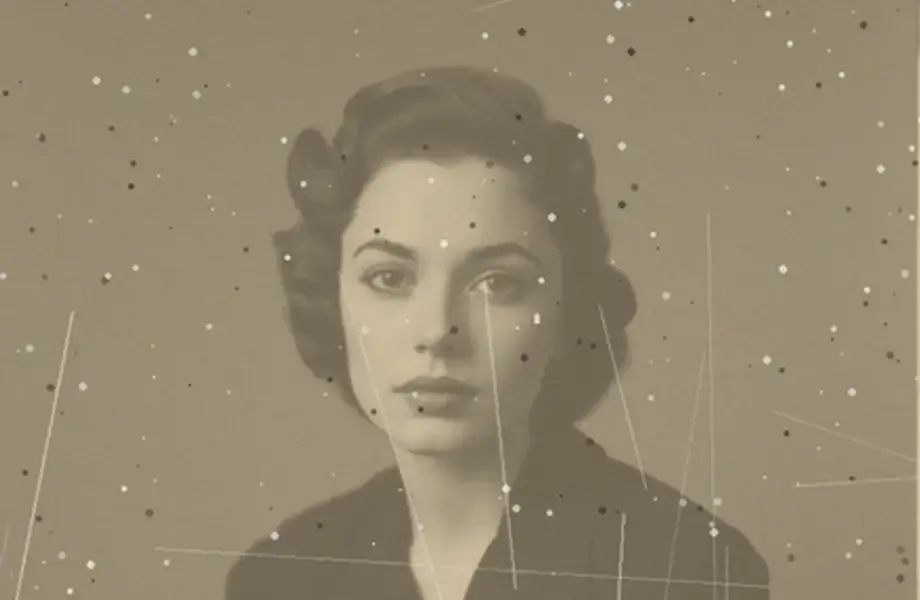 Colorize PhotosAdd natural colour to black and white photos with AI. Period-accurate skin tones, fabric and scenery in seconds. Free to try, full-resolution download.Open the feature
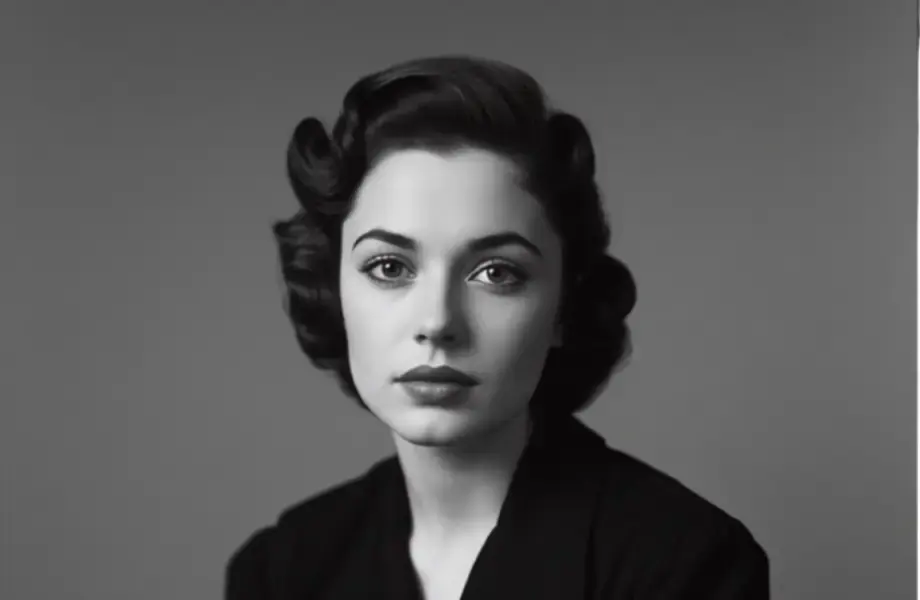 Unblur & SharpenUnblur any photo with AI. Recover focus, sharpen soft detail and fix camera shake without the crunchy over-sharpened look. Free to try, no editing skills needed.Open the feature
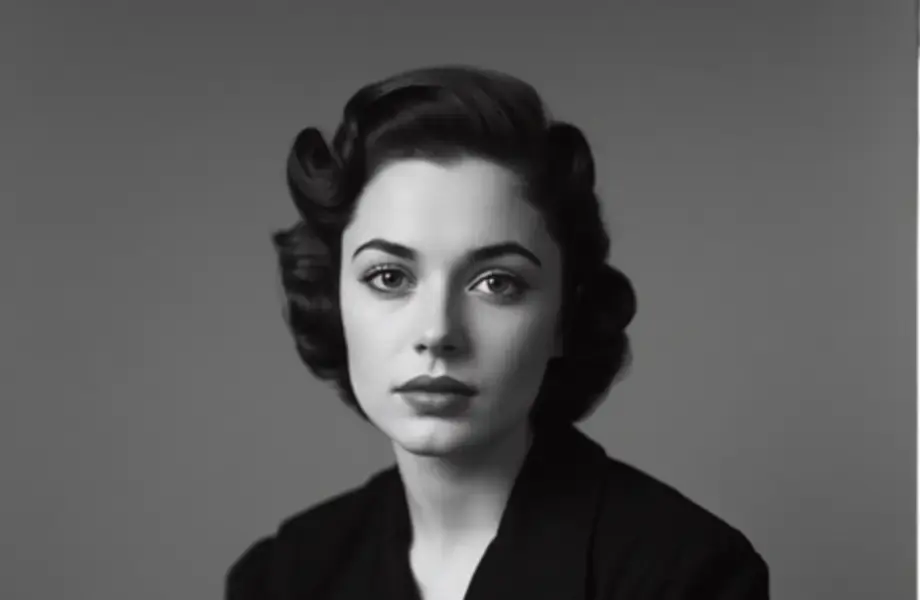 Change Photo BackgroundChange the background of any photo in one tap. Replace it with a studio backdrop, a new scene or a colour, with lighting matched to the subject. Free to try.Open the feature
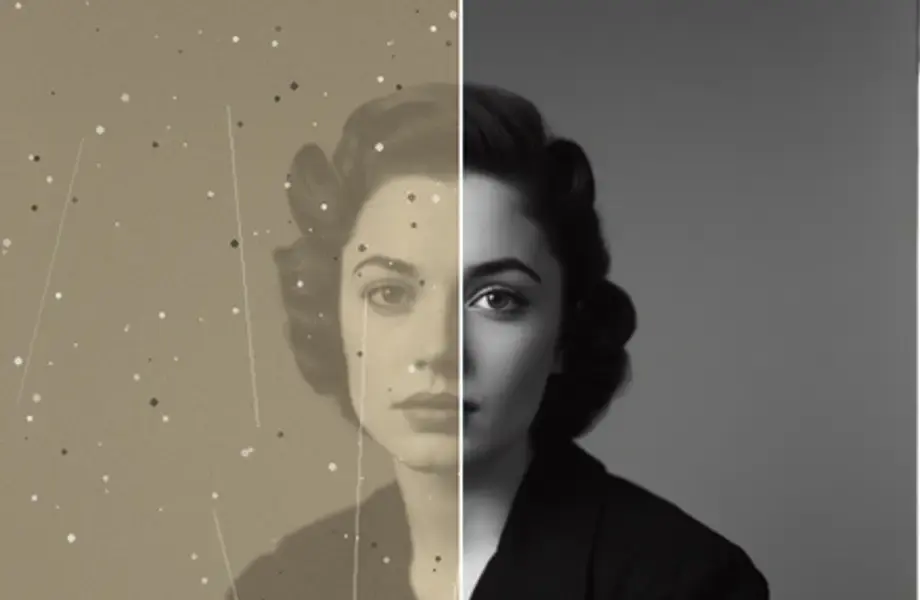 Expand ImageExpand any image beyond its original edges. AI rebuilds what sat outside the frame so you can uncrop, reframe and resize for any aspect ratio. Free to try.Open the feature
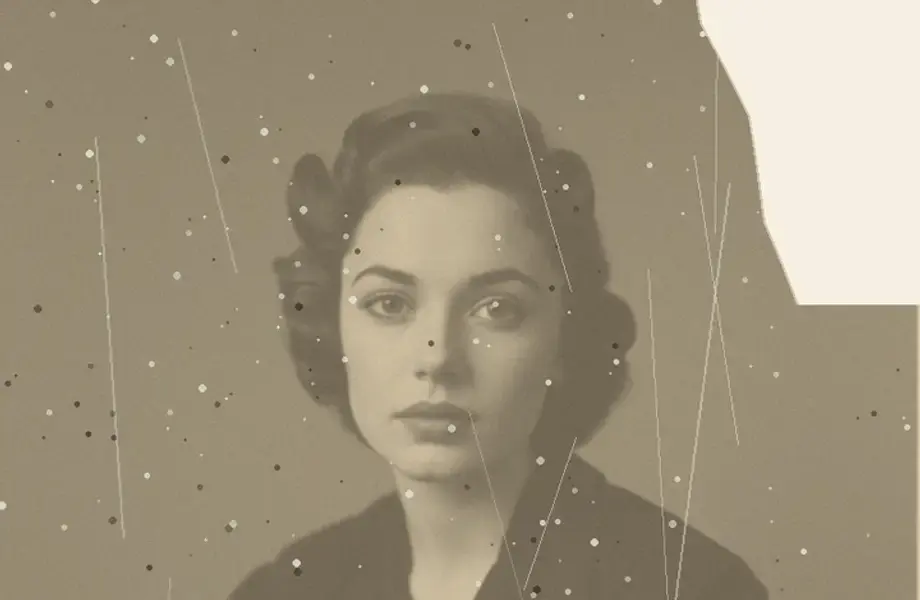 Animate PhotosAnimate old photos with AI. Add gentle, natural motion to family photographs and turn a still into a short clip you can share. Free to try, no editing needed.Open the feature
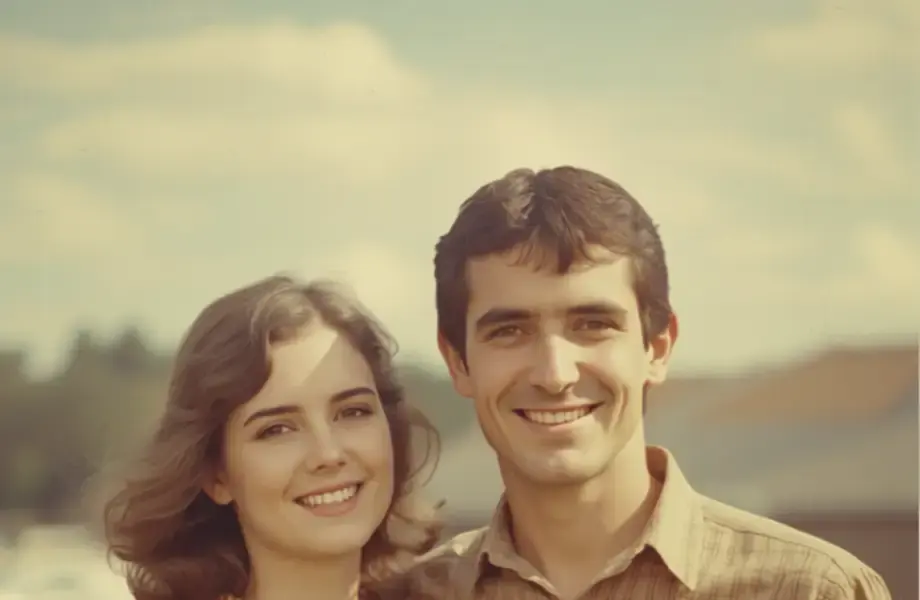 Face SwapSwap faces in photos with AI. Matched skin tone, lighting and angle for a result that looks photographed. Free to try, with consent rules and privacy built in.Open the feature
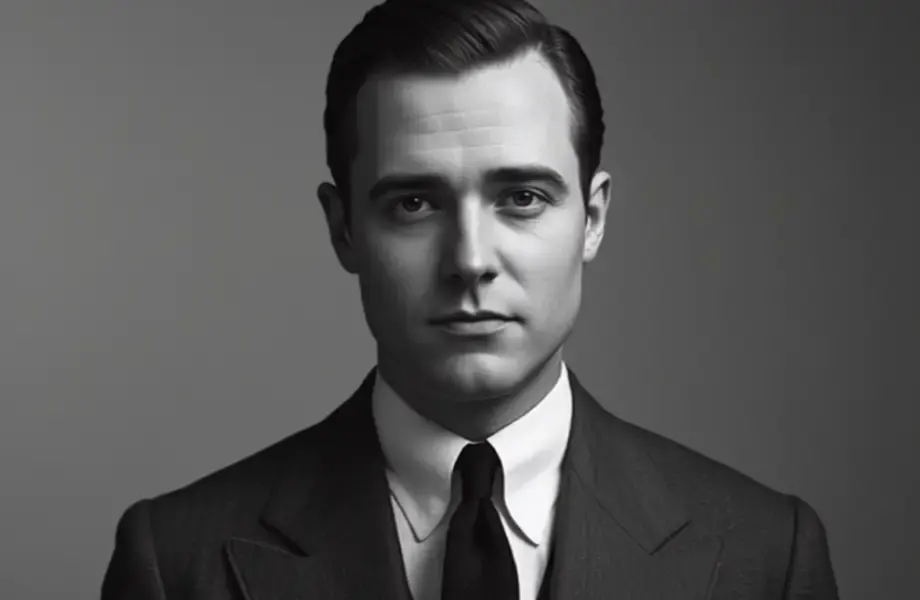 Body EditorAdjust posture, fit and proportion in photos with an AI body editor. Natural edge handling and realistic fabric drape, with the original always kept. Free to try.Open the feature
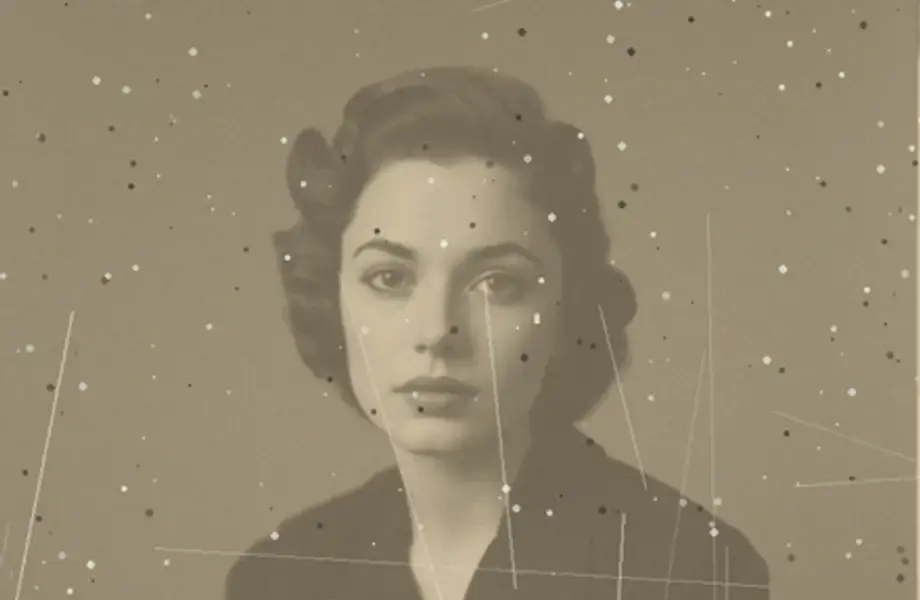 Baby GeneratorSee what your baby might look like. Upload two photos and AI blends the features into a playful prediction in seconds. Just for fun — free to try.Open the feature