


 01
01Pick the photo
Full-length or half-length shots both work.
BODY EDITOR · IN THE ANIM AI APP
A photo-retouching tool for the things a camera gets wrong — a slouched stance, a badly draped garment, a lens that distorted proportion at close range.
4.6 · 1,320 ratings · Free to try
2.8 MILLION EDITS
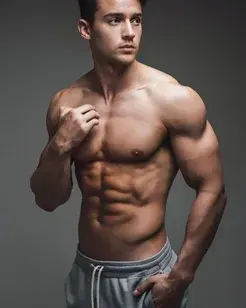
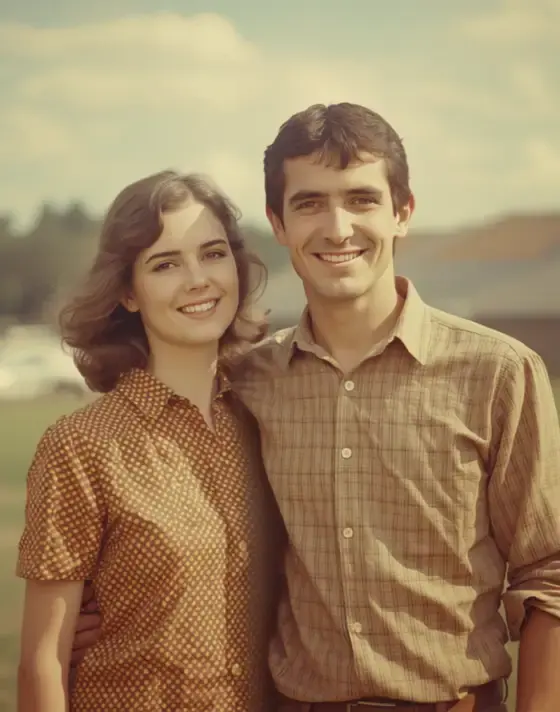
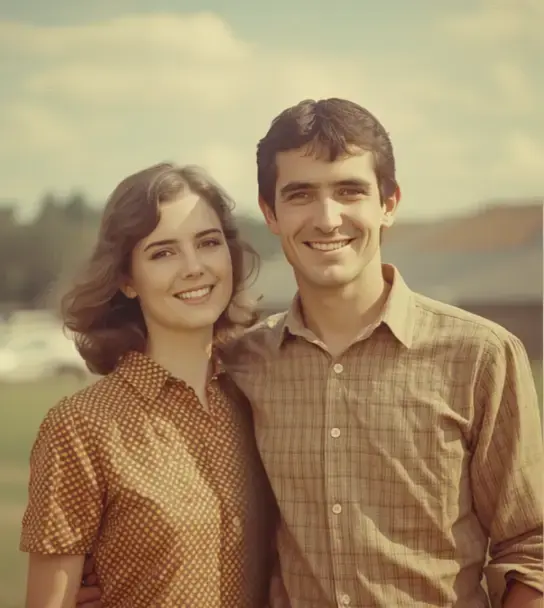
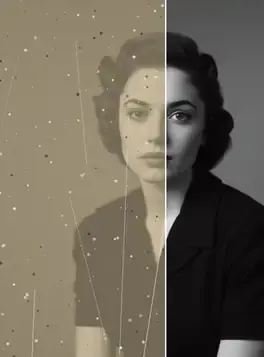
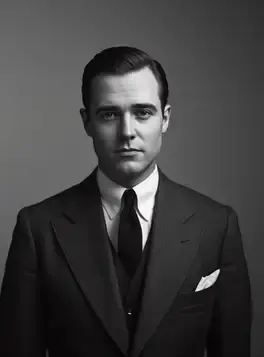
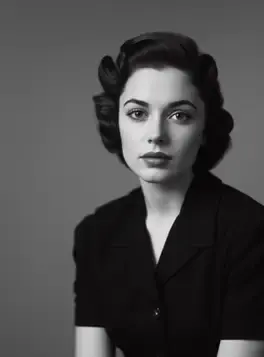
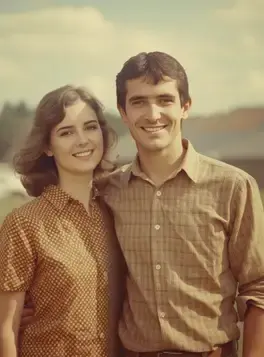
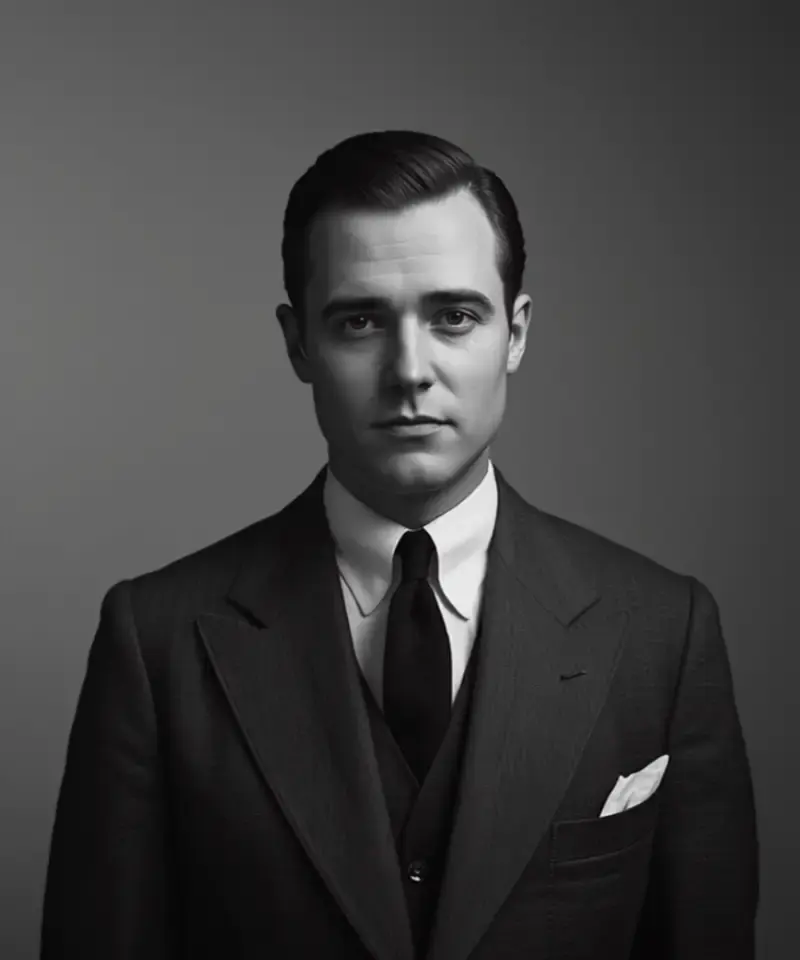
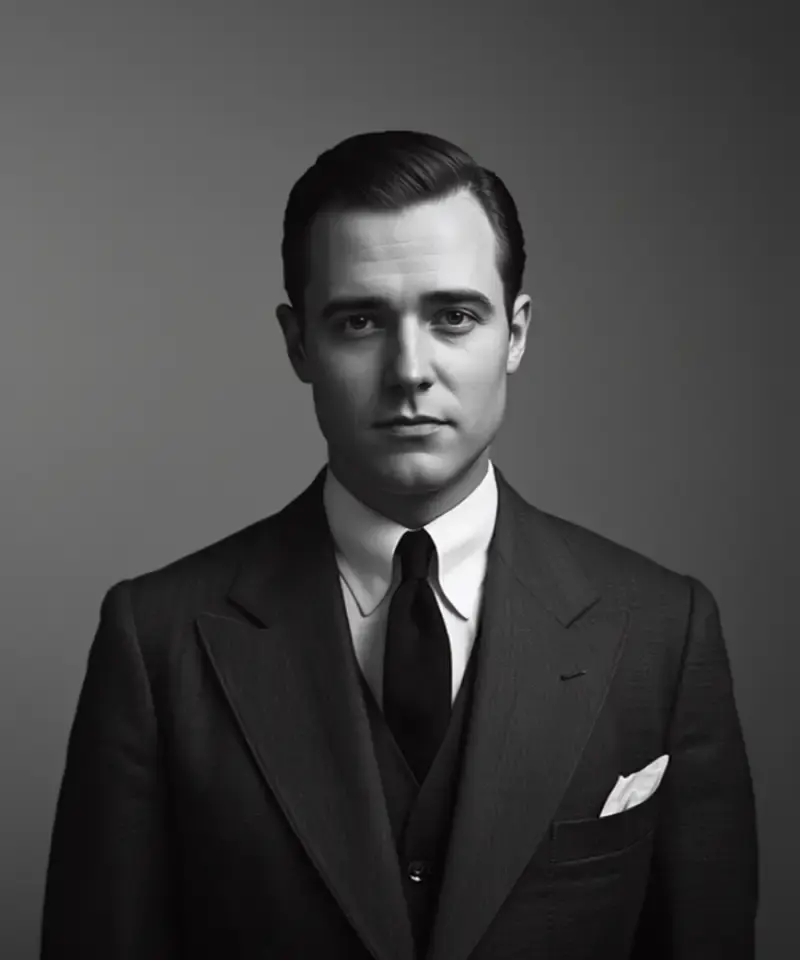
Every photo below was adjusted in the Anim AI app. Shared with permission.
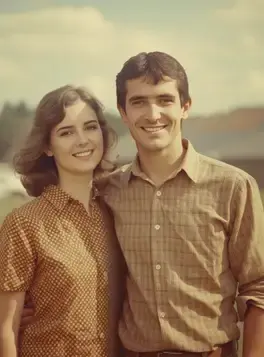
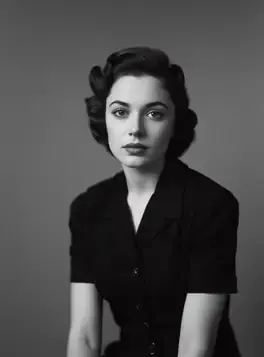
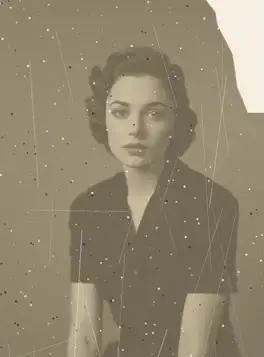
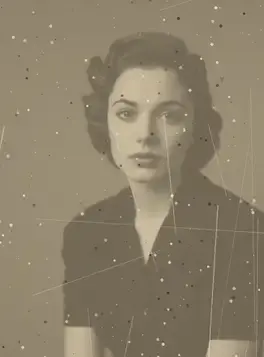
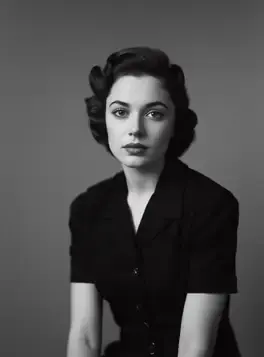
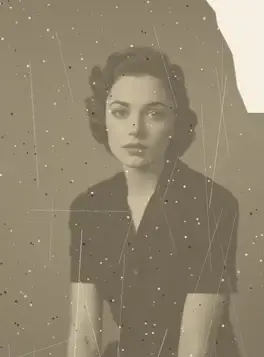
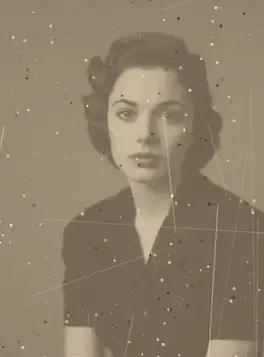
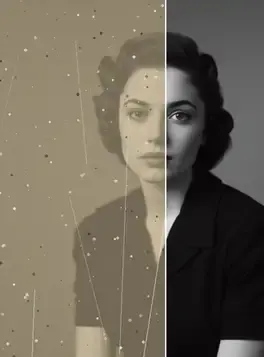
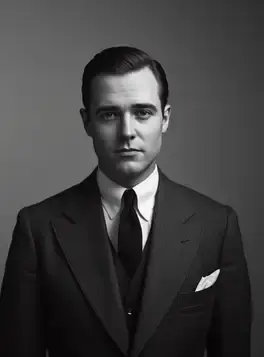
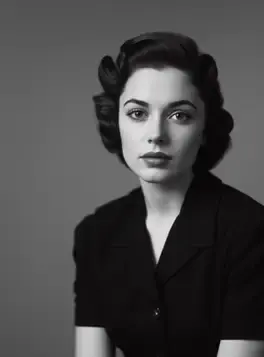
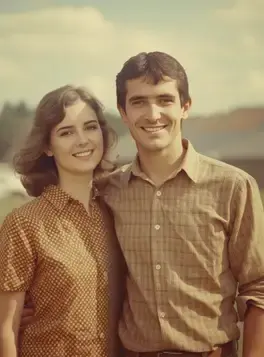
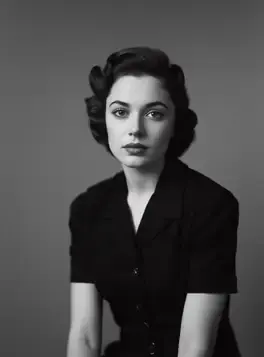
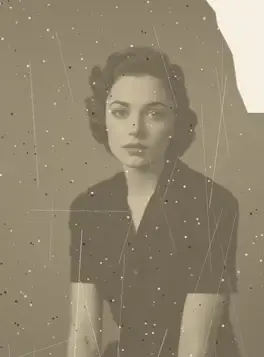
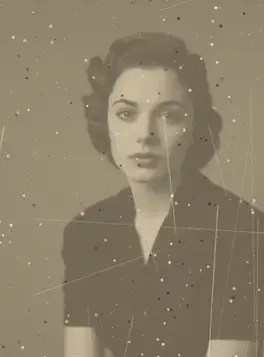
+10 more results
Real results
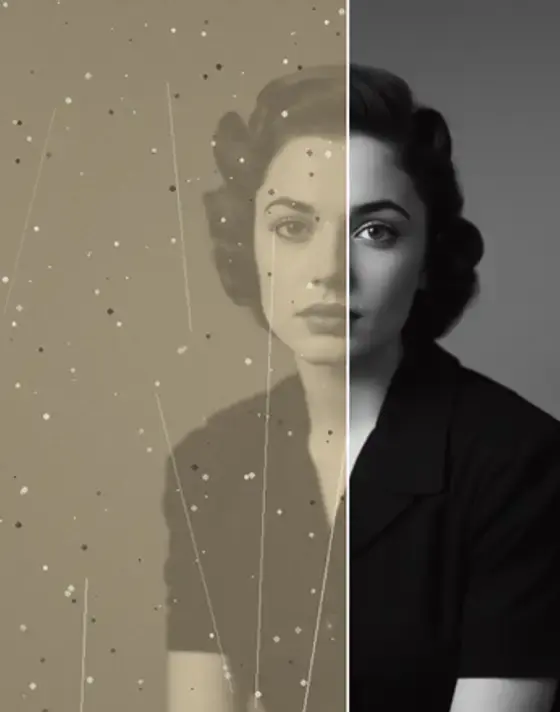
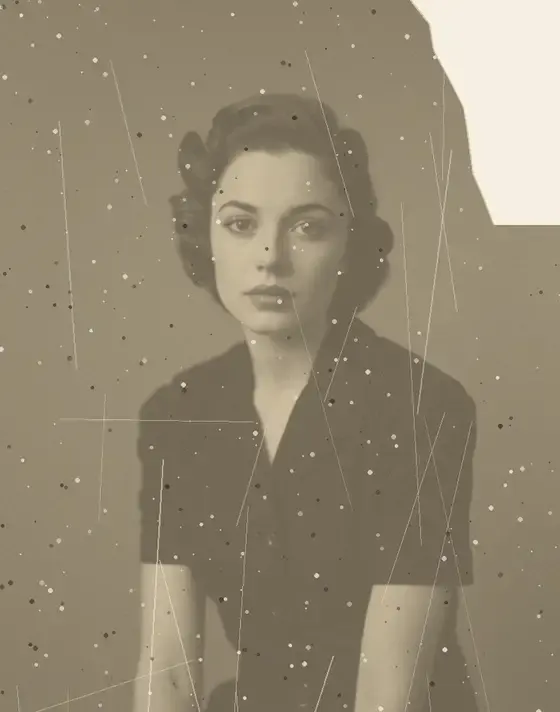
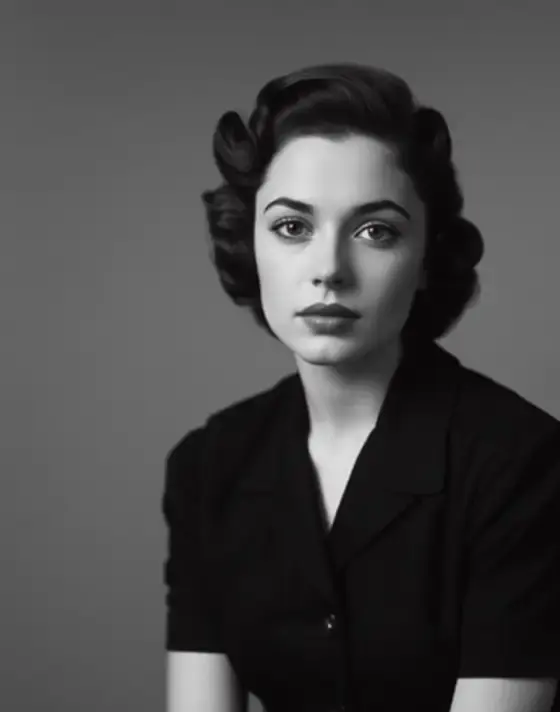
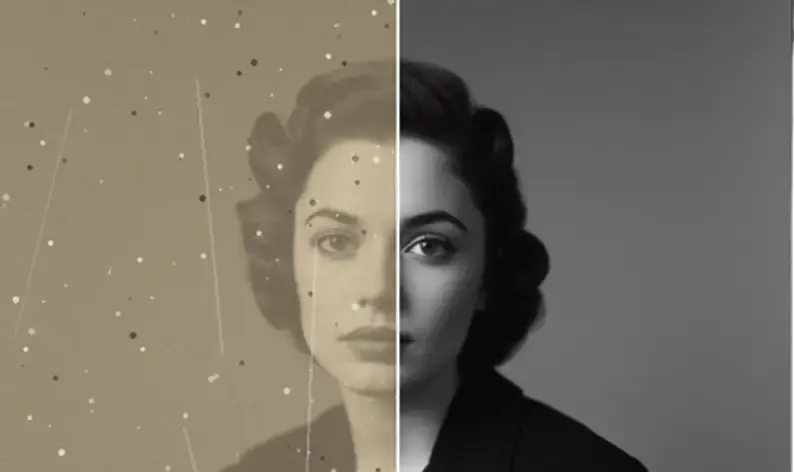
Pick an adjustment to see how it's applied. Drag any comparison to reveal the original.
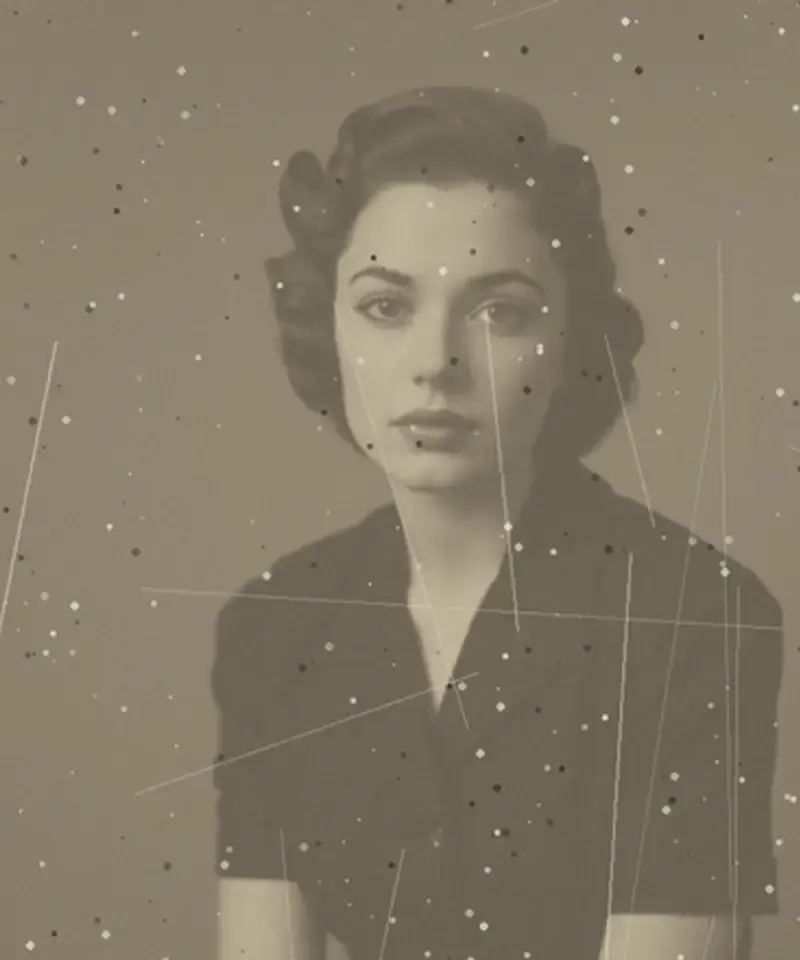
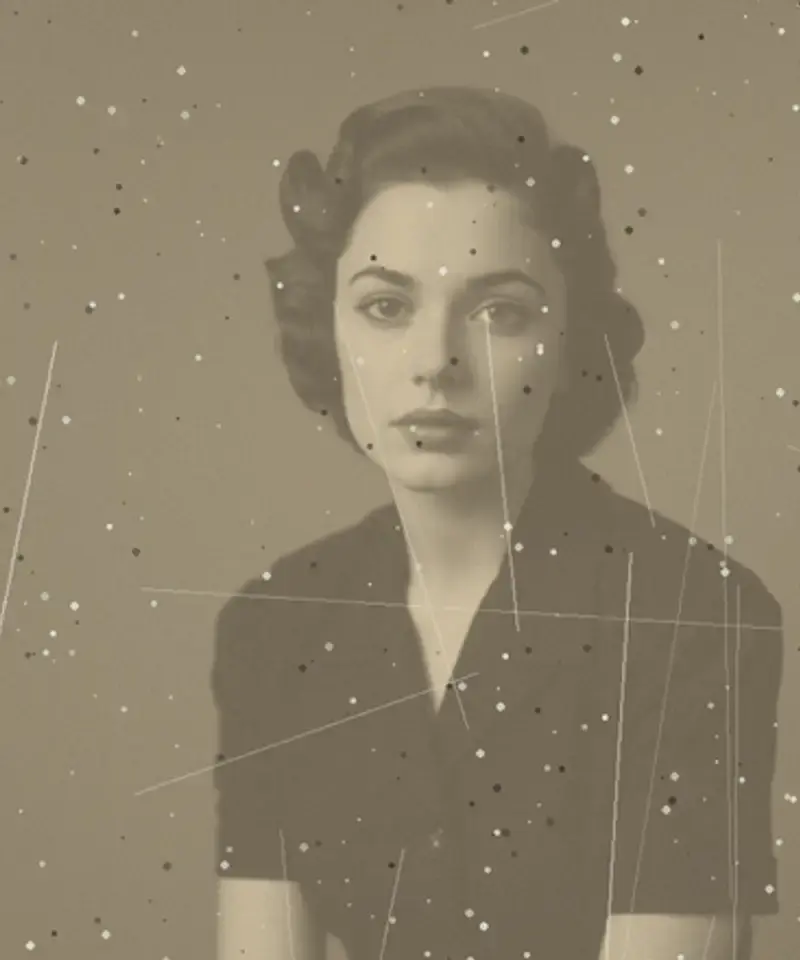
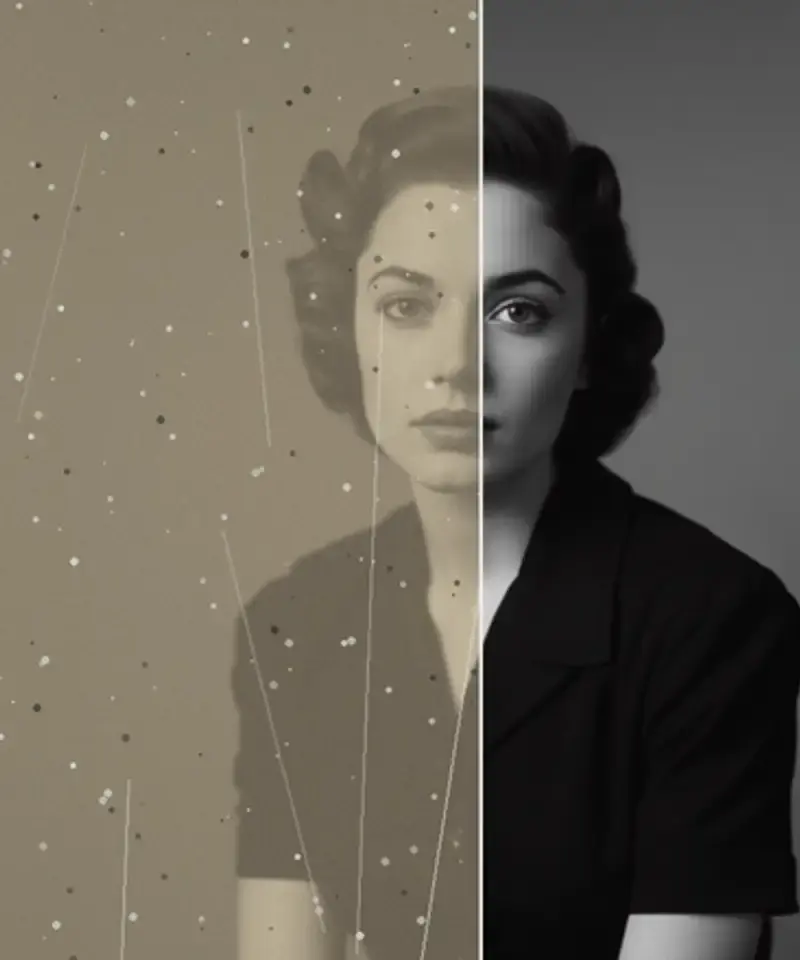
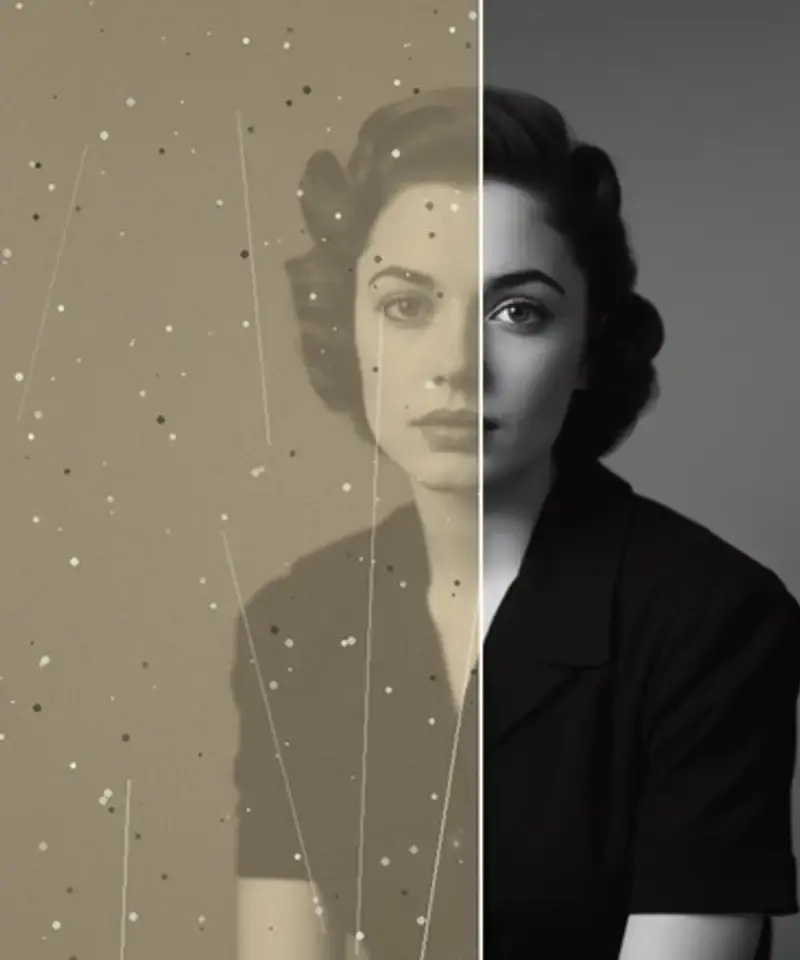
Inside the app
Every step is adjustable and reversible.
Backgrounds stay straight
Most body edits give themselves away in the background — bent door frames and wavy tiles. Anim AI adjusts the subject without dragging the scene with it.
Small moves by default
The default range is deliberately conservative. Large changes look wrong, and the slider makes the limit visible.
Always reversible
Every edit can be compared and undone. The source photo is never replaced.
Three steps
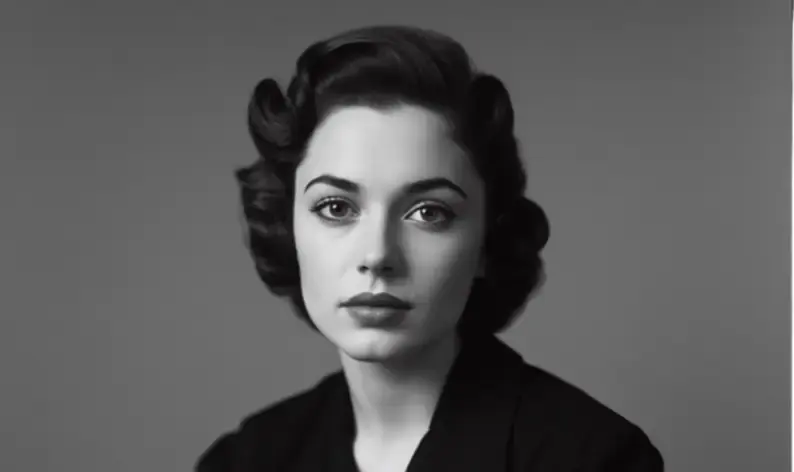
01Full-length or half-length shots both work.
 02
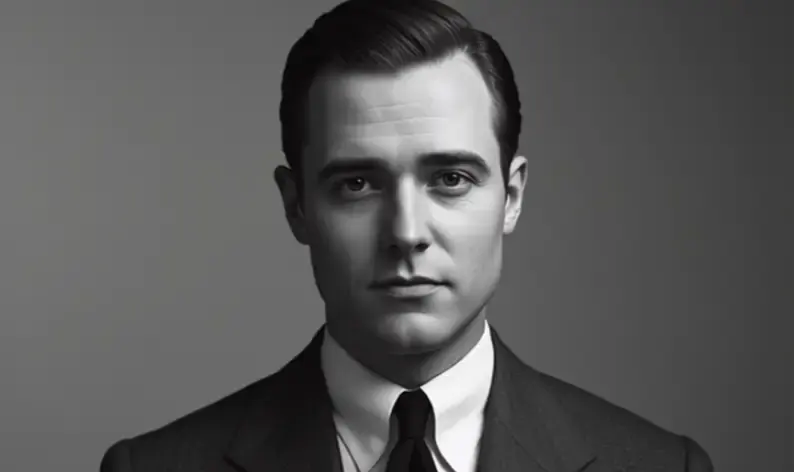
02Posture, garment fit or proportion — one at a time.
 03
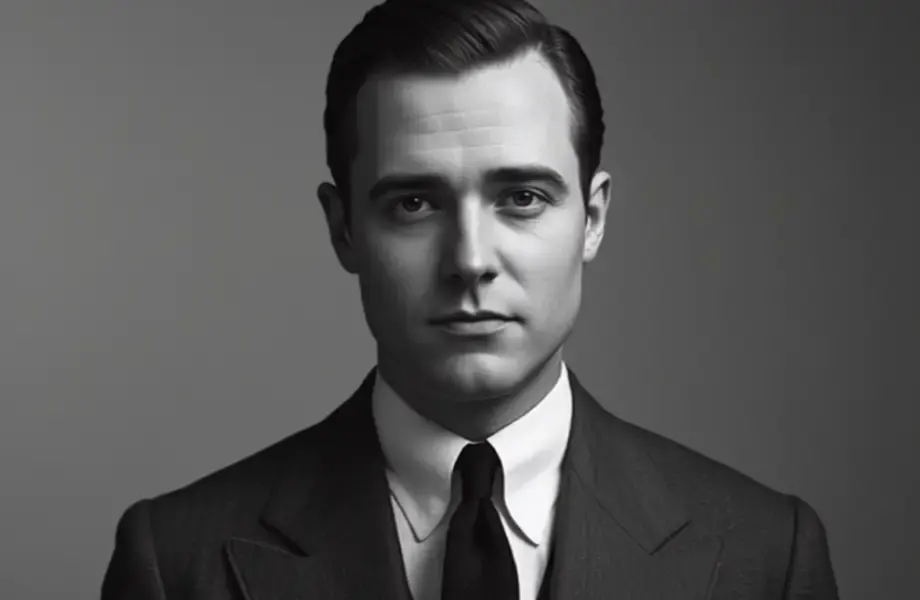
03Look at straight lines behind the subject before exporting.
4.6 on the App Store
1,320 ratings for Body Editor.
Everything people ask before they start.
It makes small, physically plausible corrections — posture, garment drape and lens distortion. It is a retouching tool for what the camera got wrong, not a way to reshape someone into a different body.
Not at low strength, which is the default. The clearest giveaway of a body edit is bent lines in the background, so Anim AI protects background geometry. Heavy edits are visible regardless of the tool used.
Phone cameras use wide lenses, which stretch whatever is closest at short range. That is optical distortion rather than how you look, and correcting it is usually the only adjustment a photo needs.
Yes, always. The original is never overwritten and both versions save to your library, so you can revert or compare at full size at any point after exporting the edit.
That is your call, and worth making consciously. Retouching a photo is ordinary; if editing your appearance is something you feel compelled to do before sharing anything, that is worth talking to someone about rather than solving with a tool.
Not at the default strength, which is deliberately conservative. The usual giveaway is bent lines in the background, so Anim AI holds background geometry fixed while adjusting the subject. Large changes look edited regardless of which tool makes them.
Yes, always. Every edit is reversible and the original is never overwritten, so both versions save to your library. You can compare them at full size after exporting and revert at any point without re-uploading the photo.
Yes, free to start. Adjusting and previewing costs nothing, and a subscription adds full-resolution exports and unlimited edits. Subscriptions are billed through the App Store or Google Play and can be cancelled there at any time.
GET THE APP
Free to try. Photographs are deleted the moment they're returned to you — never stored, never used for training.Free to try. Photographs are deleted the moment they're returned to you — never stored, never used for training.


Trusted with 2.8M photos