


 01
01Pick your photo
Portraits, products and pets all work. Busy backgrounds are fine.
CHANGE PHOTO BACKGROUND · IN THE ANIM AI APP
Put your subject in a studio, a city street or a plain colour. Anim AI relights the edges so the result looks photographed rather than pasted together.
4.8 · 2,010 ratings · Free to try
5.2 MILLION BACKGROUNDS
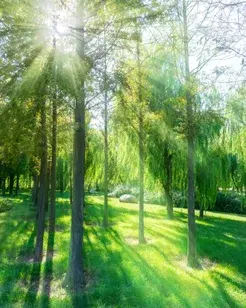
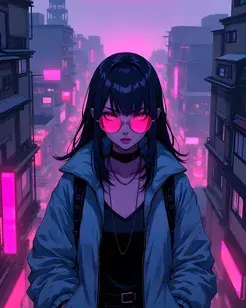
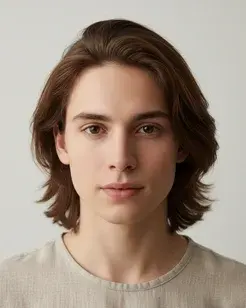
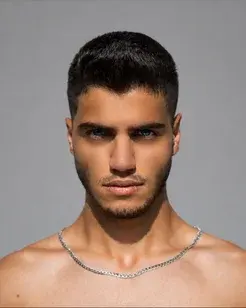
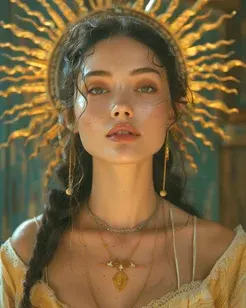
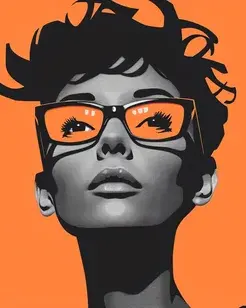
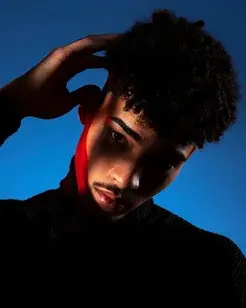
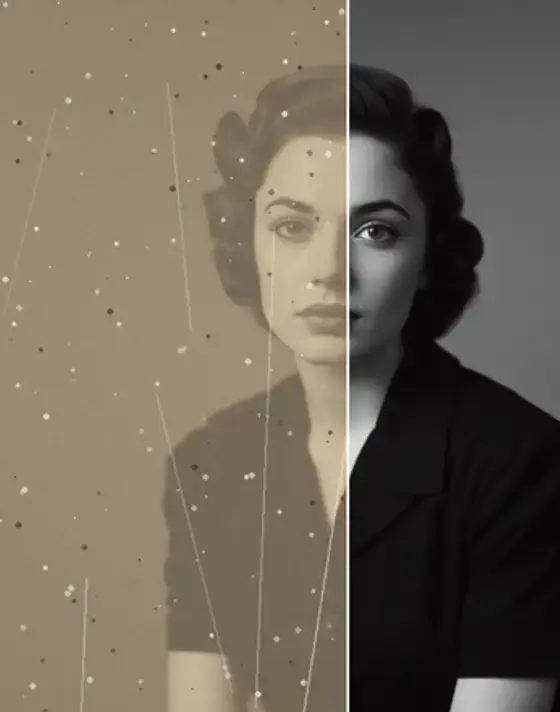
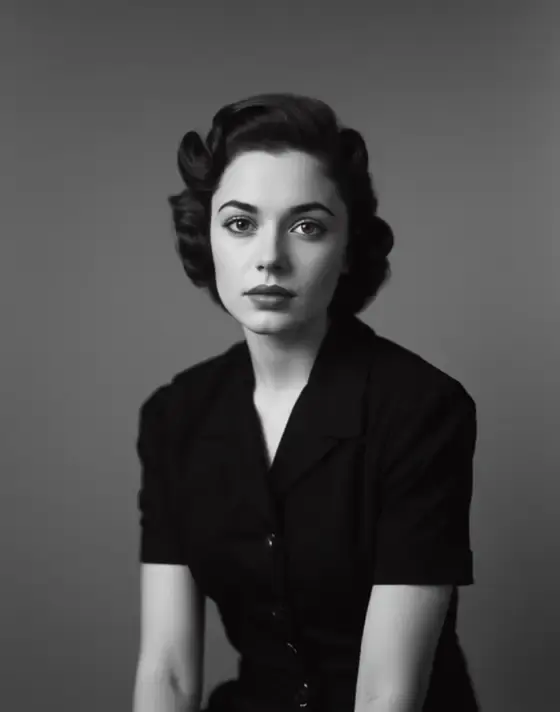
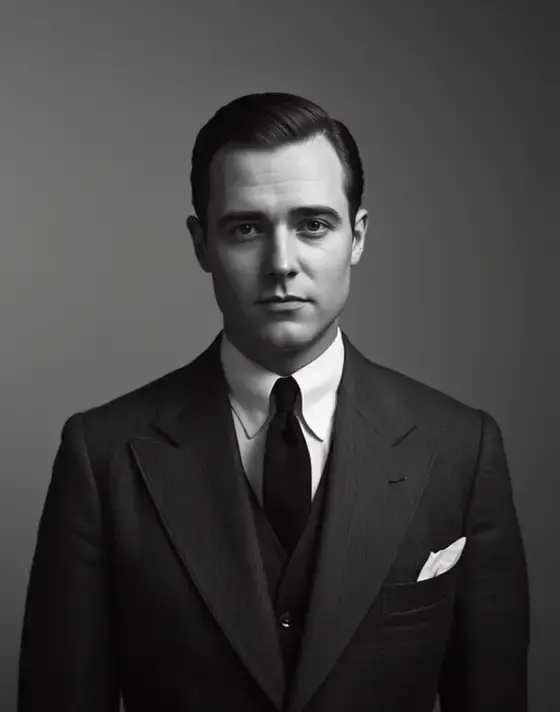
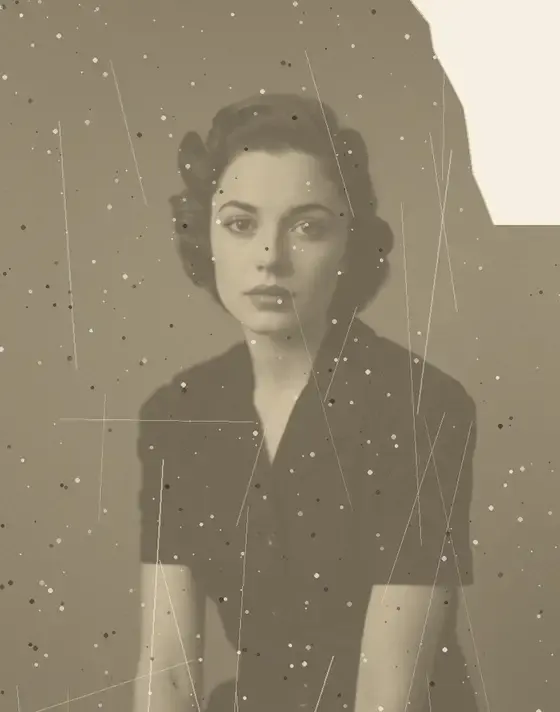
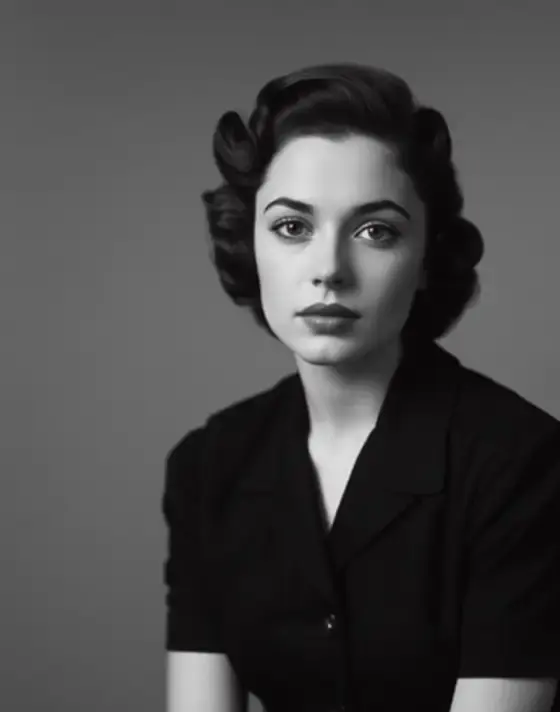
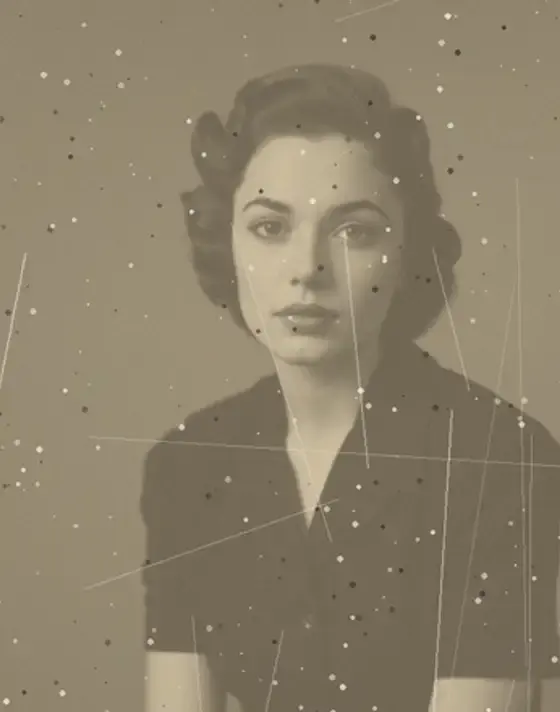
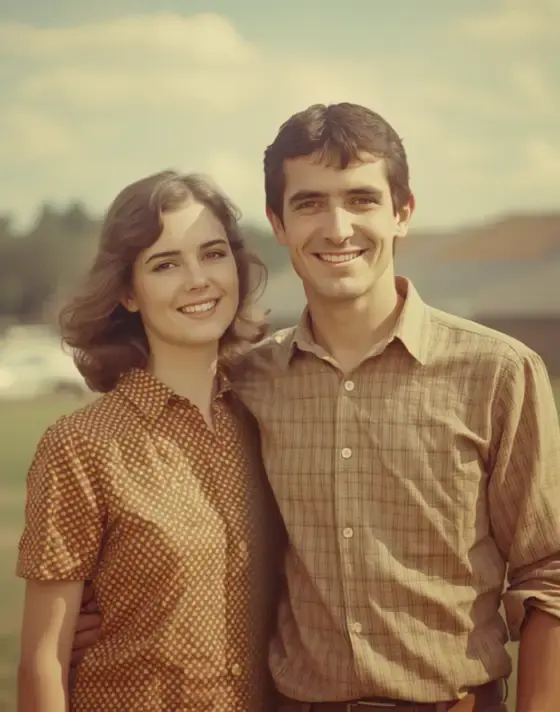
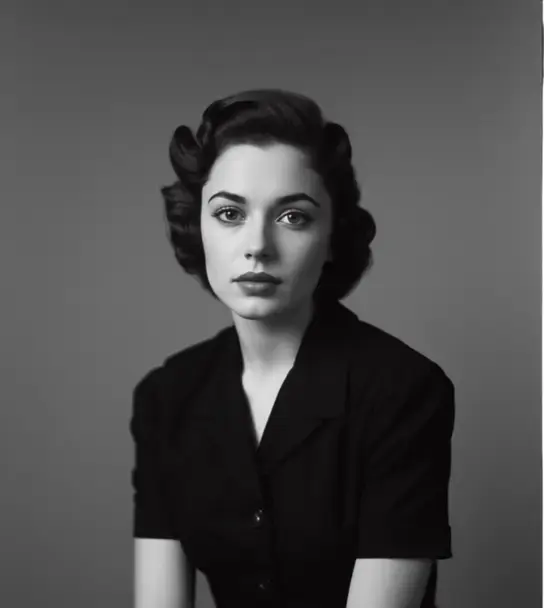
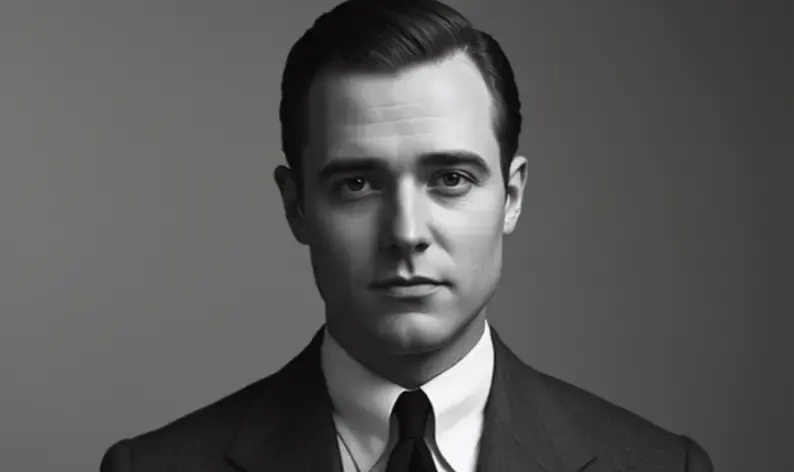
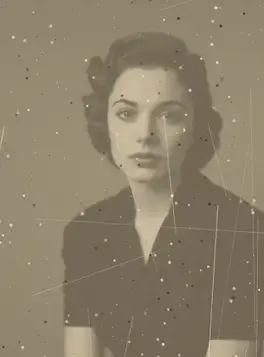
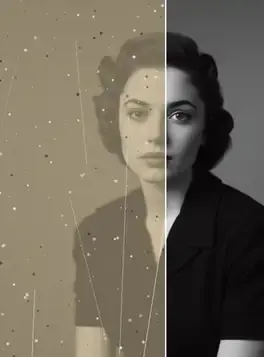
Every photo below had its background changed in the Anim AI app. Shared with permission.
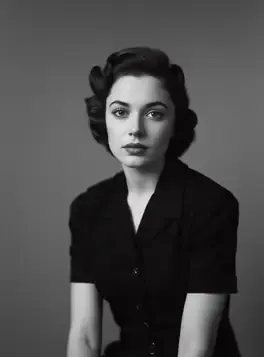
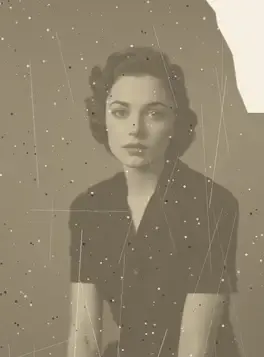
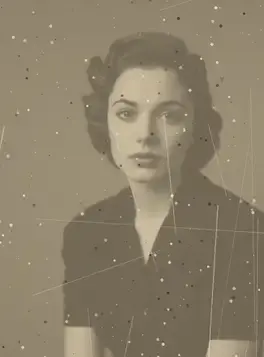
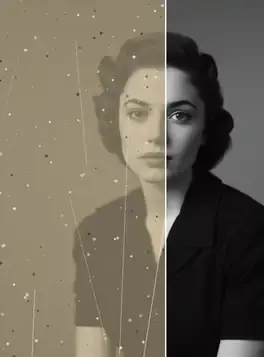
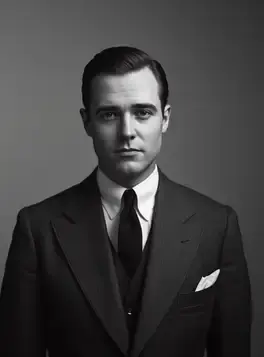
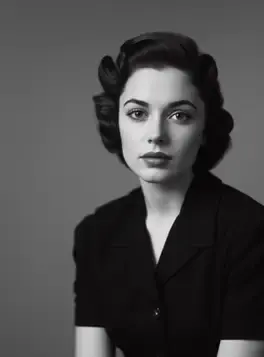
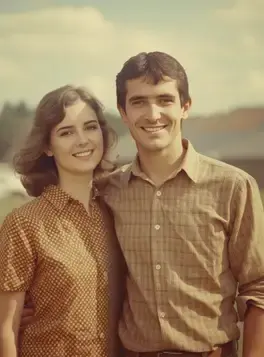
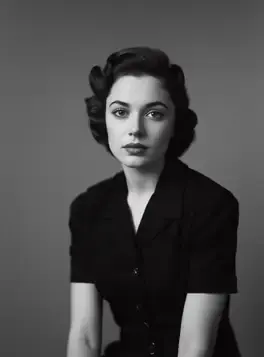
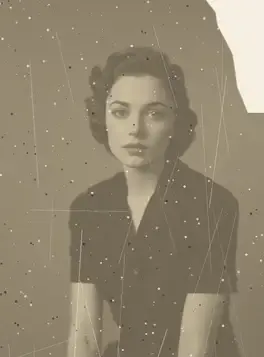
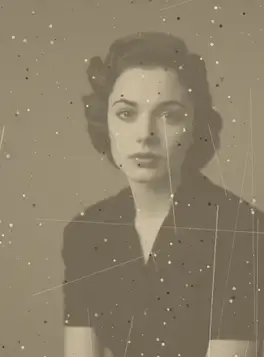
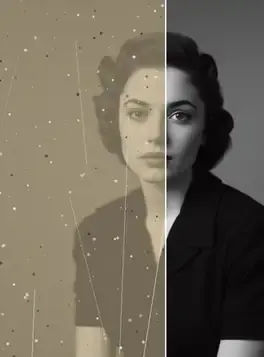
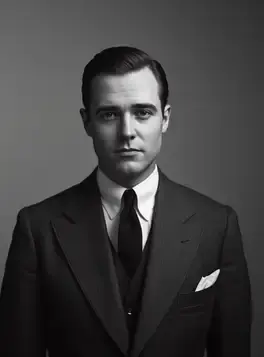
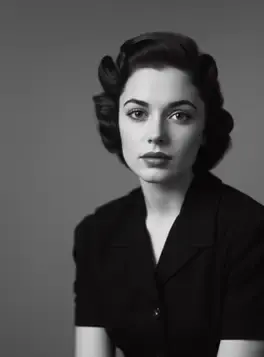
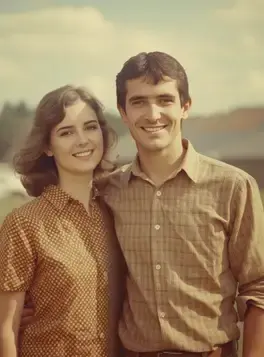
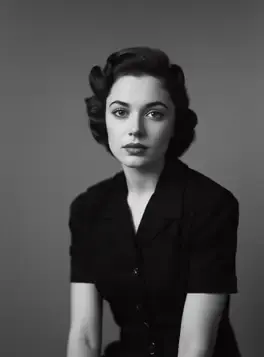
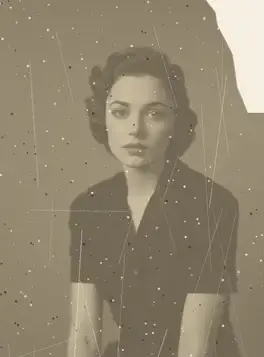
+10 more results
Real results
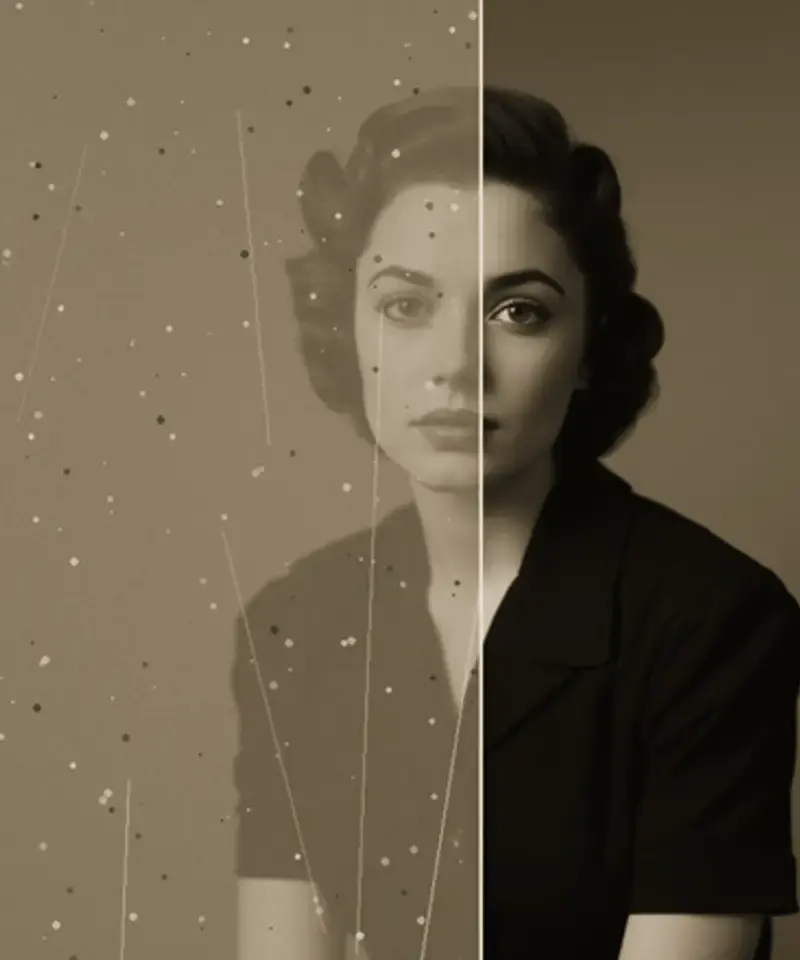
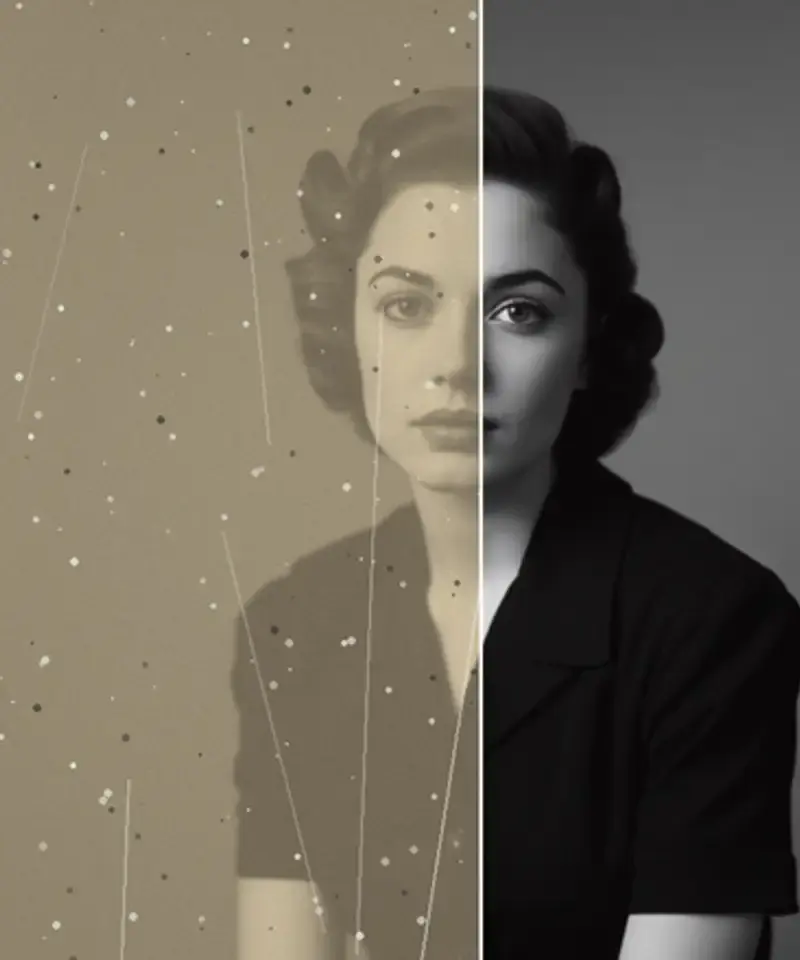
Pick a backdrop to see how edges and lighting are handled. Drag to reveal the original.
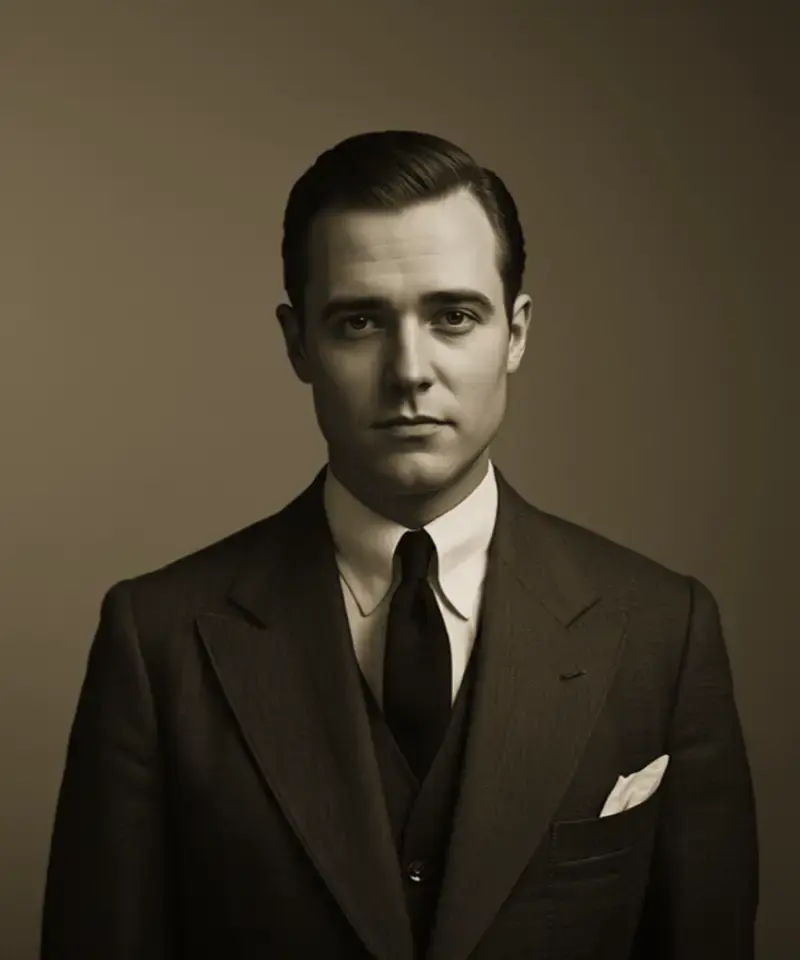
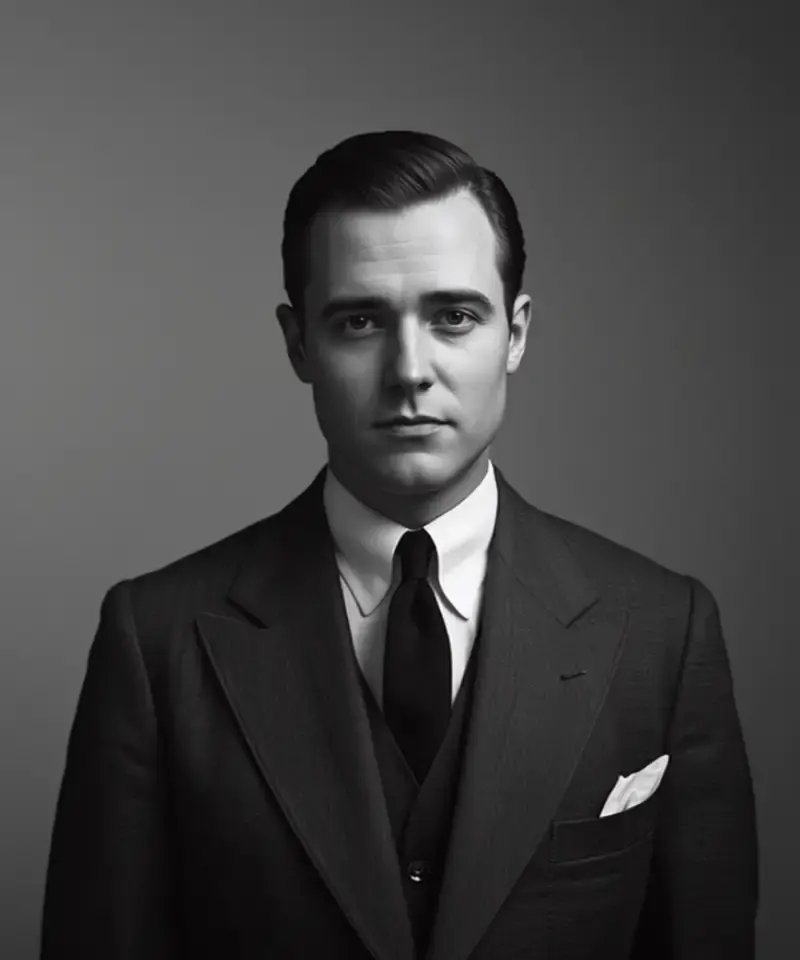
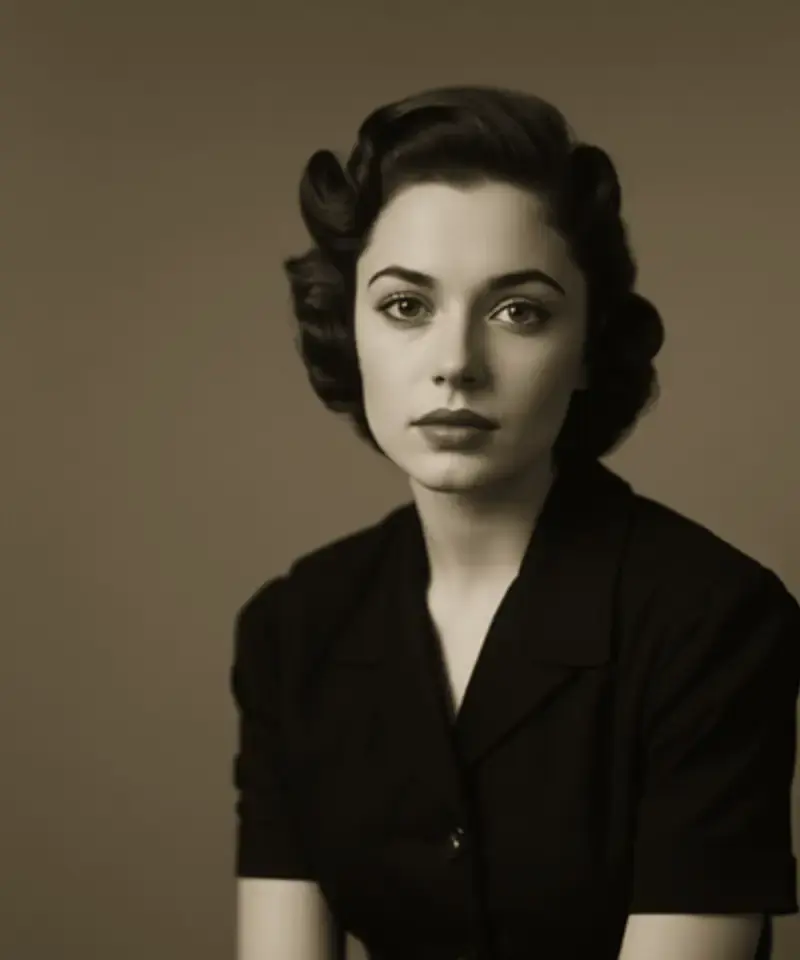
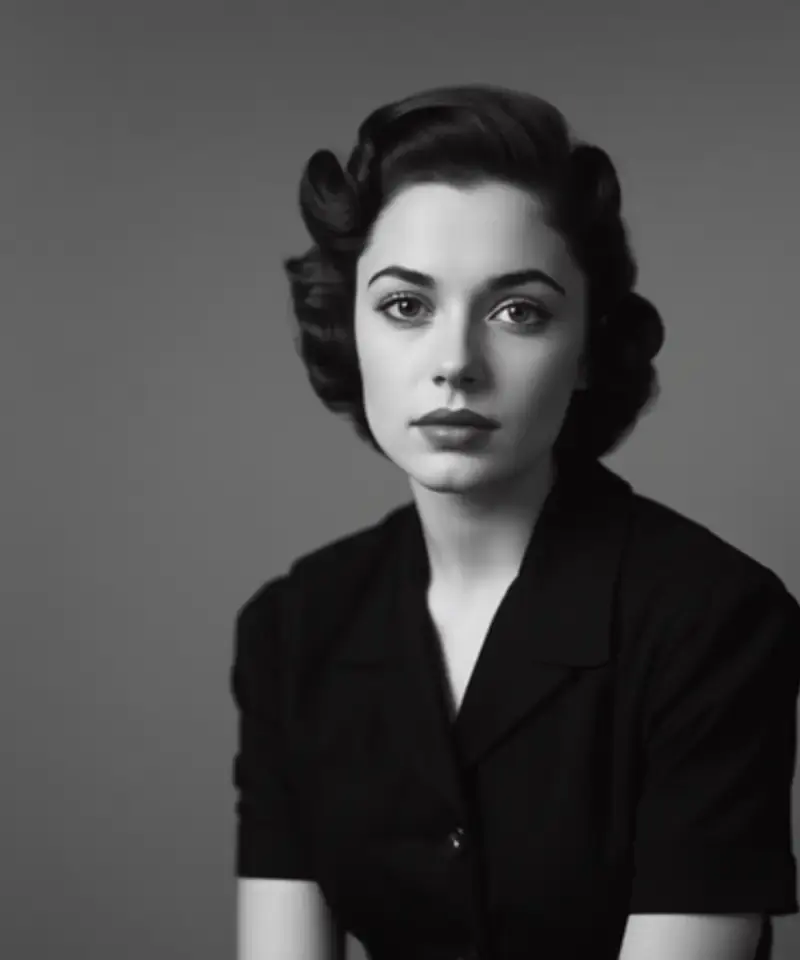
Inside the app
Every step is adjustable and reversible.
Edges are the hard part
A convincing background swap lives or dies on strands of hair and soft edges. Anim AI cuts at strand level rather than tracing a rough outline.
Light is matched, not pasted
A subject lit from the left dropped onto a right-lit backdrop reads as fake instantly. Lighting direction is matched to the new scene.
Swap as many times as you like
Once the subject is separated, try any number of backdrops without re-cutting. Export with a transparent background at any point.
Three steps
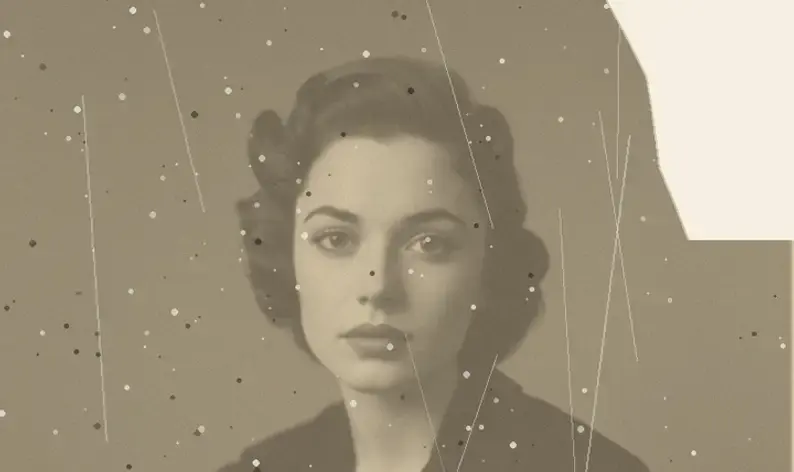
01Portraits, products and pets all work. Busy backgrounds are fine.
 02
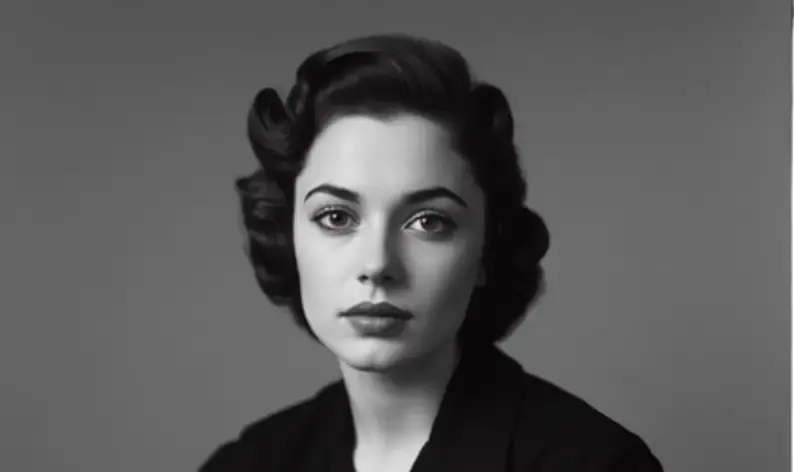
02Studio, gradient, scene or fully transparent.
 03
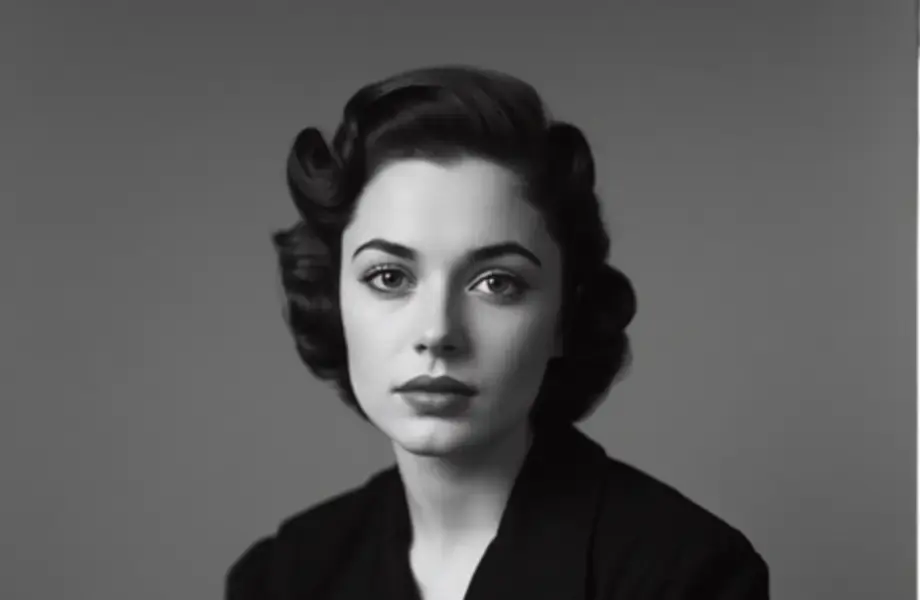
03Zoom in on hair and edges before exporting at full resolution.
4.8 on the App Store
2,010 ratings for Change Photo Background.
Everything people ask before they start.
Upload the photo, pick a replacement backdrop, scene or colour, and Anim AI separates the subject and relights the edges to match. The whole process takes a few seconds and needs no masking or manual selection.
No. Anim AI separates the subject from ordinary backgrounds in normal room lighting, so photos taken anywhere work. A contrasting wall behind the subject gives slightly cleaner edges but is not required.
Yes. Upload any image as the new backdrop and Anim AI fits the subject to it, matching edge lighting and adding a contact shadow so the two layers read as a single photograph.
Background remover produces a cutout or transparent PNG with no background at all. This feature replaces the background with a new scene and relights the subject to match it. Use remover for assets, this for finished images.
Not usually. Strand-level hair detail is preserved and edge lighting is adjusted to the new scene, which is what normally gives a composite away. Subjects the same tone as their original background are the hardest case.
Yes, and this is where most background tools fail. Anim AI cuts at strand level rather than tracing an outline, so flyaway hair and pet fur keep their soft edges. Subjects photographed against a similar tone remain the hardest case.
Yes. Choose the transparent backdrop and export a PNG with a real alpha channel, ready to drop into a design tool or listing template. The cutout is reusable, so you can also try scene backdrops without re-cutting.
Yes, free to start. Swapping backgrounds and previewing results costs nothing, and a subscription adds full-resolution exports, full-size transparent PNGs and batch processing. Subscriptions are billed through the App Store or Google Play and can be cancelled there.
GET THE APP
Free to try. Photographs are deleted the moment they're returned to you — never stored, never used for training.Free to try. Photographs are deleted the moment they're returned to you — never stored, never used for training.


Trusted with 5.2M photos