



 01
01Pick a photograph
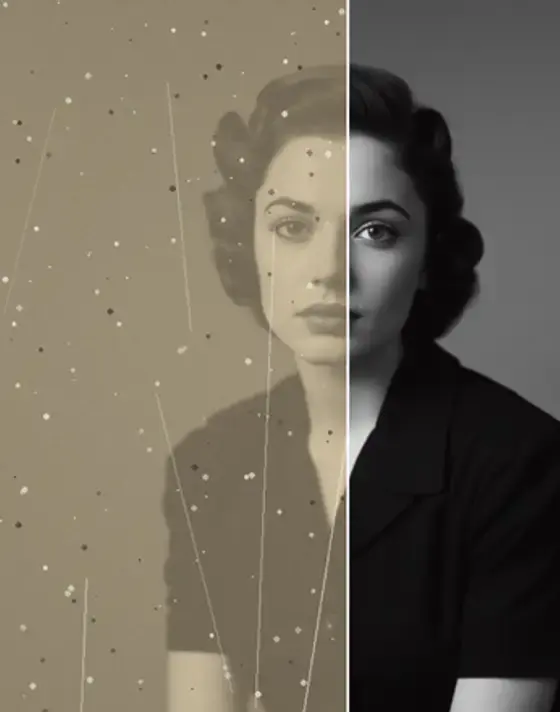
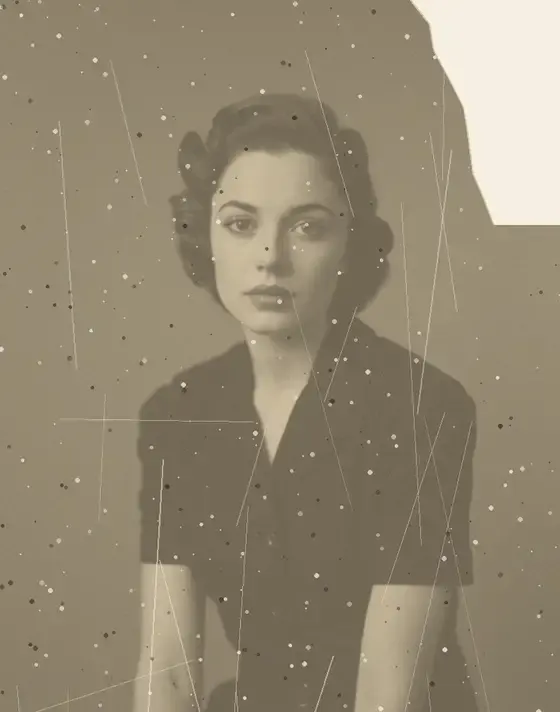
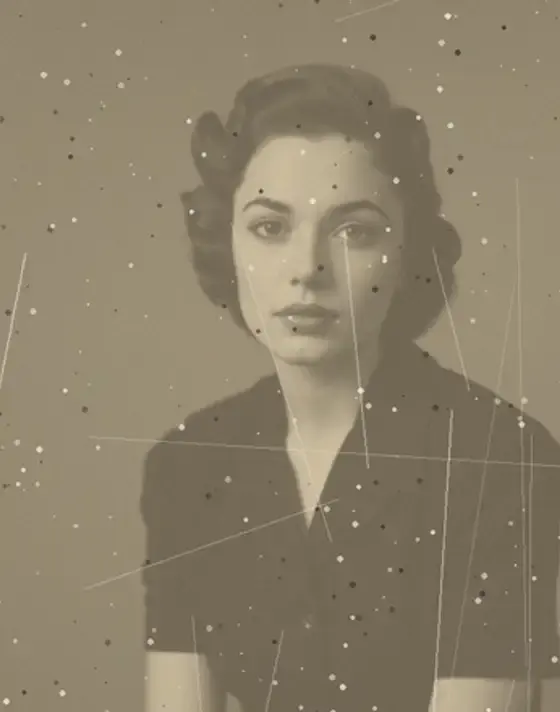
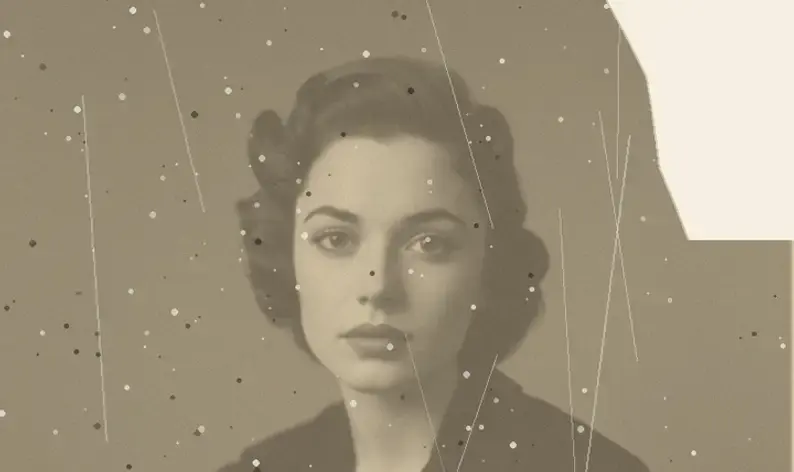
Restore it first if it's damaged — motion exaggerates scratches and dust.
ANIMATE PHOTOS · IN THE ANIM AI APP
Memories Alive adds gentle, believable movement to a still photograph — a slight turn of the head, drifting light, real depth — so a single frame becomes a moment.
4.9 · 2,740 ratings · Free to try
2.1 MILLION ANIMATED
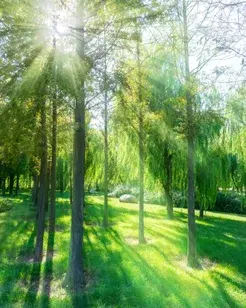
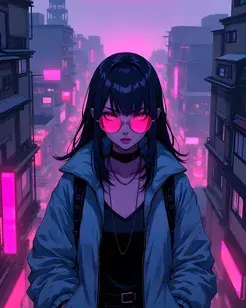
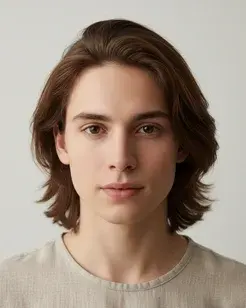
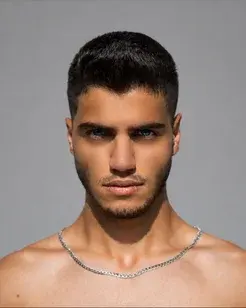
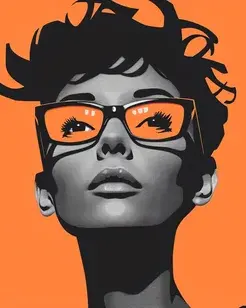
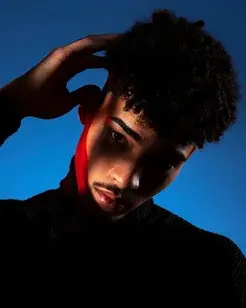
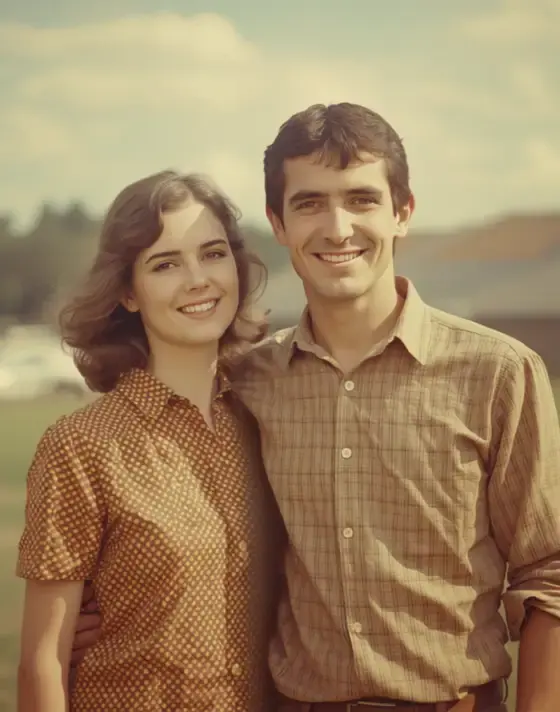
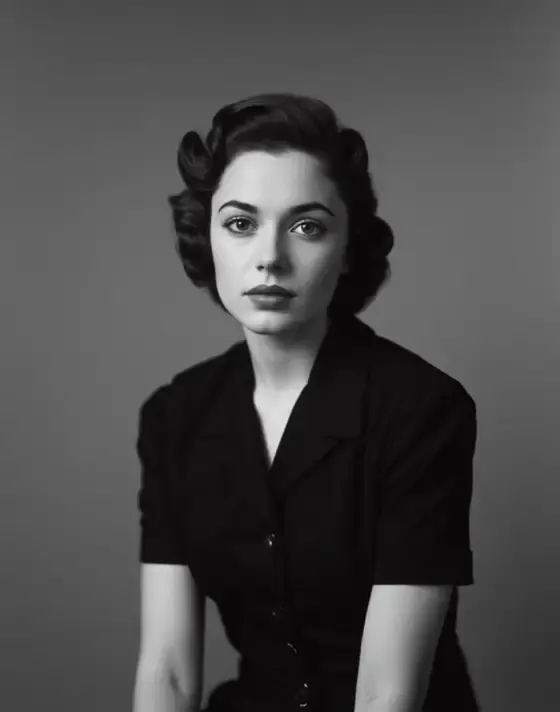
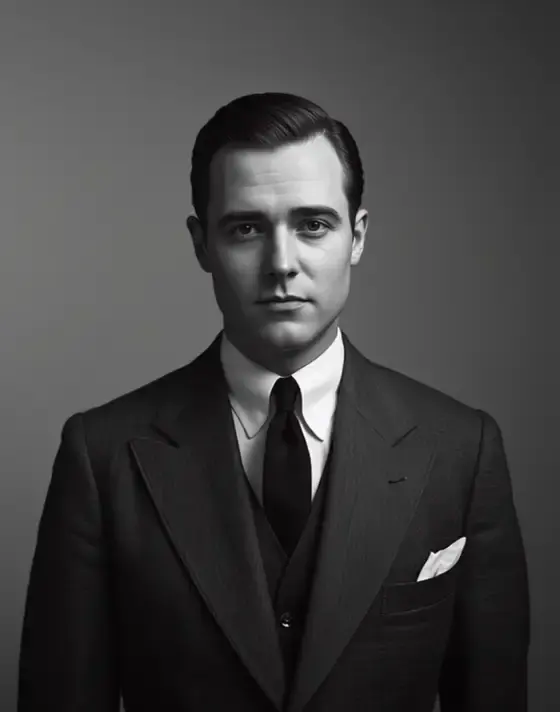
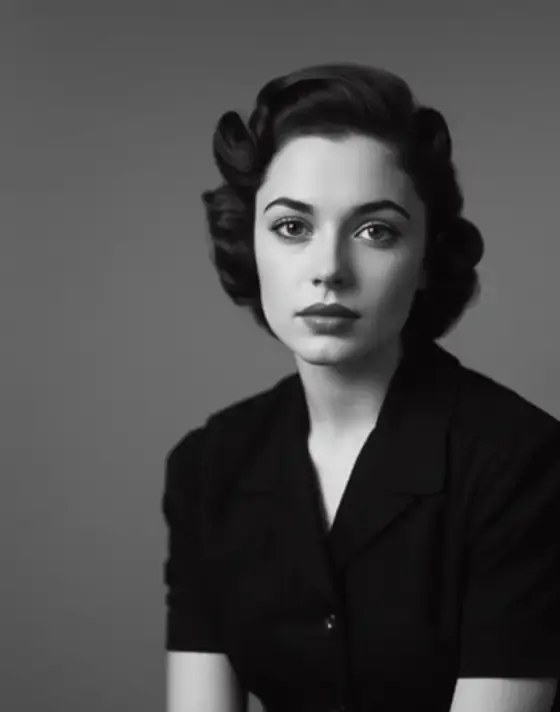
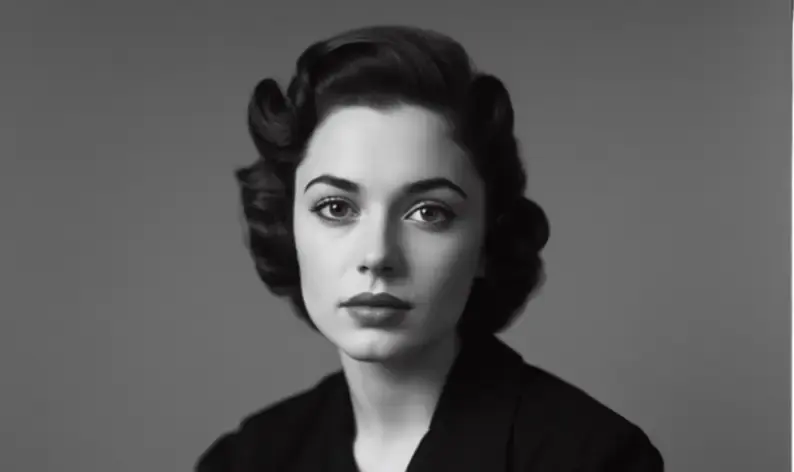
Every photo below was animated in the Anim AI app. Shared with permission.
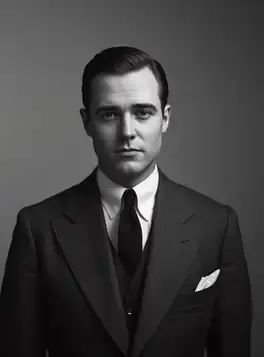
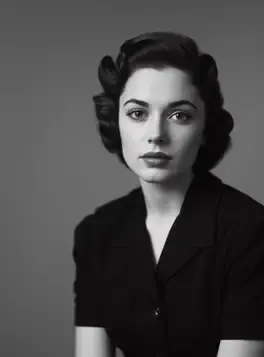
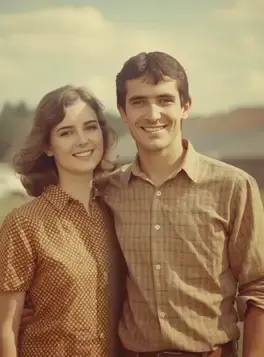
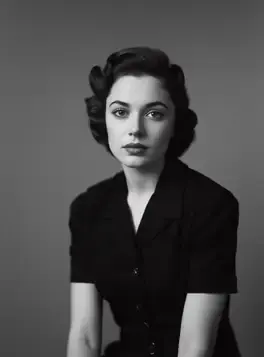
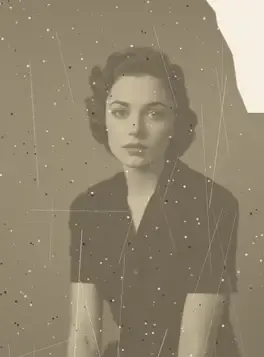
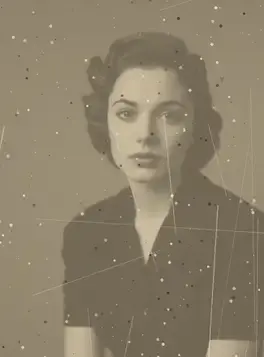
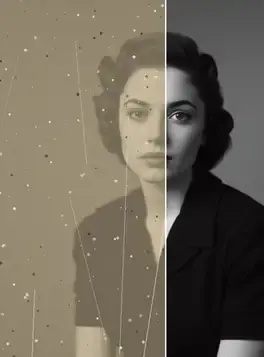
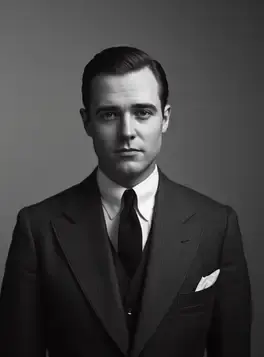
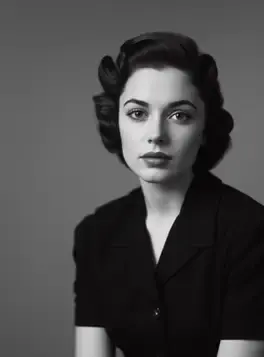
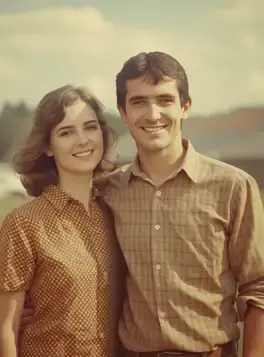
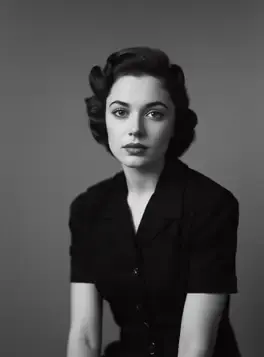
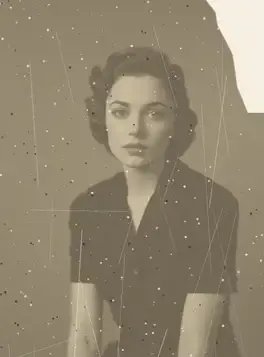
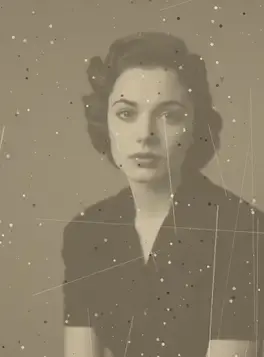
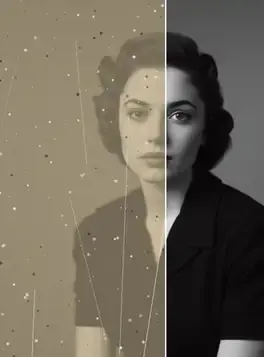
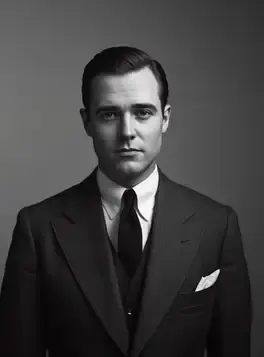
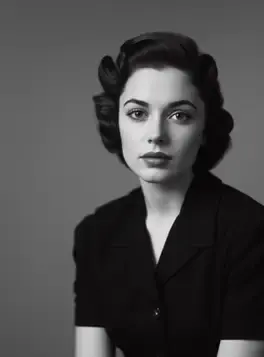
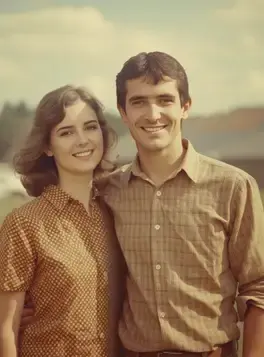
+10 more results
Real results
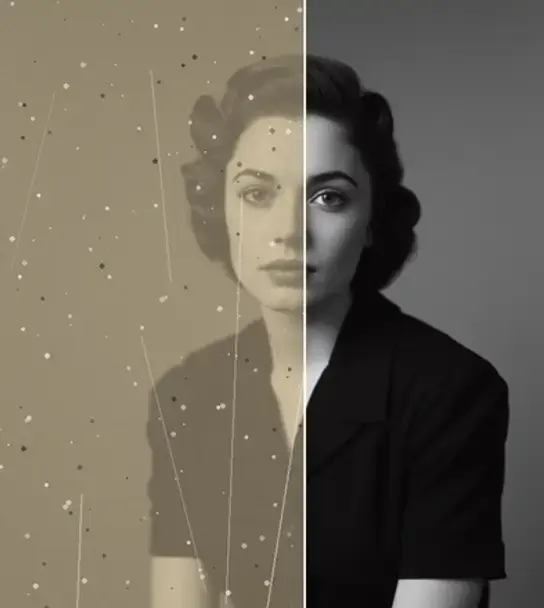
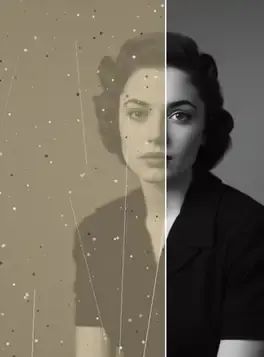
Pick a motion style to see how a still is brought to life. Drag any comparison to reveal the original.
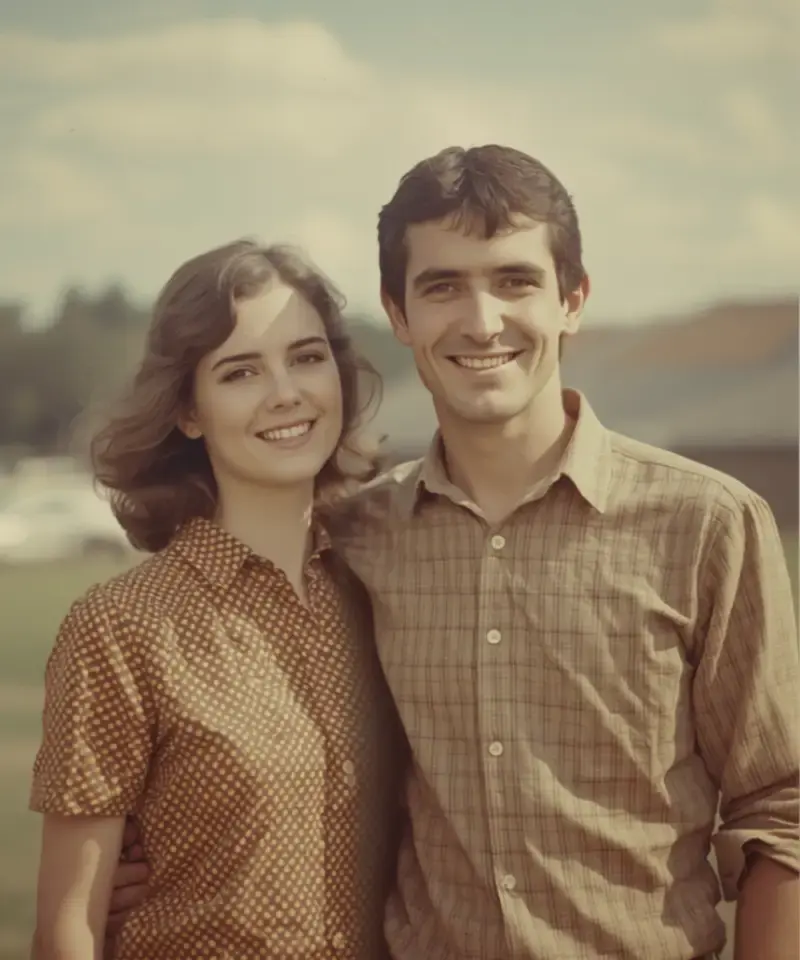
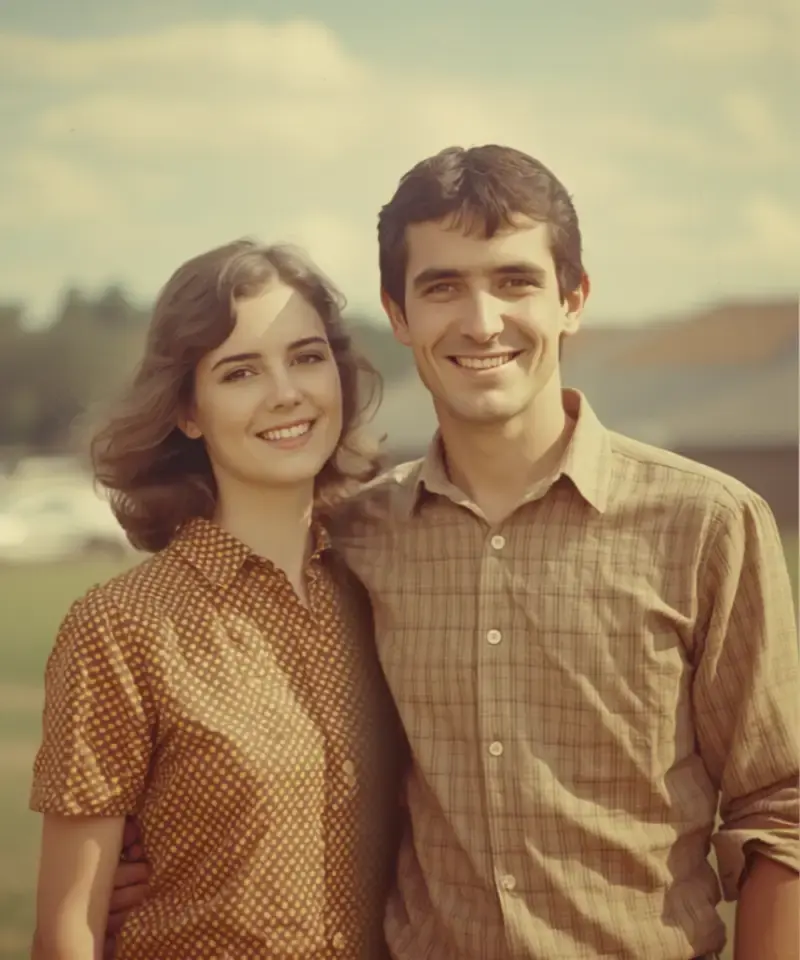
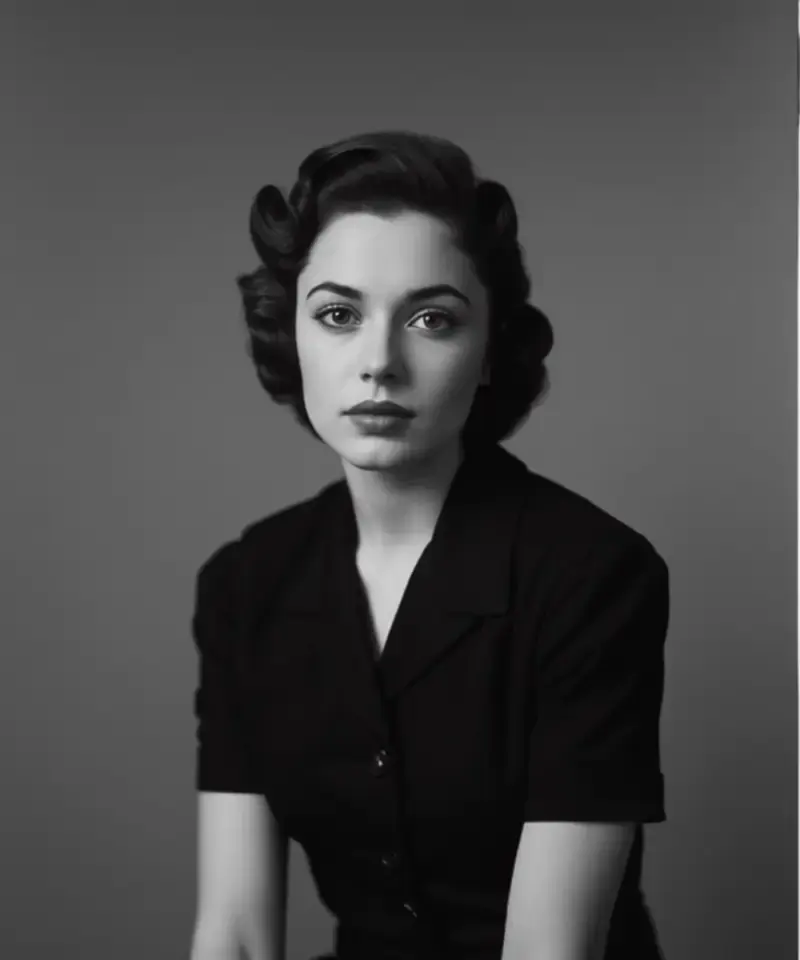
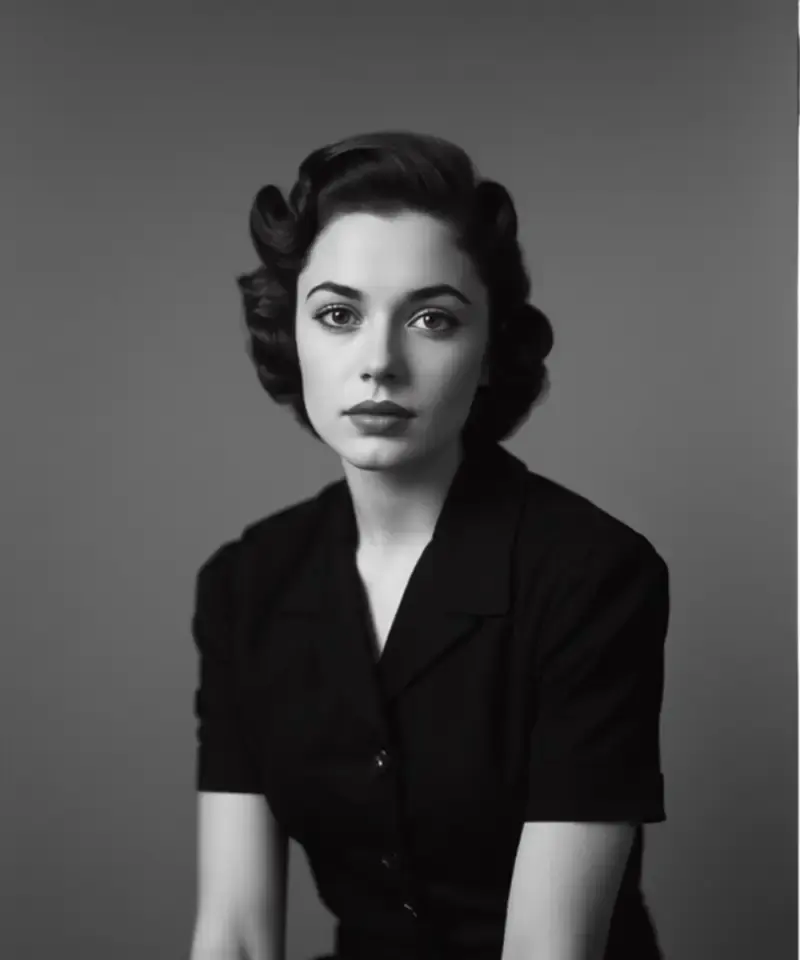
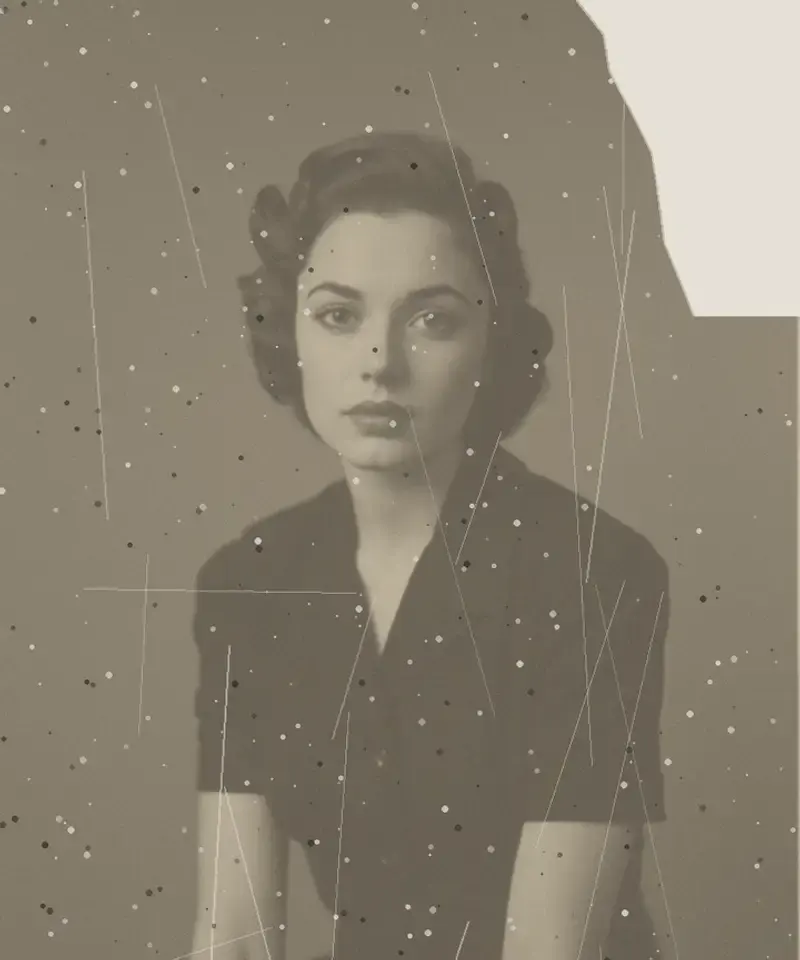
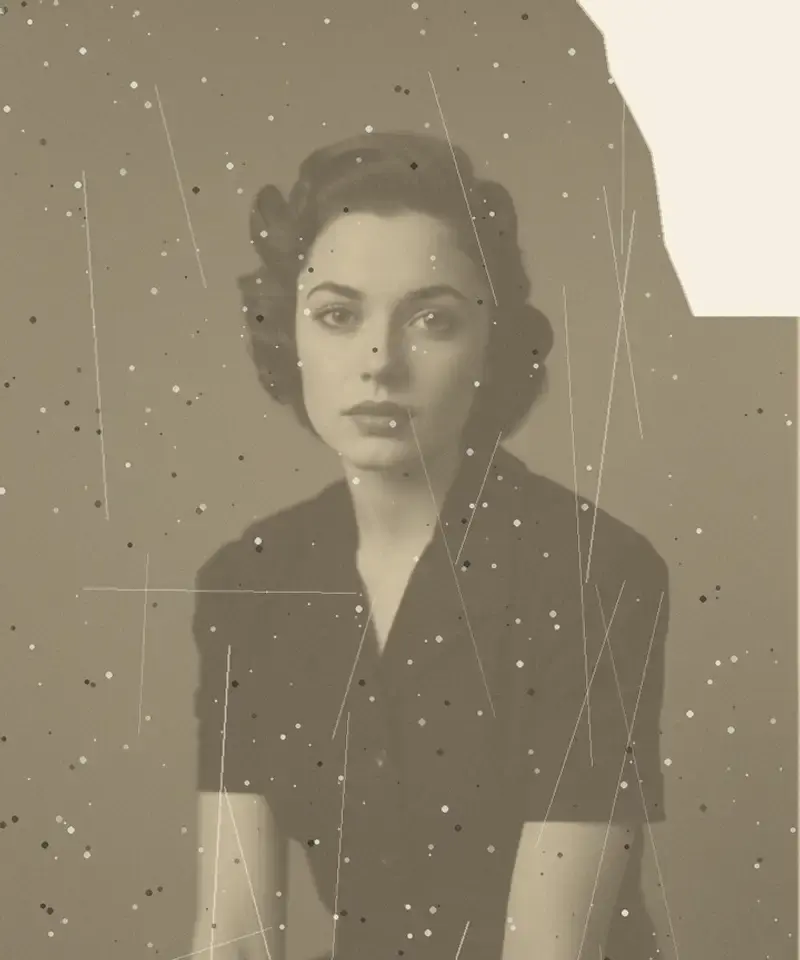
Inside the app
Every step is adjustable and reversible.
Restraint is the point
Overdone motion turns a family photograph into an uncanny puppet. Anim AI keeps movement small and physically plausible.
Control the amount
A slider moves between an almost-still frame with a breath of motion and a fuller camera move.
The still is preserved
The original photograph is never replaced. Export the clip, keep the still, or share both.
Three steps
01Restore it first if it's damaged — motion exaggerates scratches and dust.
 02
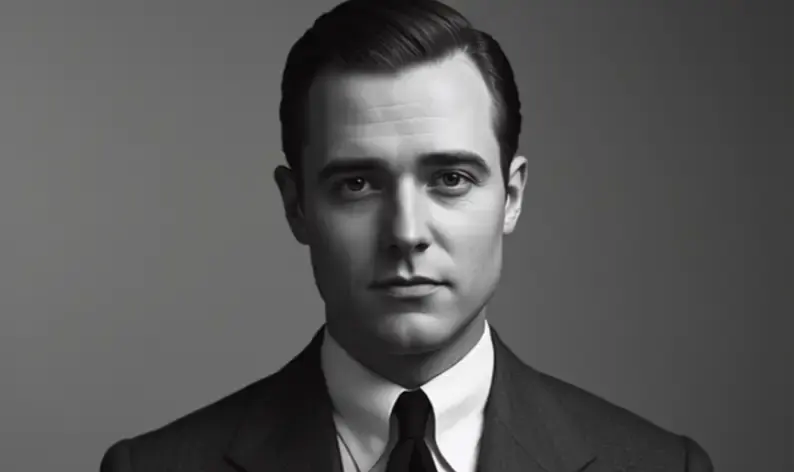
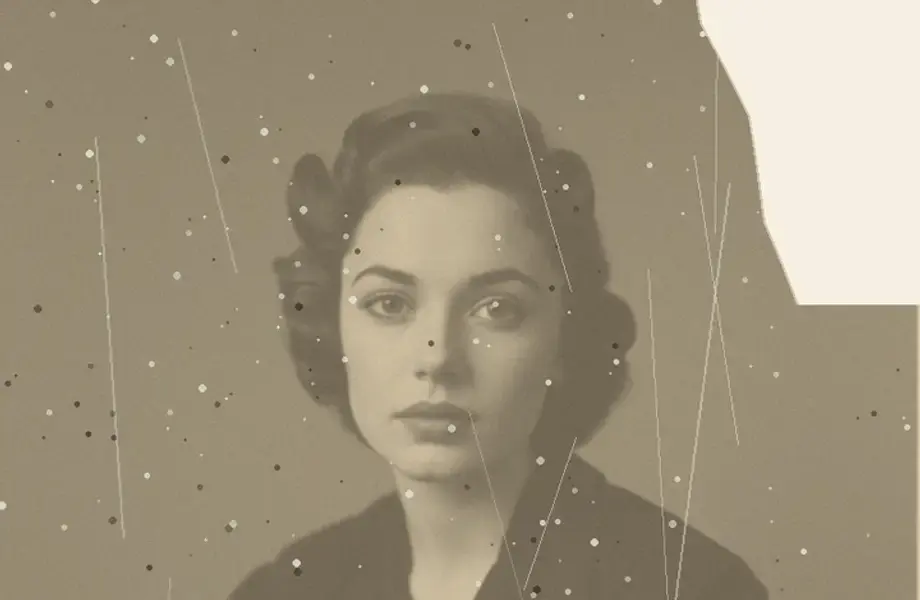
02Gentle zoom, parallax depth, or ambient movement in hair and clothing.
 03
03Watch it loop before saving. Export as video or a looping clip.
4.9 on the App Store
2,740 ratings for Animate Photos.
Everything people ask before they start.
Upload the photograph, choose a motion type, and Anim AI generates a short clip. Restoring the photo first is worth doing, since animation makes any scratches and dust move too, which draws attention to the damage.
Movement is subtle by design — a slight head turn, a blink, softening around the eyes. Anim AI deliberately avoids full expressions and speech, which tend to look uncanny rather than moving on a photograph of a real person.
Many people find it comforting and some find it unsettling — both reactions are normal. The default motion is deliberately restrained for exactly this reason, and you can reduce it further or use camera movement only.
Clips run three to ten seconds and loop seamlessly, which suits sharing and memorial displays. You can extend the duration, though longer animations tend to reveal the limits of the source photograph.
Higher is noticeably better, especially for faces. Above roughly 1000px on the long edge produces clean facial movement, while small or soft scans produce wobbly detail around the eyes and mouth.
Not usually, because the motion is deliberately restrained — a slight head turn, a blink, drifting light. Overdone animation is what reads as uncanny, so Anim AI keeps movement small and lets you reduce it further or use camera movement only.
Yes, if the print is damaged. Animation makes scratches, dust and creases move with the frame, which draws the eye straight to the damage. Restoring first, then animating the repaired version, gives a noticeably cleaner clip.
Yes, free to start. Generating and previewing a clip costs nothing, and a subscription adds longer durations, higher-resolution exports and unlimited re-runs. Subscriptions are billed through the App Store or Google Play and can be cancelled there.
GET THE APP
Free to try. Photographs are deleted the moment they're returned to you — never stored, never used for training.Free to try. Photographs are deleted the moment they're returned to you — never stored, never used for training.


Trusted with 2.1M family photos