

 01
01Photograph or upload the print
Repair damage first if there is any — colour applied over scratches carries them into the colour layer.
COLORIZE PHOTOS · IN THE ANIM AI APP
Anim AI reads the scene — skin, fabric, foliage, sky — and applies colour that belongs to the period rather than a flat wash of tint.
4.8 · 1,940 ratings · Free to try
1.1 MILLION COLOURISED
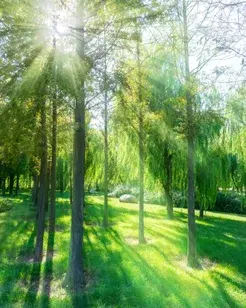
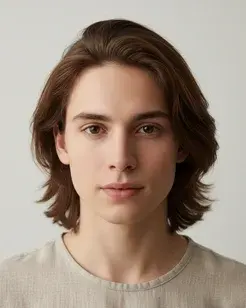
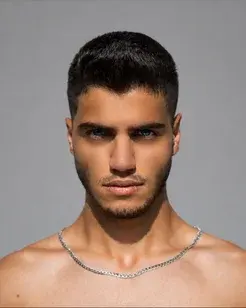
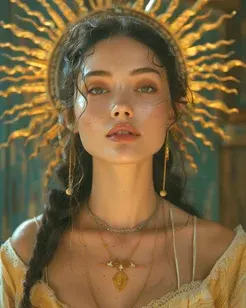
Every photo below was colourised in the Anim AI app. Shared with permission.


+10 more results
Real results
Pick a period to see how colour is chosen. Drag any comparison to return to monochrome.


Inside the app
Every step is adjustable and reversible.
Colour is inferred, not guessed
Film stock, clothing and setting all narrow the plausible colour range. Anim AI reads those cues so a 1940s photo doesn't come back in 1980s colour.
Adjust the intensity
Some photographs suit a restrained hand-tinted look rather than full saturation. The slider moves between monochrome and full colour.
Keep both versions
Colourising never replaces the original. Both versions save, so you can print the black and white and share the colour one.
Three steps
01Repair damage first if there is any — colour applied over scratches carries them into the colour layer.
 02
02Anim AI identifies the period and setting, then proposes a palette consistent with it.
 03
03Dial the intensity to taste. Both the colour and monochrome versions are kept.
4.8 on the App Store
1,940 ratings for Colorize Photos.
Everything people ask before they start.
It is plausible rather than factual. Anim AI infers colour from materials and context, so skin, sky and foliage come out believable, but a specific dress colour is an educated guess unless you adjust it manually afterwards.
Yes, if it is damaged. Colourising over scratches and dust carries those defects into the colour layer and makes them more visible. Run photo restore first, then colourise the repaired version for a cleaner result.
Yes. The original is never overwritten. Both versions save to your library, which matters if you want the monochrome for printing and the colour version for sharing with family.
Yes. Sepia and cyanotype images are handled like black and white — the existing tone is treated as monochrome information and replaced with a full colour interpretation of the scene.
Yes. Warm or cool the overall result, adjust saturation, and re-run individual areas if a garment or backdrop reads wrong. Most people find one adjustment pass is enough for a convincing result.
It is plausible rather than documented. Anim AI infers colour from materials, film stock and context, which reliably produces believable skin, sky and foliage. A specific uniform or garment colour is an educated guess, so adjust it where you know the real answer.
Yes. After the first pass you can warm or cool the whole image, change saturation, and re-run individual regions where a garment or backdrop reads wrong. Most photographs need one adjustment pass, and both versions are kept.
Yes, free to start. Colourising and previewing results costs nothing, while a subscription adds full-resolution exports, batch processing and unlimited re-runs. Subscriptions are billed through the App Store or Google Play and can be cancelled there at any time.
GET THE APP
Free to try. Both versions are yours, and photographs are deleted the moment they're returned to you.Free to try. Both versions are yours, and photographs are deleted the moment they're returned to you.


Trusted with 1.1M family photos