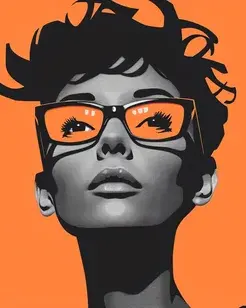
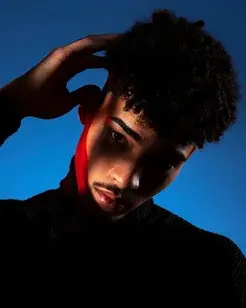
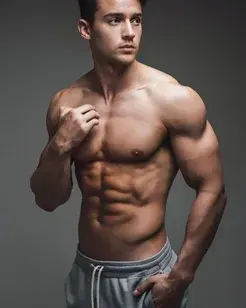


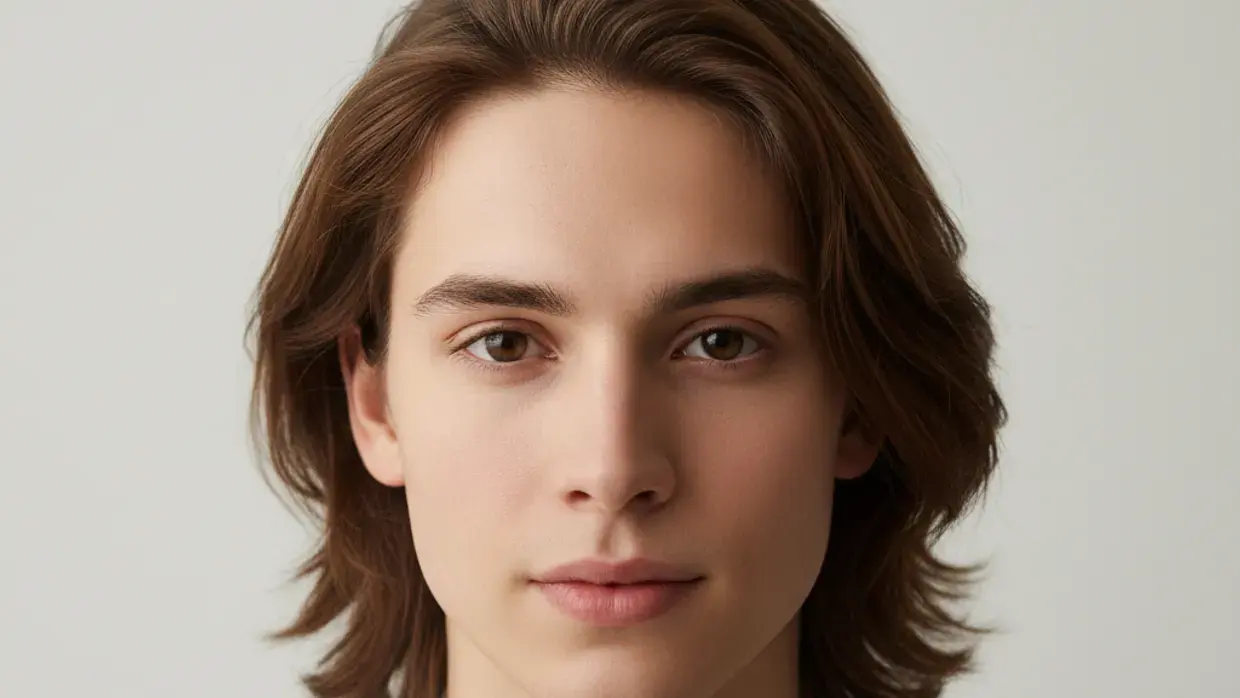
True depth parallax
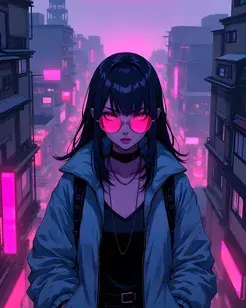
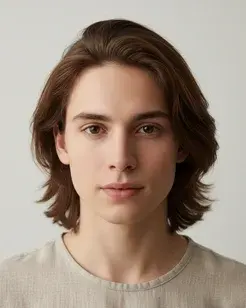
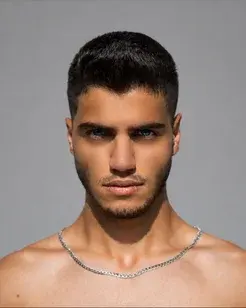
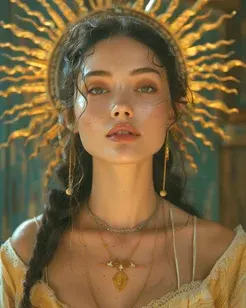
Foreground and background separate and move independently, creating real depth.
IMAGE TO VIDEO
Upload a single still and Anim AI gives it movement — camera drift, parallax depth, moving light and natural motion in the subject. One photo becomes a clip you can post, in seconds and without an editor.
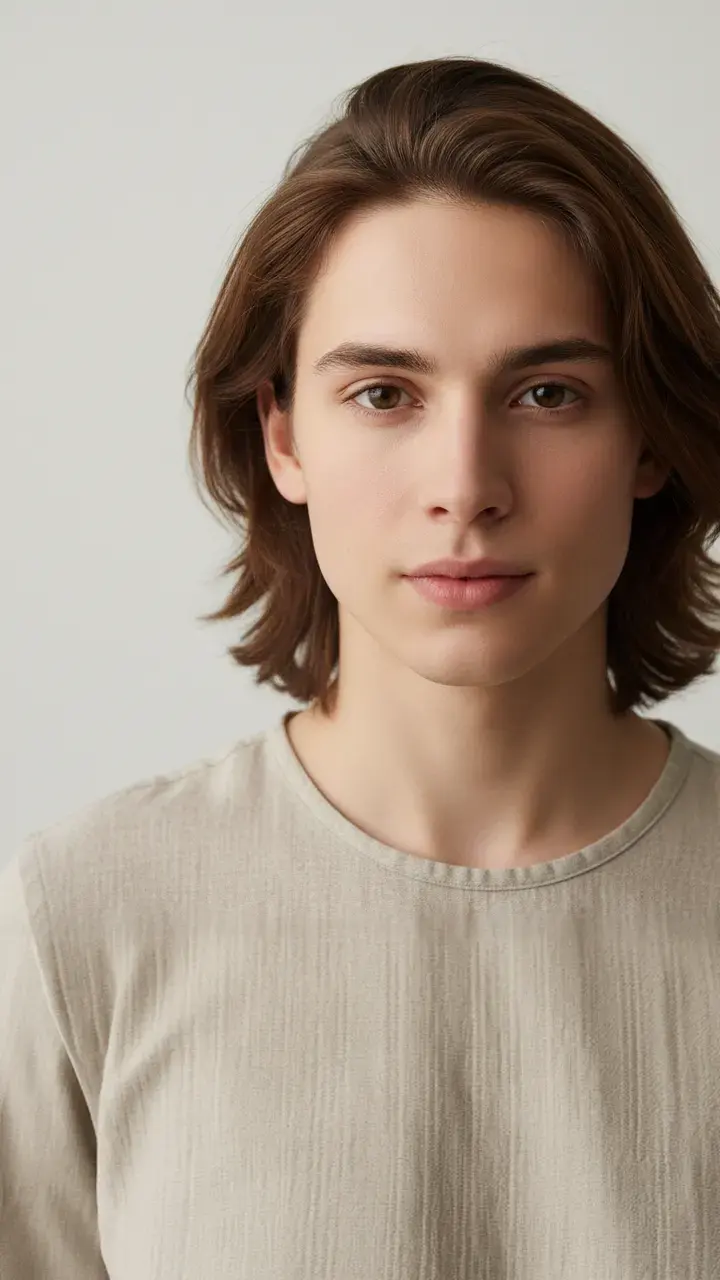 16:9 · 4K
How it works
Step 1
Any photo from your camera roll — portraits, products, landscapes, artwork.
Step 2
Push-in, orbit, parallax, drifting light or subtle motion in the subject.
Step 3
Render in seconds and download in HD, sized for whichever feed you post to.
Depth and movement that read as filmed, not as a zoom effect pasted over a photo.
Foreground and background separate and move independently, creating real depth.
Loop
Seamless loops for backgrounds.
Batch
One motion applied across a set.
Any
JPG, PNG, HEIC and WebP.
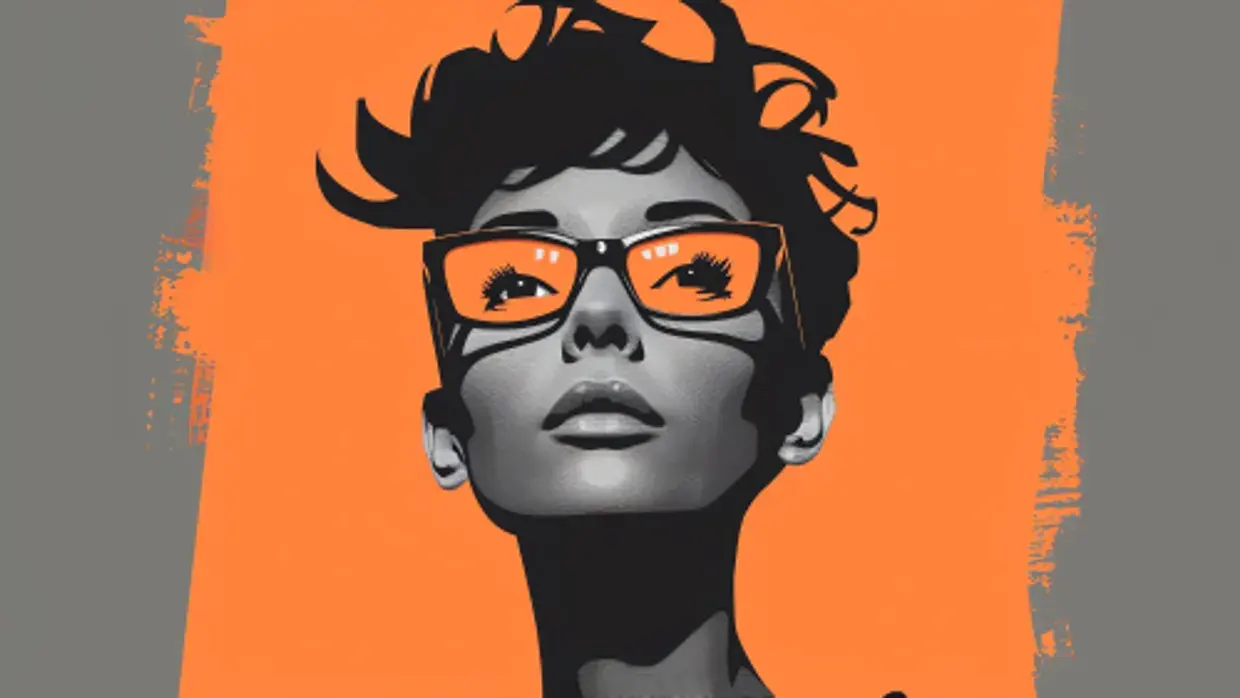
Push-in, pull-back, orbit and pan, with speed and easing you control.
Hair, fabric, water and cloud move naturally instead of the frame drifting.
Export straight to the frame each platform wants.
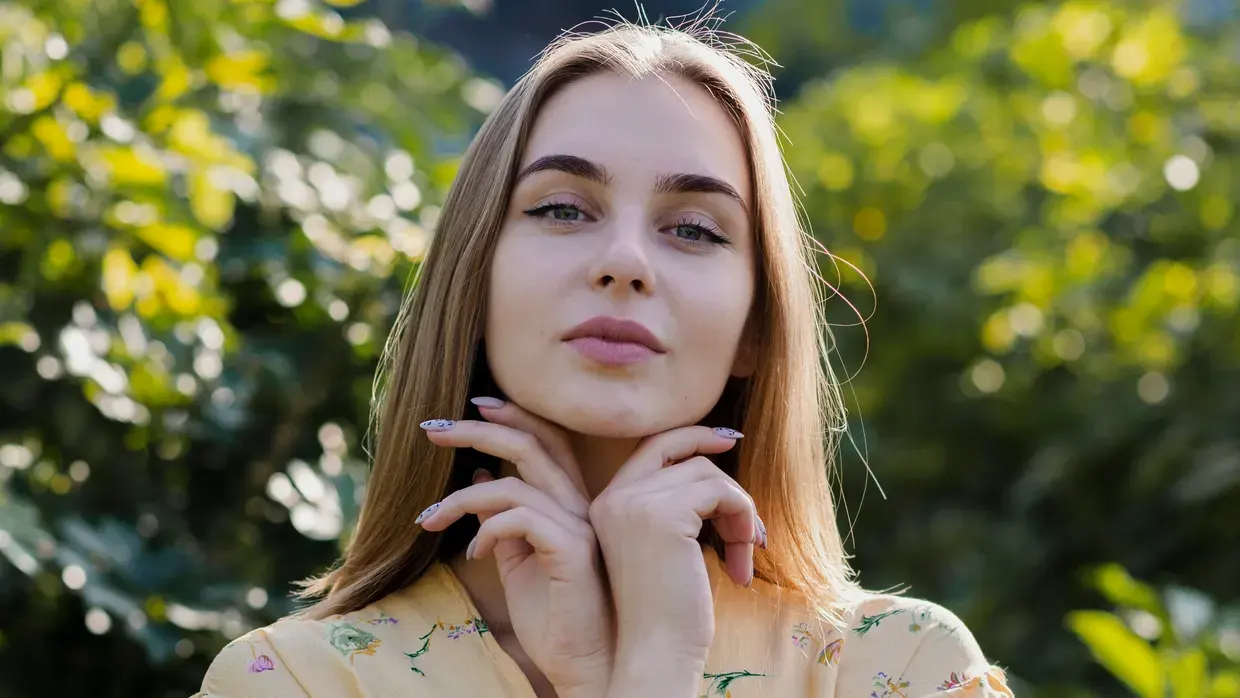
Seamless loops for backgrounds, banners and ambient feed content.
Animate a set of photos in one pass with the same motion applied.
Works on scans and archive images — pair it with restore for best results.
Made with Anim AI
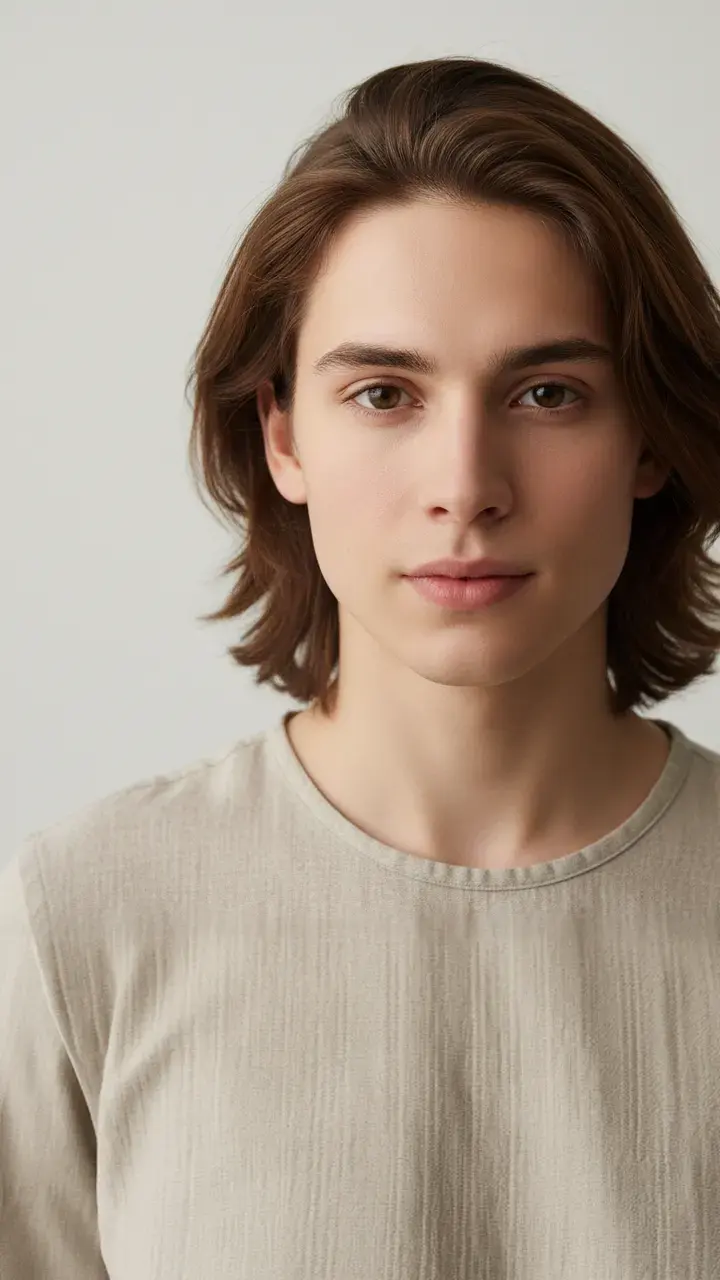 0:06
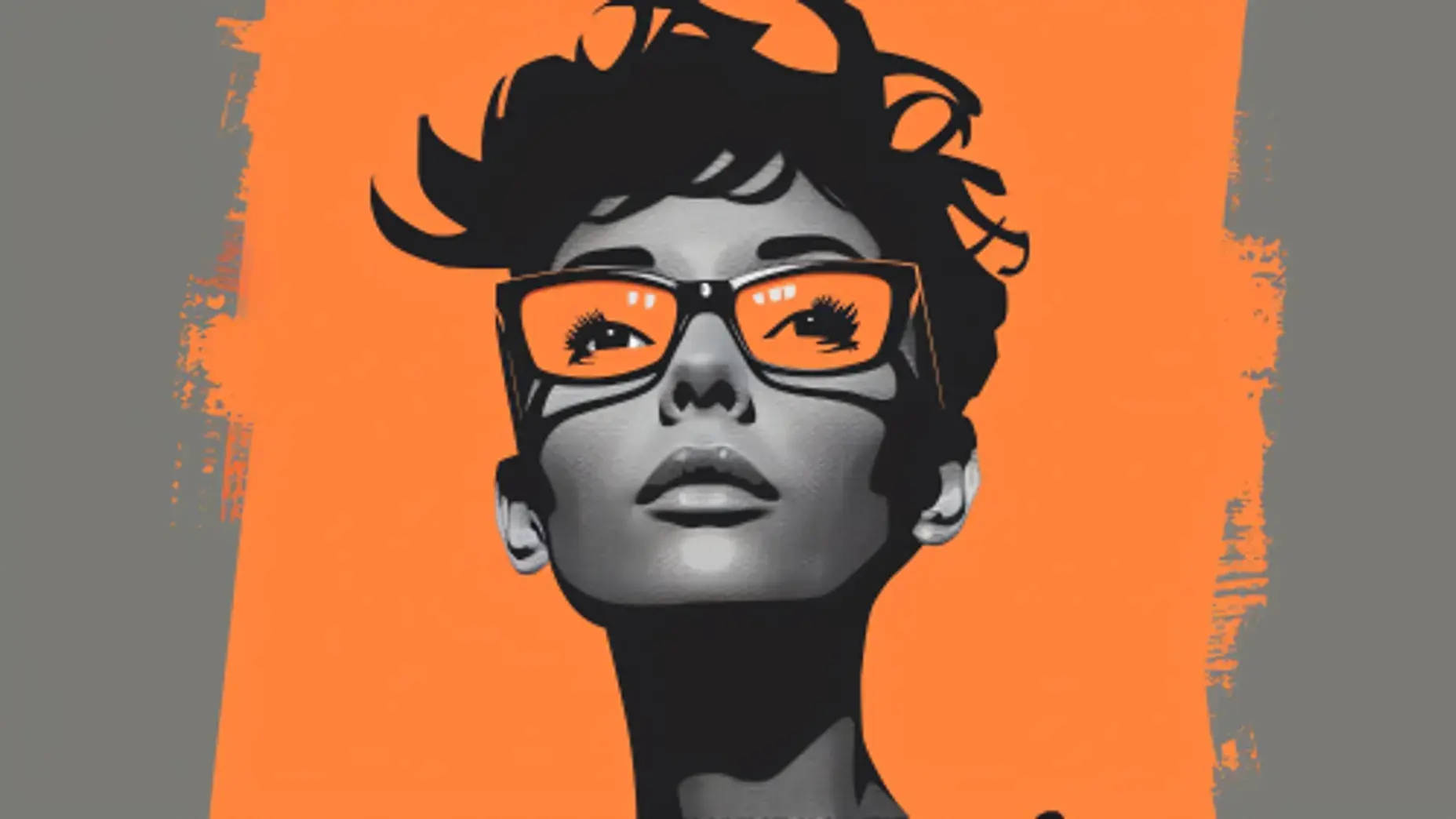
0:06“Portrait — slow push-in with hair movement”
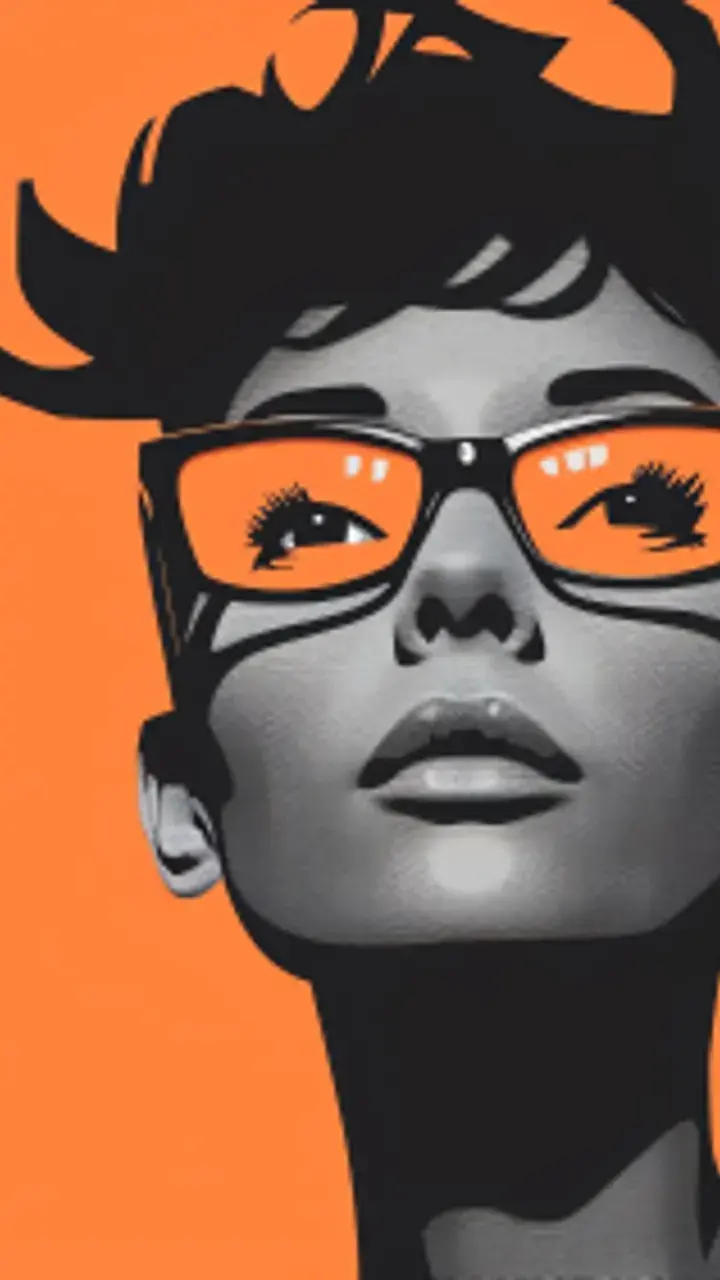 0:08
0:08“Product shot — orbit with moving highlight”
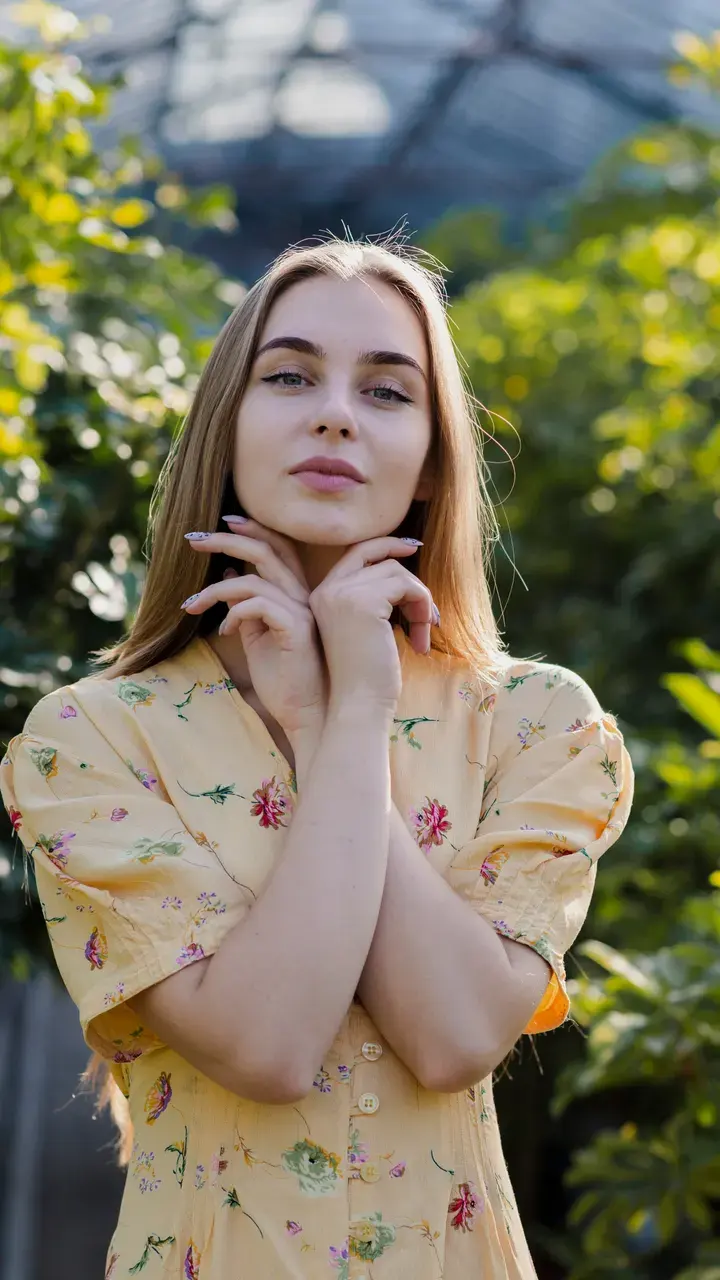 0:10
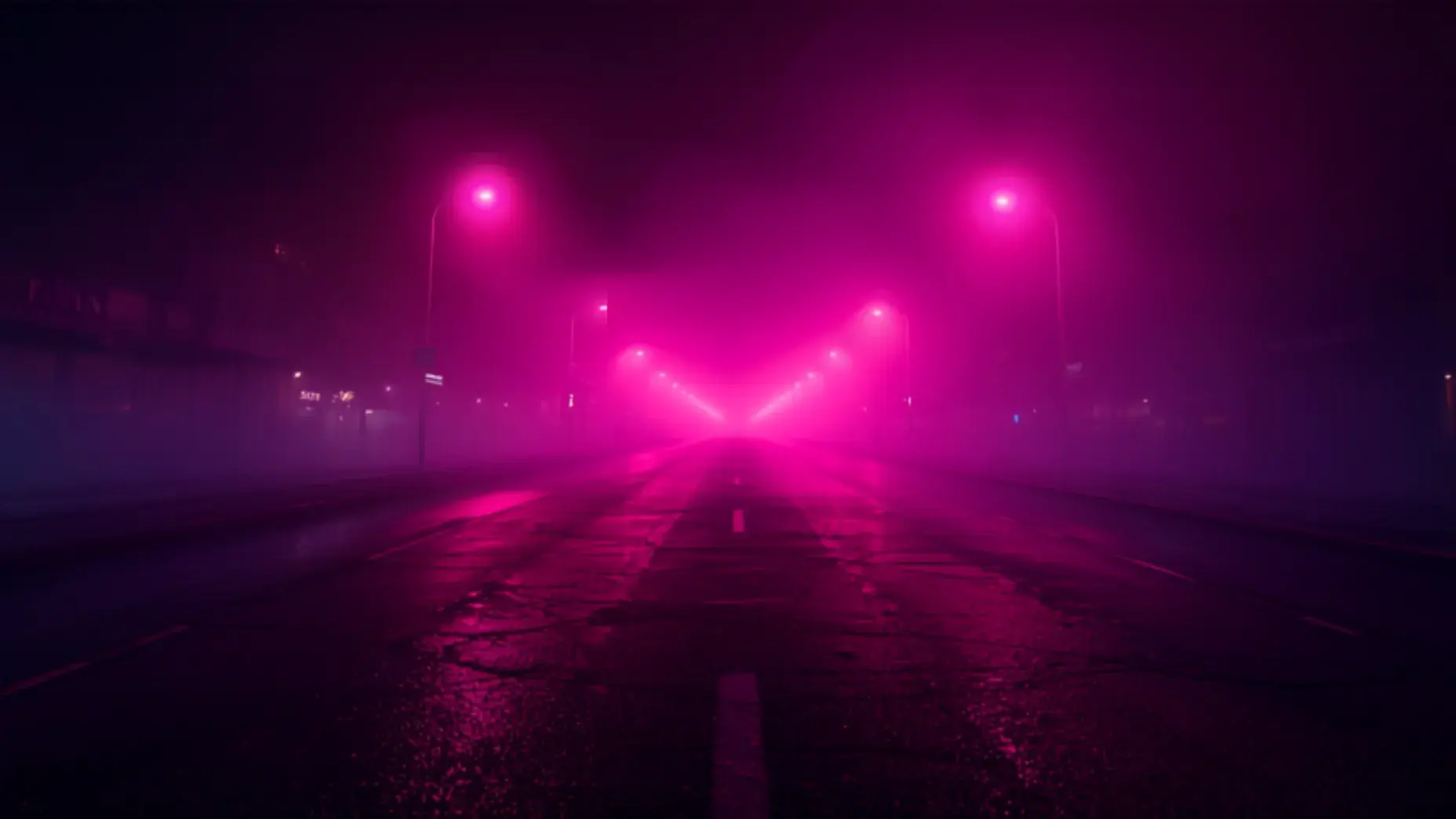
0:10“Landscape — parallax with drifting cloud”
Each clip was generated from the prompt shown on it — no editing, no stock footage, no post-production.
Animate a photoModels
Anim AI routes each job to the model that handles it best, so you get the right result without picking one yourself.
Real work made by real users — pick the workflow that matches yours.
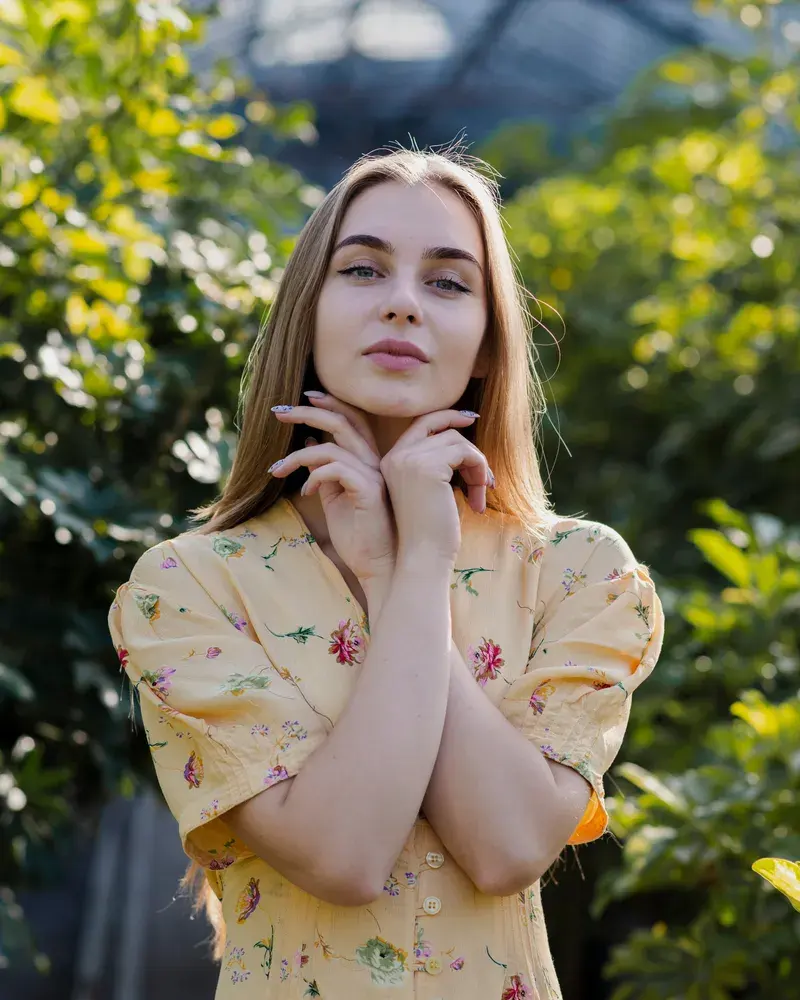 PORTFOLIO · 9:16
Give a portfolio shot a motion version that stops the scroll on social.
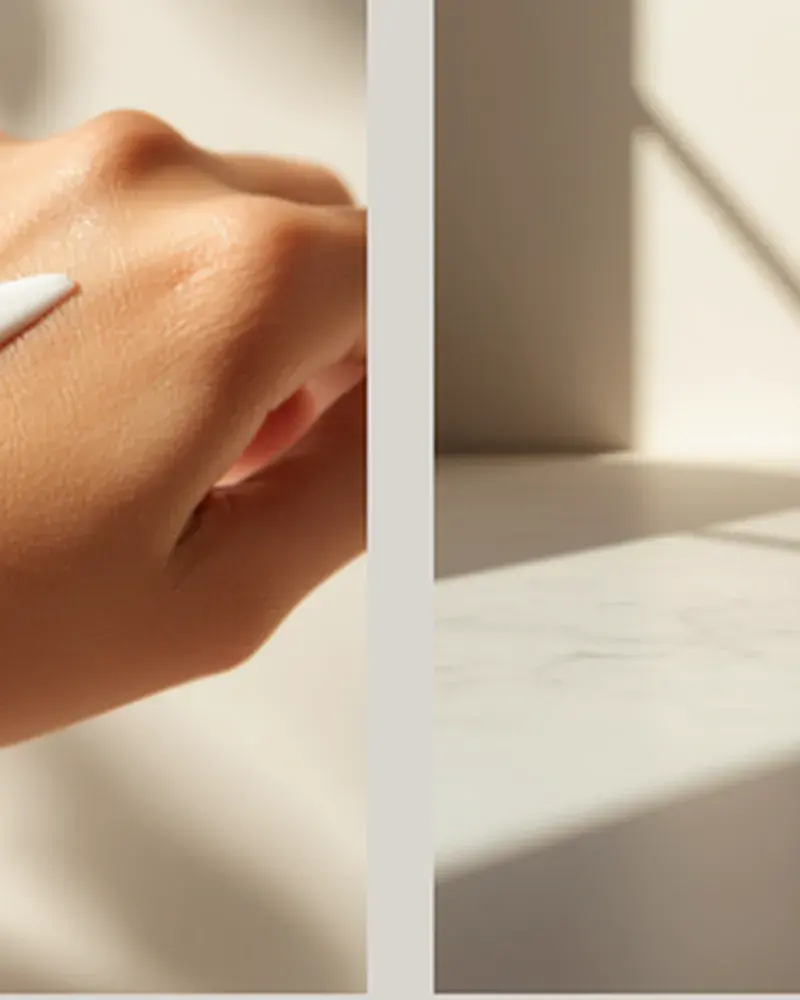 ECOMMERCE · 1:1
Turn existing product photography into video without a reshoot.
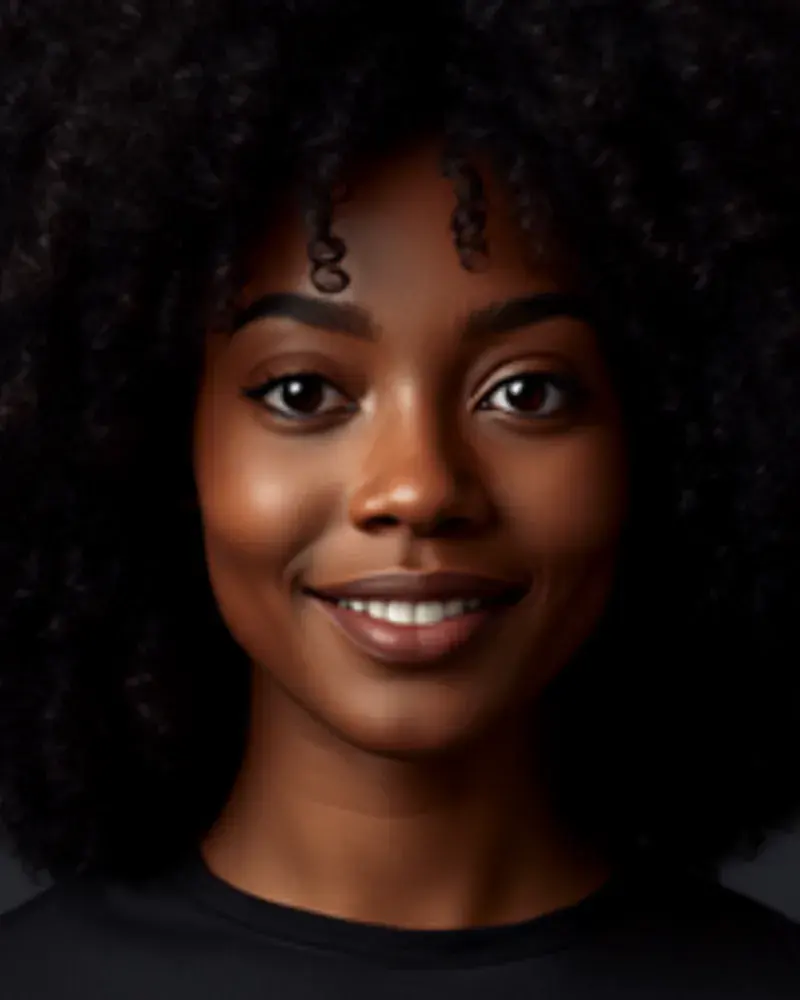 ARCHIVE · 4:5
Bring old scans and family photographs into gentle, respectful motion.
4.9 average from 2,140 reviews
Ratings shown are for the Image to Video specifically.
“My portfolio shot became a Reel that outperformed everything else that month.”
4× engagement
“We animated the whole catalogue without a reshoot.”
No reshoot needed
“Brought my grandmother's photo into gentle motion. My mother cried.”
Restored 60 photos
Almost any. Portraits, products, landscapes, artwork and old scans all work. Sharper, higher-resolution images produce cleaner motion, though Anim AI handles phone photos well.
Clips run from three to ten seconds by default, which suits Reels, Shorts and feed posts. You can extend the duration or export a seamless loop for background use.
No. Anim AI separates foreground from background to build real parallax depth, and adds natural movement to elements like hair, fabric, water and cloud rather than sliding the whole frame.
JPG, PNG, HEIC and WebP are all supported. There is no minimum resolution, but images above 1080px on the long edge give noticeably better detail in the finished clip.
Yes. Old scans animate well, and running them through photo restore first repairs scratches and fading so the motion has cleaner detail to work with.
Keep going with the rest of the Anim AI toolkit — same app, same free tier, no new account.
Get the app
Free to start. No camera, no editing — just describe it and export.Free to start. No camera, no editing, no timeline — just describe it and export in seconds.


Joined by 12,000+ creators