

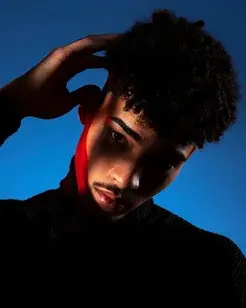
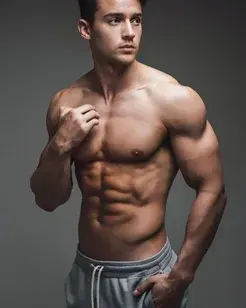


How AI photo enhancement turns rough shots into campaign-ready visuals
A practical look at sharpening focus, cleaning noise, improving light, and preparing photos for social ads without rebuilding the image from scratch.
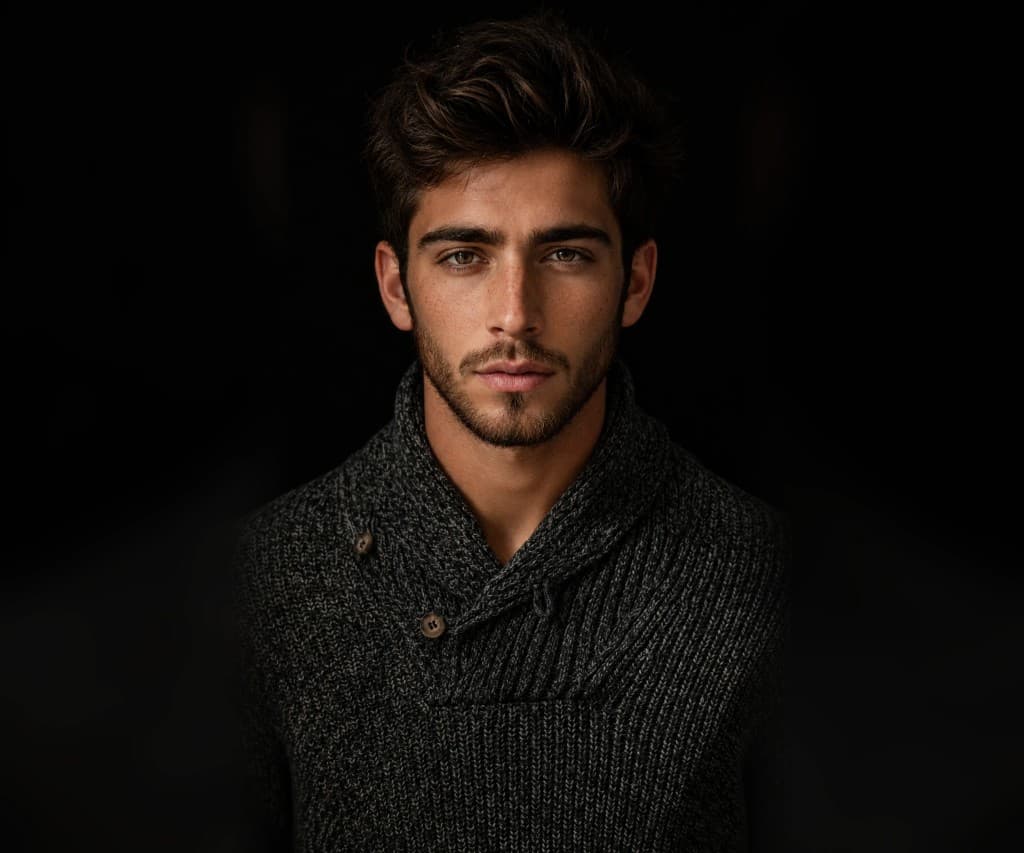
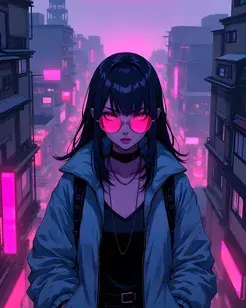
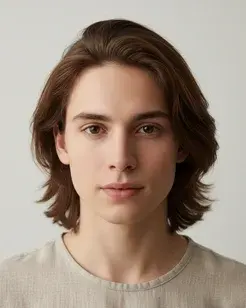
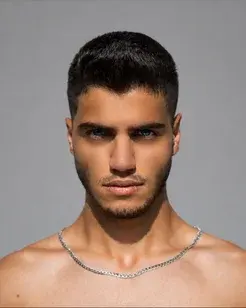
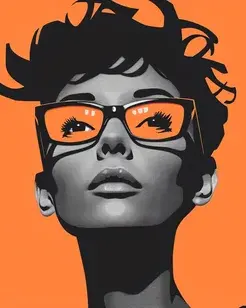
One source image can become enhanced output, motion, filters, and campaign-ready creative.
One source image can become enhanced output, motion, filters, and campaign-ready creative.
Why enhancement should come before styling
The fastest way to improve a weak photo is not always to add a dramatic filter. Most images need basic structure first: clear focus, usable lighting, better contrast, and cleaner detail.
When the base image is stronger, every next creative step performs better. Filters look more intentional, captions feel more premium, and the final visual is easier to trust at a glance.
A simple enhancement workflow
Begin with the problem you can see immediately. If the image is soft, sharpen focus. If it feels flat, recover contrast and light. If the background is noisy, clean it before applying a style.
Anim AI is designed for that first pass: make the image feel usable in seconds, then decide whether it needs filters, video motion, or Creator Studio output.
What campaign-ready really means
Campaign-ready does not mean overprocessed. It means the visual is clear enough to stop a scroll, clean enough to sit beside brand copy, and flexible enough to crop into vertical, square, or feed formats.
A good enhancement keeps the original intent intact while removing the friction that made the image feel unfinished.
Enhance this portrait for a premium creator campaign. Sharpen facial detail, clean background noise, improve contrast, keep skin natural, and prepare it for a polished social ad.